
Sponsored

Jpr18

TRD Off-Road Premium
Well-known member
Joined
Feb 11, 2025
Threads
7
Messages
128
Reaction score
150
Location
Southern California
Vehicle(s)
Everest 2025 4Runner ORP Hybrid
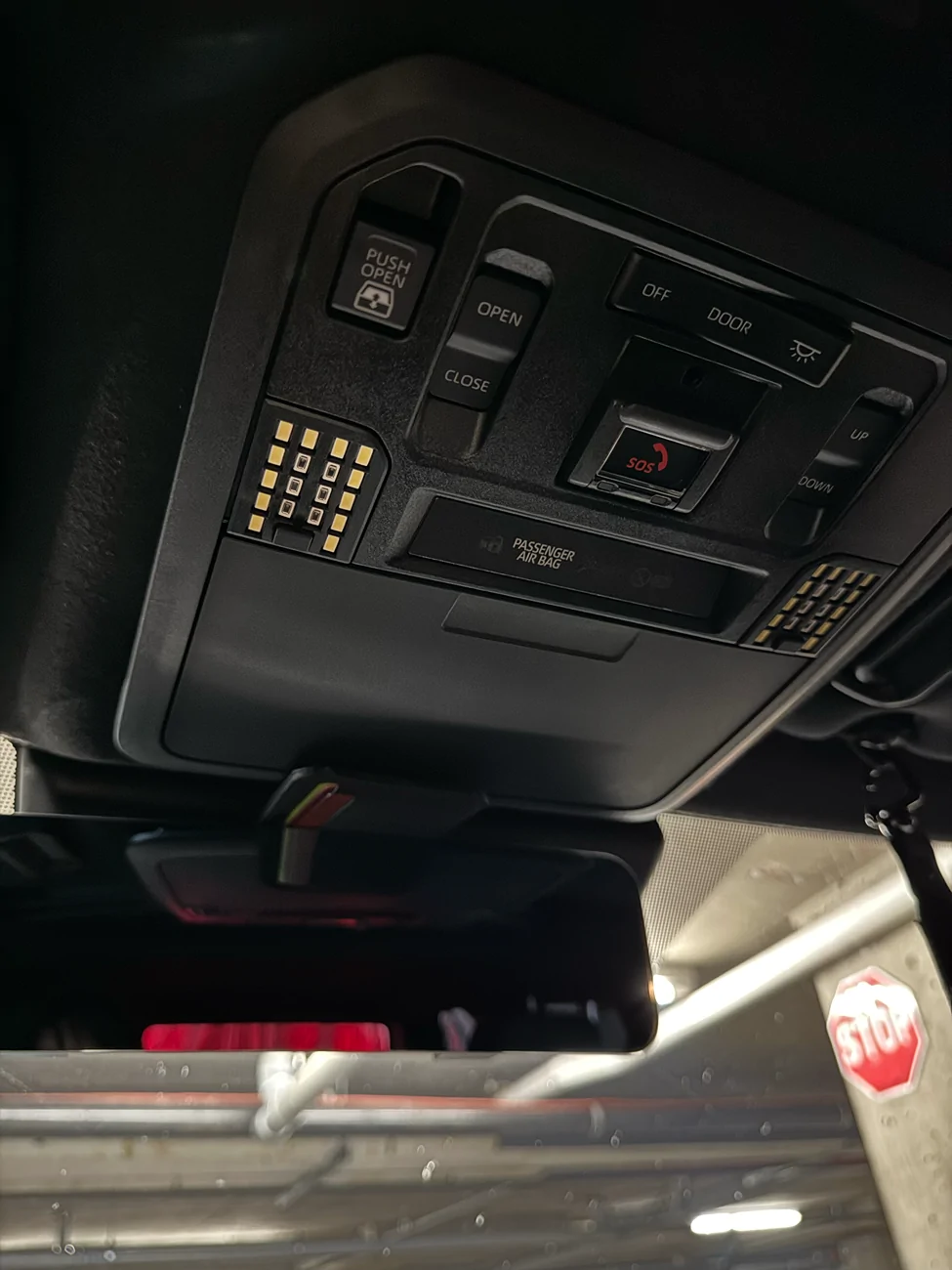
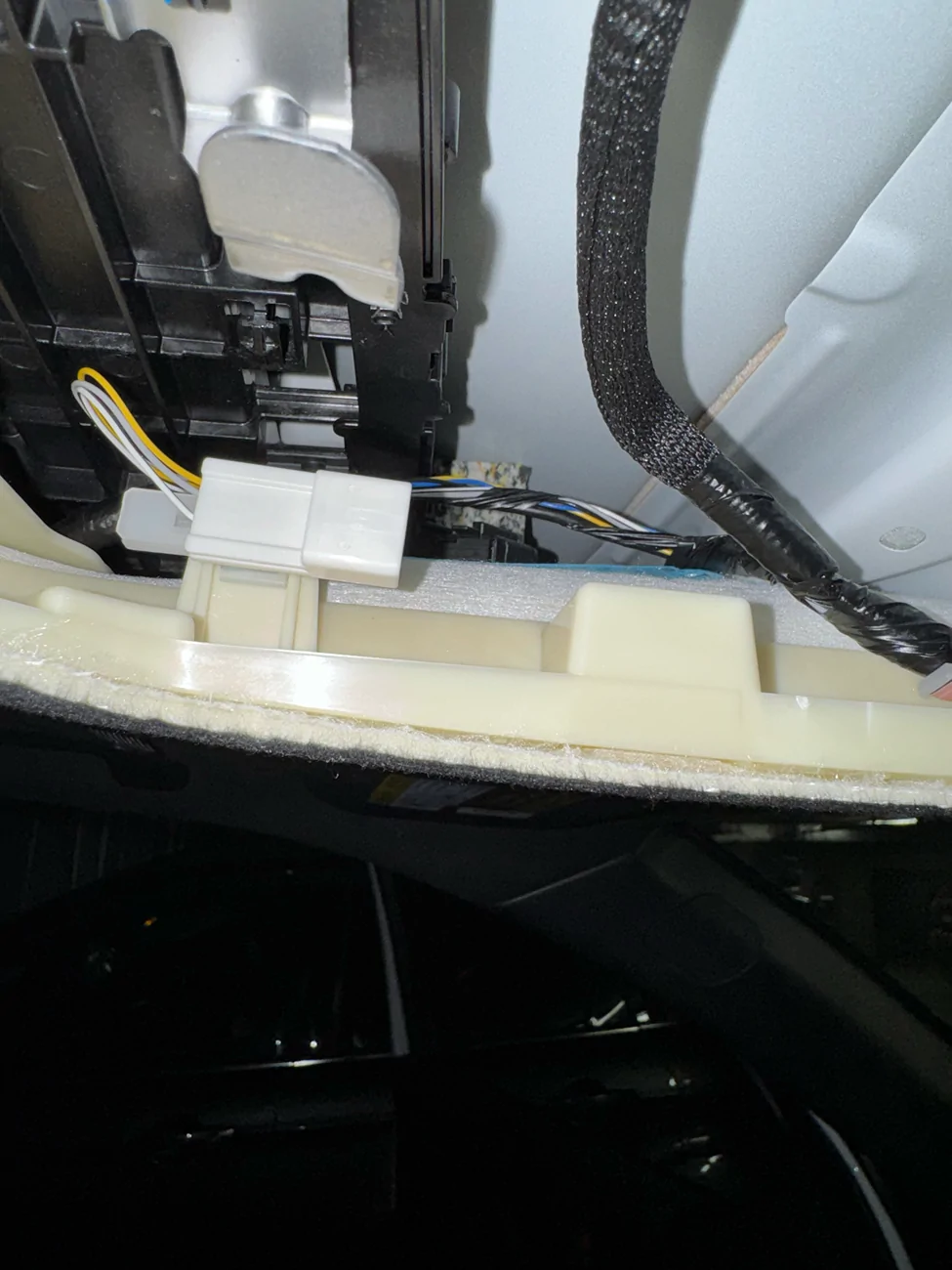
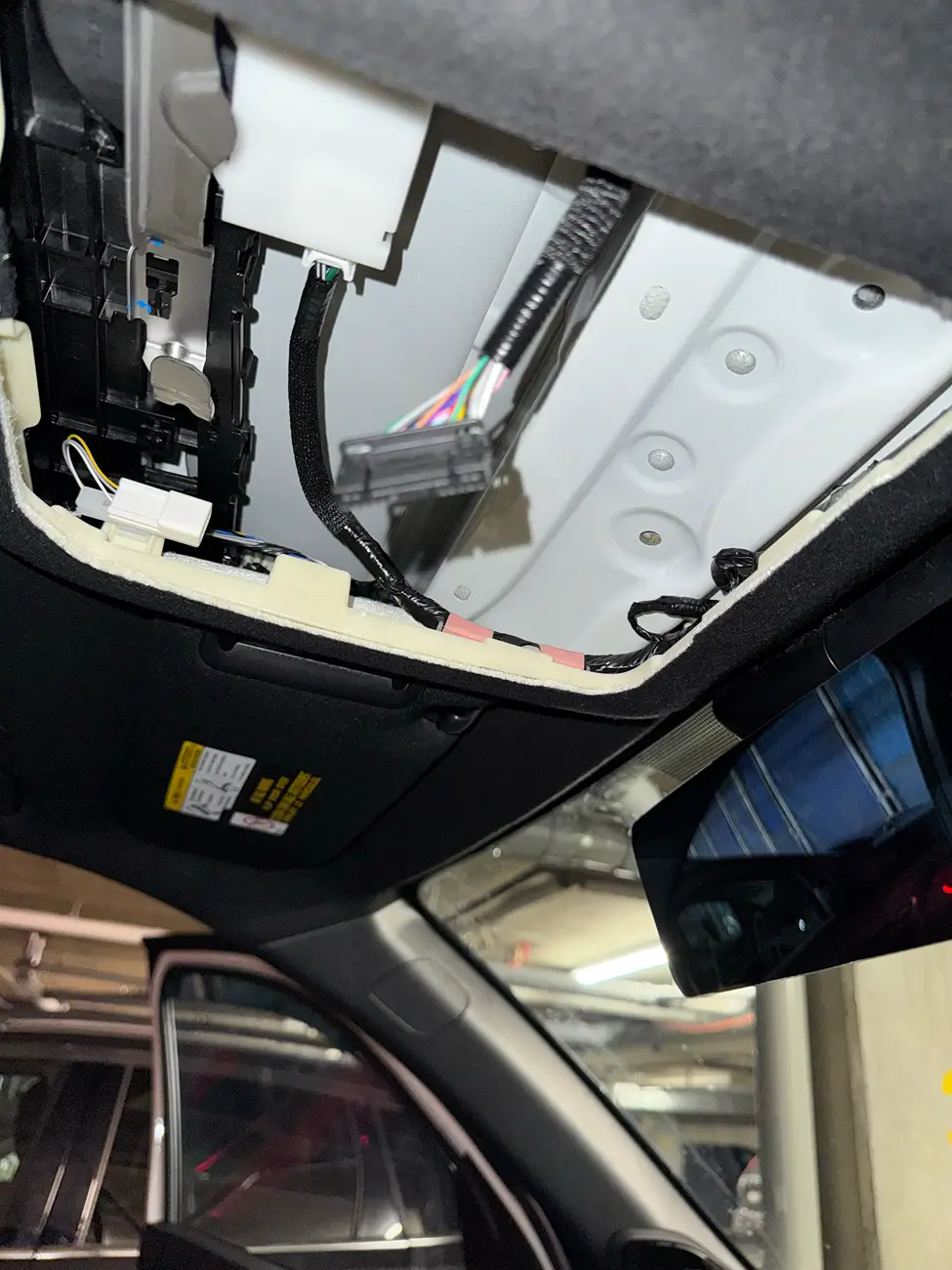
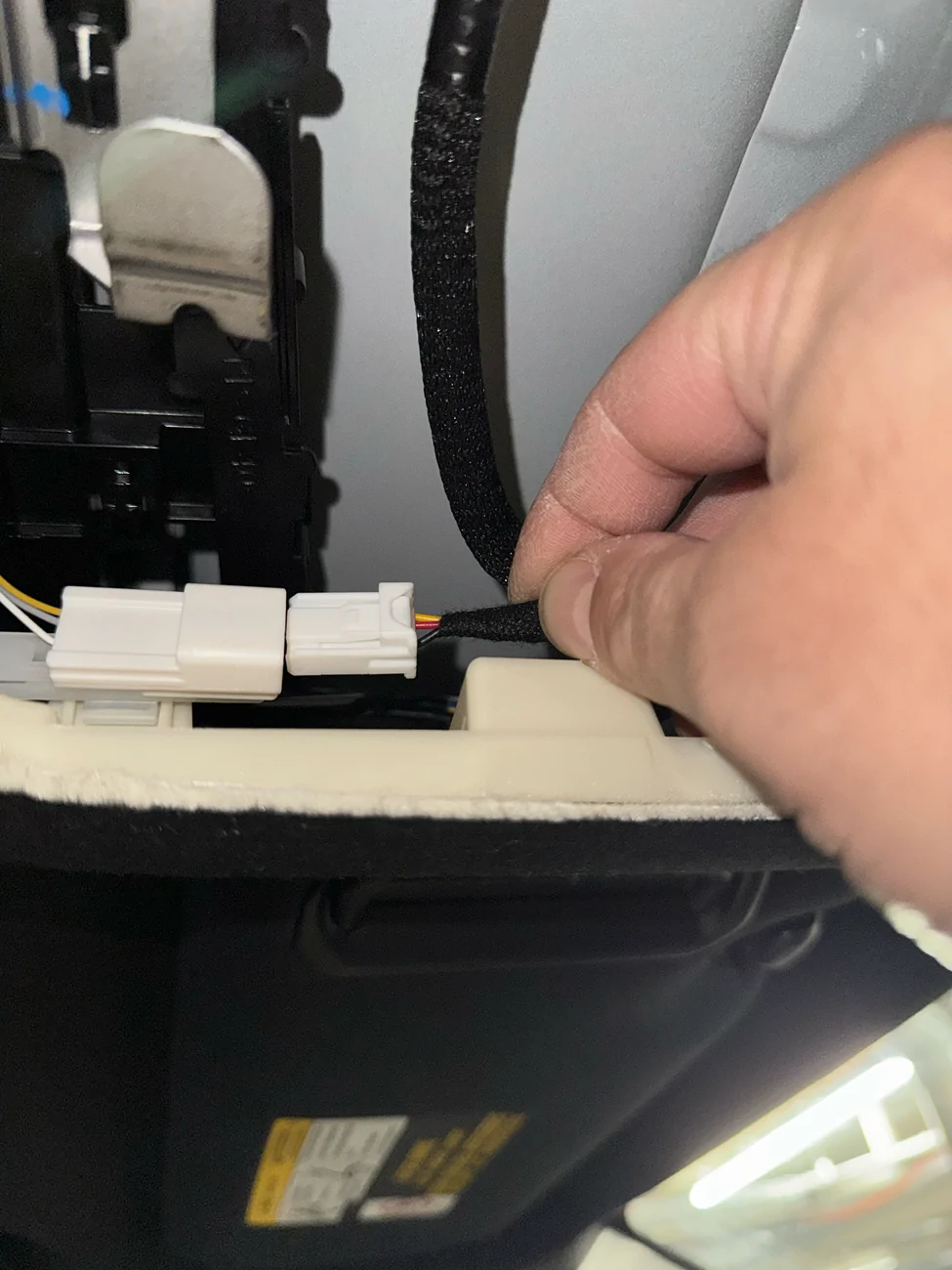
Why did you use the white plug under the overhead console and not the Y-cable for the driver assist camera?
Sponsored


 
OP
OP
Van Solo

Van Solo

TRD Off-Road Premium
Well-known member
First Name
Van
Joined
May 20, 2025
Threads
13
Messages
363
Reaction score
250
Location
Calgary / Canada
Vehicle(s)
4Runner
Why did you use the white plug under the overhead console and not the Y-cable for the driver assist camera?
To get parking mode and do not want to plug into safety for safety
 
Last edited:

ecornista

SR5
Member
Joined
Feb 21, 2025
Threads
0
Messages
5
Reaction score
1
Location
Nevada
Vehicle(s)
camry
What do you mean “do not eat to plug into safety for safety”?

do we still have the option to use the Y Cable for installation, right?
 
OP
OP
Van Solo

Van Solo

TRD Off-Road Premium
Well-known member
First Name
Van
Joined
May 20, 2025
Threads
13
Messages
363
Reaction score
250
Location
Calgary / Canada
Vehicle(s)
4Runner
What do you mean “do not eat to plug into safety for safety”?

do we still have the option to use the Y Cable for installation, right?
Sure you can, I just prefer not to tap into safety equipment myself.
The cable will maintain power to the camera in the event someone hits your vehicle.
 

Ahmad310

Platinum
Well-known member
First Name
Ahmad
Joined
Jan 22, 2025
Threads
5
Messages
121
Reaction score
82
Location
Cincinnati, OH
Vehicle(s)
2025 4Runner Platinum
ex

Not sure I follow

where is that cable on their website ?
https://fitcamx.com/collections/fus...parking-mode-cable-for-toyota-sienna-2021-now

As I understand it, using this cable, allows you to bypass the supplied Y cable and provides limited power when the car is off should there be a impact while parked it will record briefly (FitcamX calls this "Parking Mode").

When using the Y cable, there is no power once the car is turned off, so it will not record anything at that point.
 

ToYoDaMan

TRD Off-Road Premium
Well-known member
First Name
Allan
Joined
Sep 11, 2025
Threads
1
Messages
157
Reaction score
71
Location
Bay Area
Vehicle(s)
Toyota
Larger storage front camera is currently out of stock.

Will wait to purchase once available.

Thanks for the Sienna Wire connection to enable park mode!

Looking forward to install!
 

Ahmad310

Platinum
Well-known member
First Name
Ahmad
Joined
Jan 22, 2025
Threads
5
Messages
121
Reaction score
82
Location
Cincinnati, OH
Vehicle(s)
2025 4Runner Platinum
Larger storage front camera is currently out of stock.

Will wait to purchase once available.

Thanks for the Sienna Wire connection to enable park mode!

Looking forward to install!
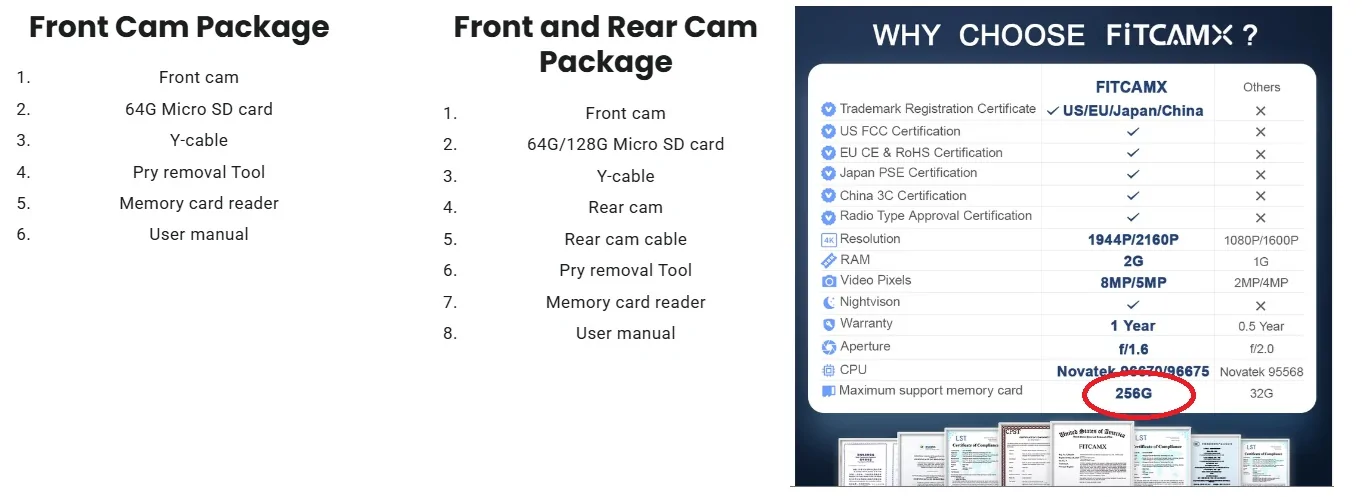
Which camera is this? I only see option for 64GB front camera (But you can upgrade up to 256mb SD card of your own) I do see one with 128GB but it is for the Front/Rear cam combo kit.
 

ToYoDaMan

TRD Off-Road Premium
Well-known member
First Name
Allan
Joined
Sep 11, 2025
Threads
1
Messages
157
Reaction score
71
Location
Bay Area
Vehicle(s)
Toyota
Which camera is this? I only see option for 64GB front camera (But you can upgrade up to 256mb SD card of your own) I do see one with 128GB but it is for the Front/Rear cam combo kit.
@Michaelkael post on page 2, his page capture showed the front camera with the bigger storage.

I thought I also saw it a few days ago.

I could be wrong. If what you are saying is true, maybe I will just get it now and upgrade the storage later.
 

Ahmad310

Platinum
Well-known member
First Name
Ahmad
Joined
Jan 22, 2025
Threads
5
Messages
121
Reaction score
82
Location
Cincinnati, OH
Vehicle(s)
2025 4Runner Platinum
@Michaelkael post on page 2, his page capture showed the front camera with the bigger storage.

I thought I also saw it a few days ago.

I could be wrong. If what you are saying is true, maybe I will just get it now and upgrade the storage later.
Hmm not sure, on this link there are only 3 options. A front 4k camera with 64g, a front 2k/rear 1080p w/64gb, and a Front 4k/Rear 1080p with 128gb. All 3 are showing in stock.

https://fitcamx.com/collections/toy...yota-4runner-2025-2026?variant=44753210212524

2025 4runner 6th gen FITCAMX dash cam install - step by step how-to DIY (on 2025+ 4runner 6th gen) fitcam


I ordered a 256gb SanDisk MAX ENDURANCE microSD™ Card which is made for applications like a dash cam.
 

Jadon.lm

TRD Off-Road Premium
Member
Joined
Apr 9, 2025
Threads
3
Messages
12
Reaction score
11
Location
Canada
Vehicle(s)
Kia Rio 2012
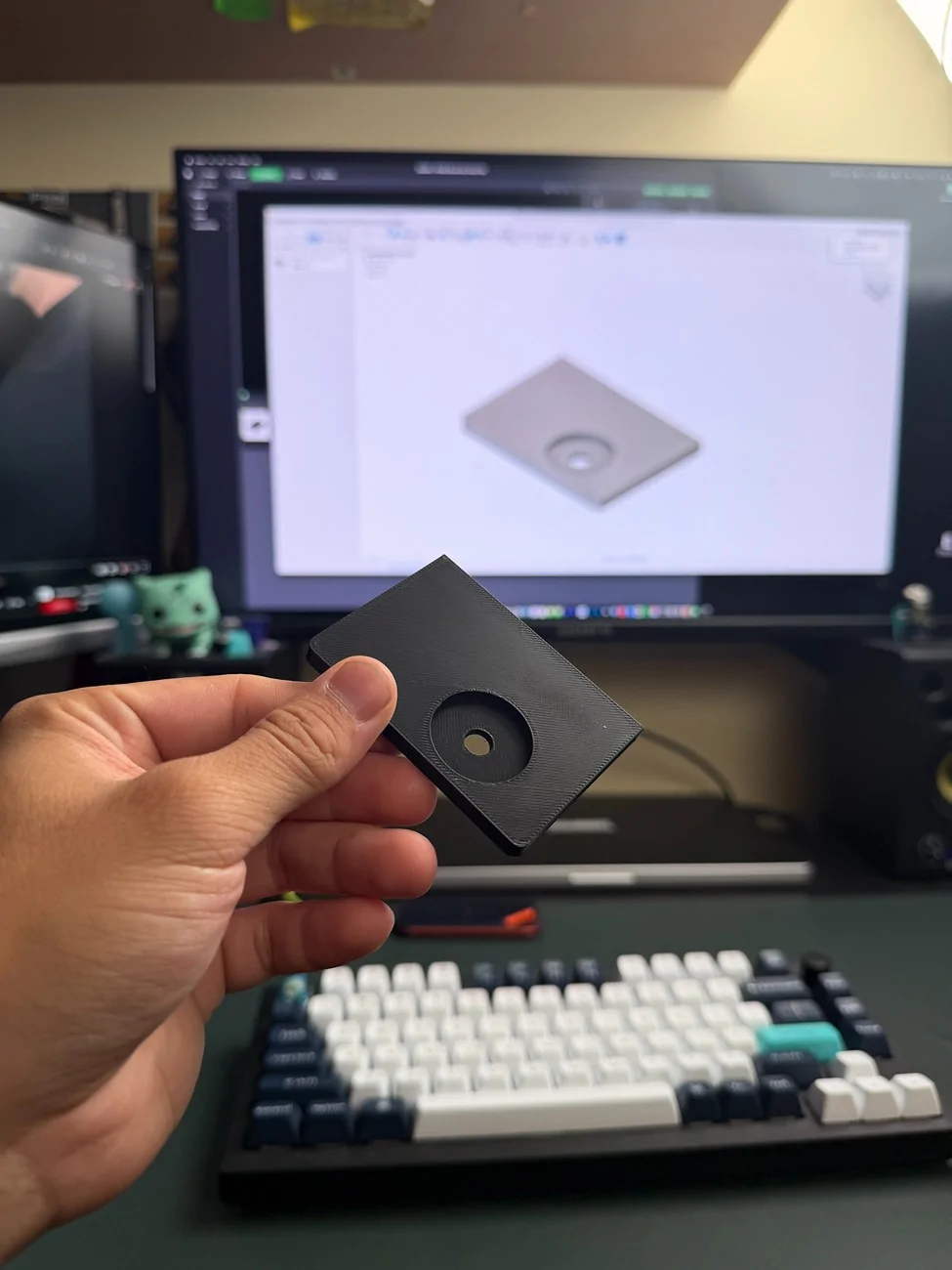
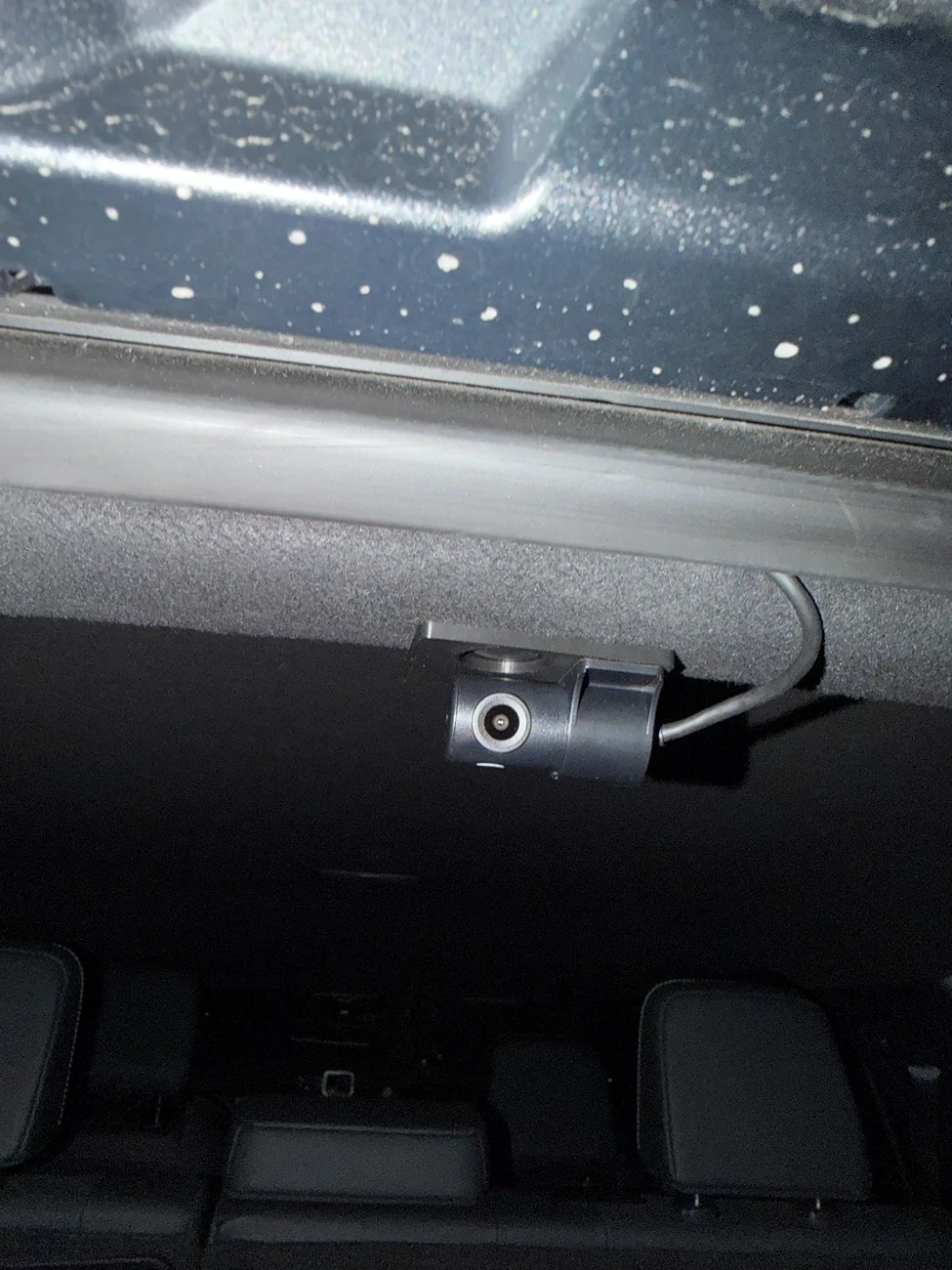
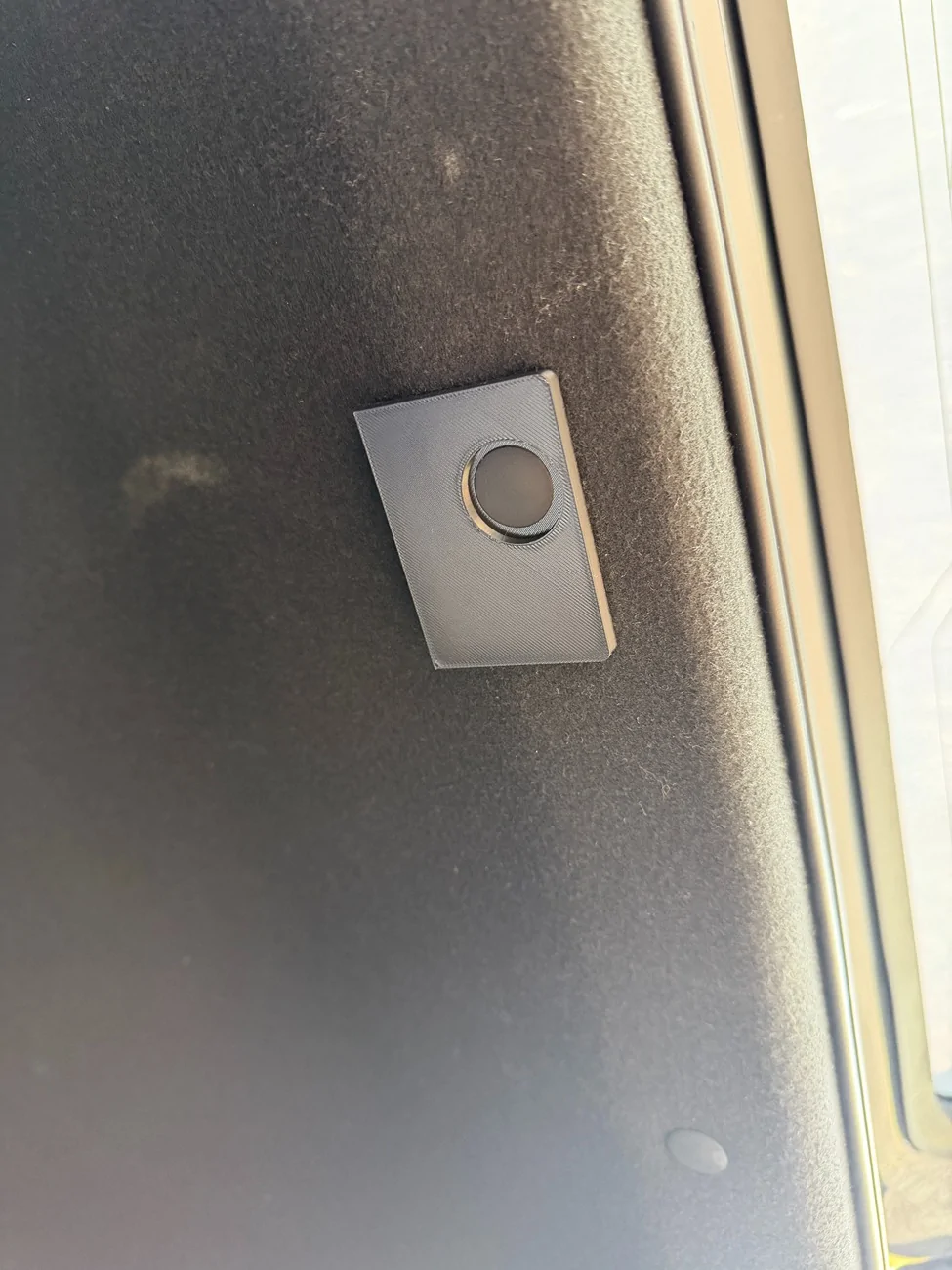
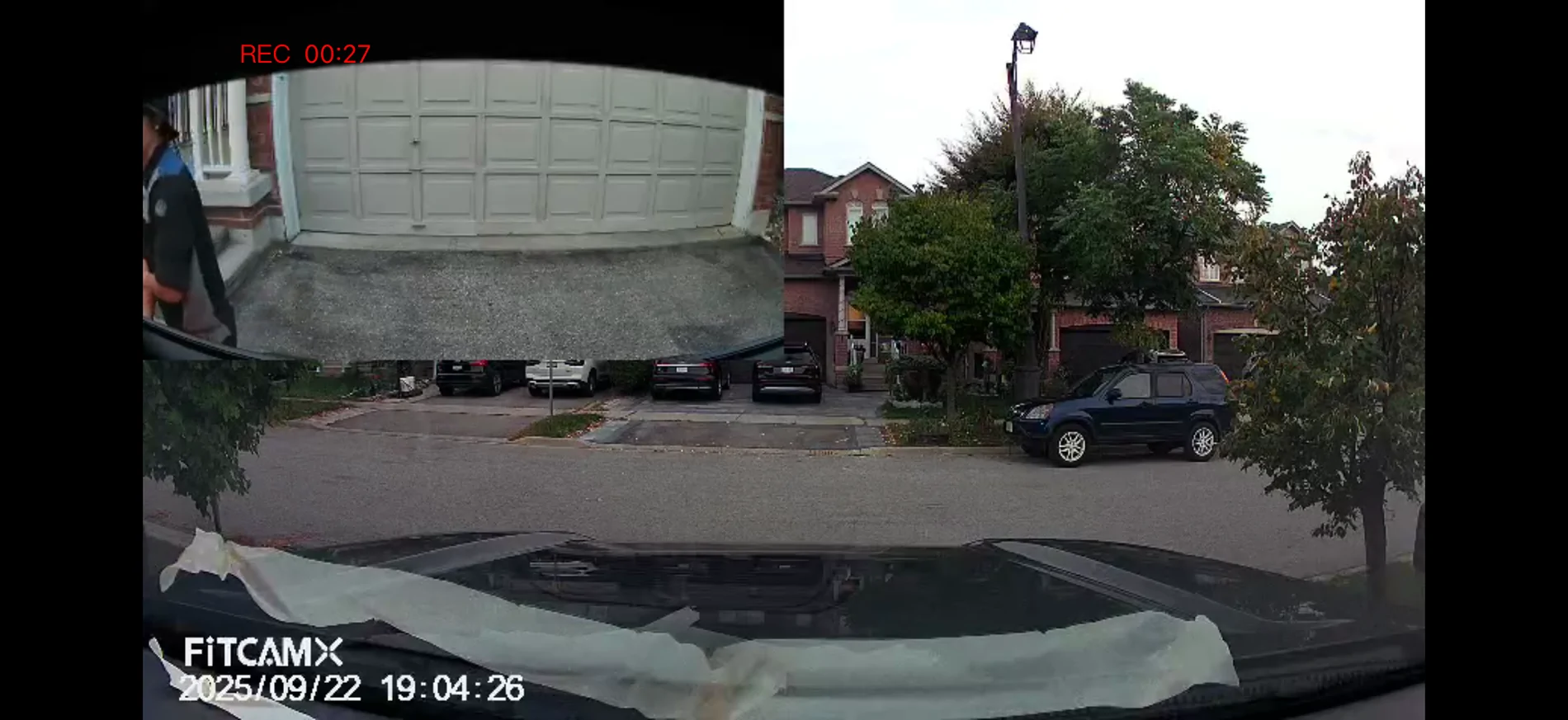
This is my second installation of the Fitcamx for the 4Runner. I had previously been helping with testing their prototypes. This time I asked to receive the additional rear camera. Routing the cable is simple honestly. They give you more than enough, however there isn't a lot of spots to actually mount the camera in the back. And I didn't want to obstruct the window or run the cable through the trunk.

Decided to design a 3D printed plate that can be mounted to the roof liner pin above the trunk. With some velcro on the other side, the plate itself does not move at all once secured back through with the pin. I also designed the plate to align itself with the camera to have it centered perfectly. I have a full view of the back as the camera is extremely wide.


2025 4runner 6th gen FITCAMX dash cam install - step by step how-to DIY (on 2025+ 4runner 6th gen) IMG_0050
2025 4runner 6th gen FITCAMX dash cam install - step by step how-to DIY (on 2025+ 4runner 6th gen) IMG_0058
2025 4runner 6th gen FITCAMX dash cam install - step by step how-to DIY (on 2025+ 4runner 6th gen) IMG_0055
2025 4runner 6th gen FITCAMX dash cam install - step by step how-to DIY (on 2025+ 4runner 6th gen) IMG_0057
 

deeda

TRD Off-Road Premium
Member
First Name
Dee
Joined
Sep 6, 2025
Threads
0
Messages
17
Reaction score
0
Location
San Diego
Vehicle(s)
2025 4runner
UPDATED September 21, 2025

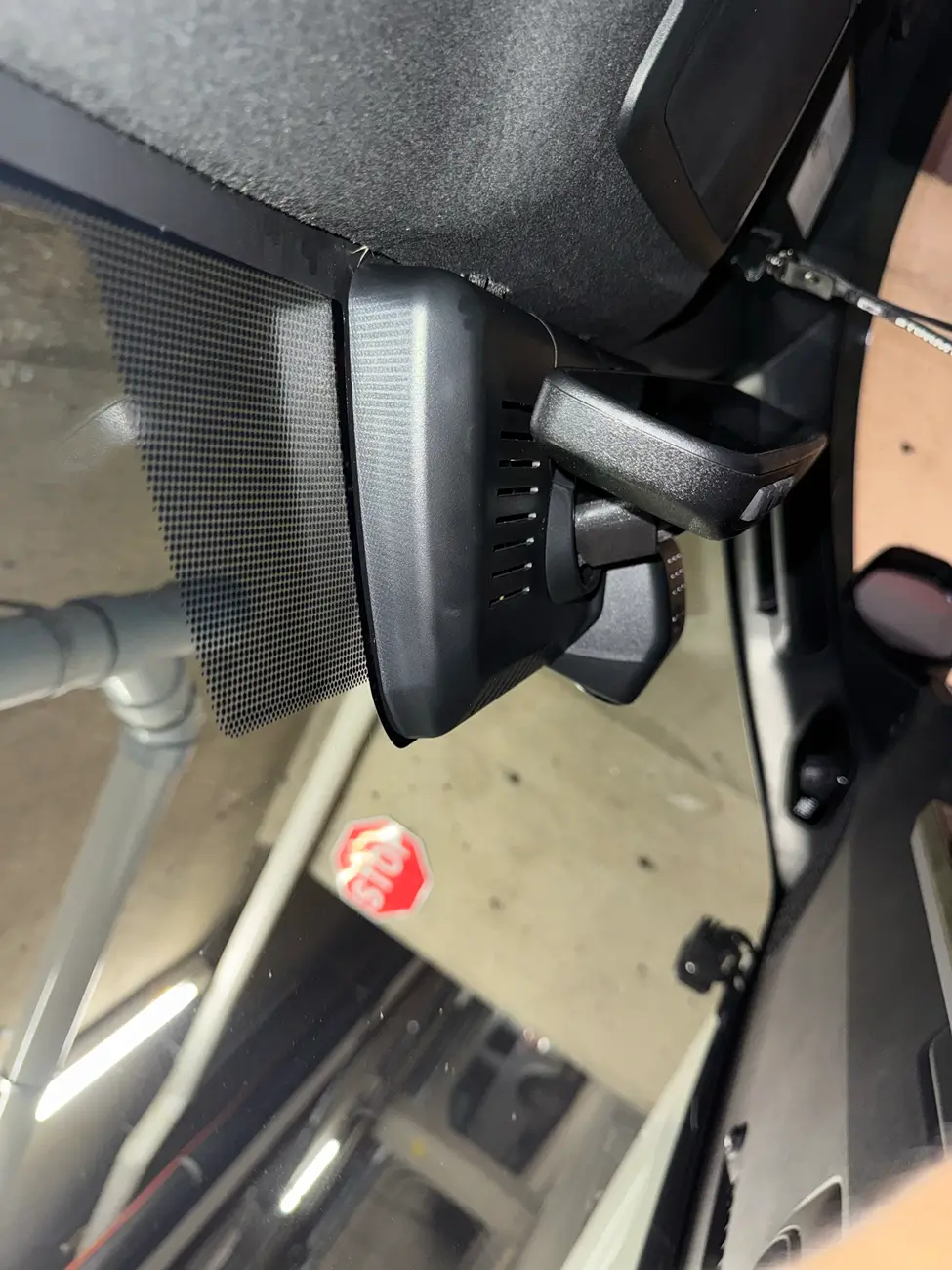
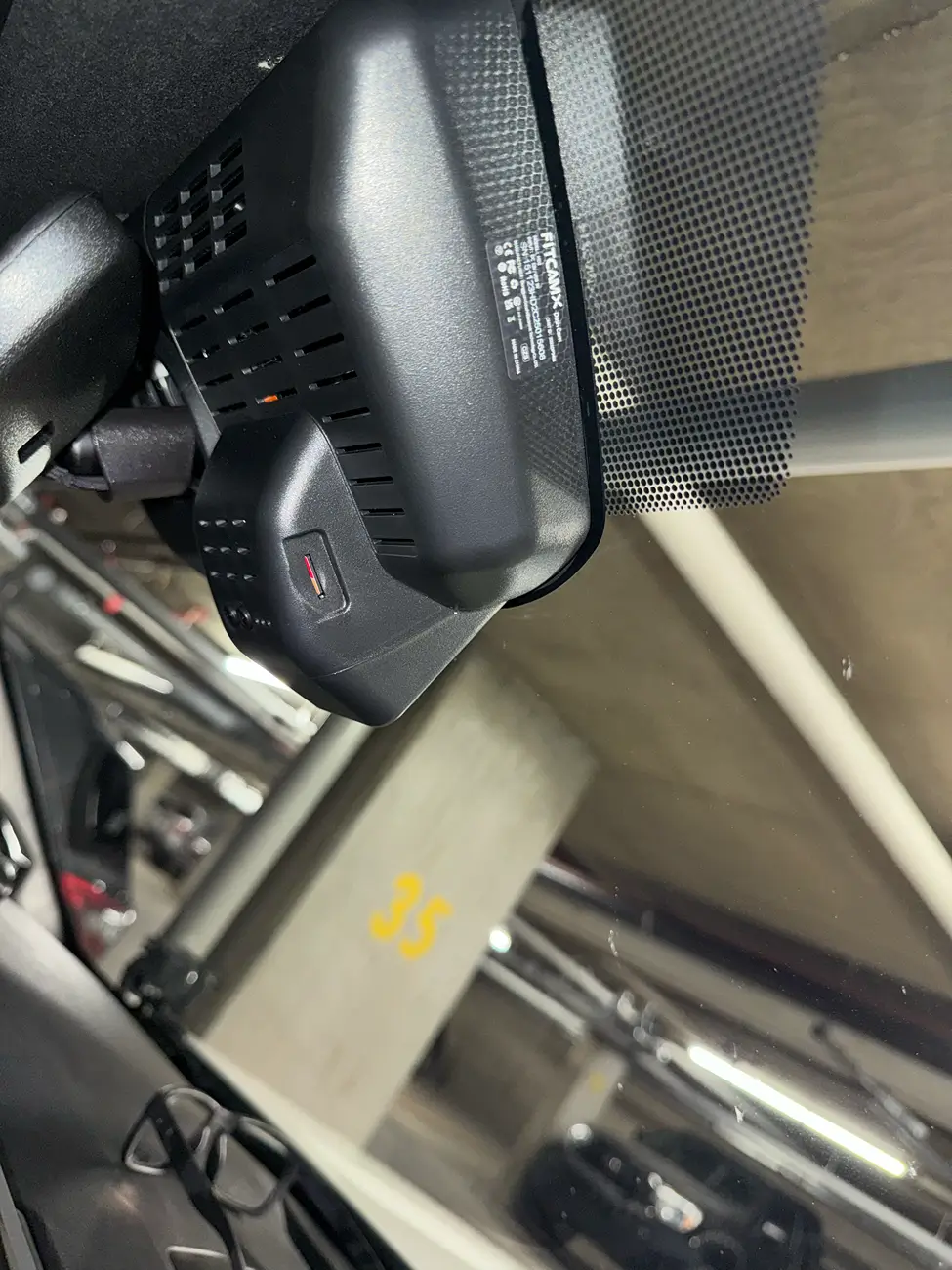
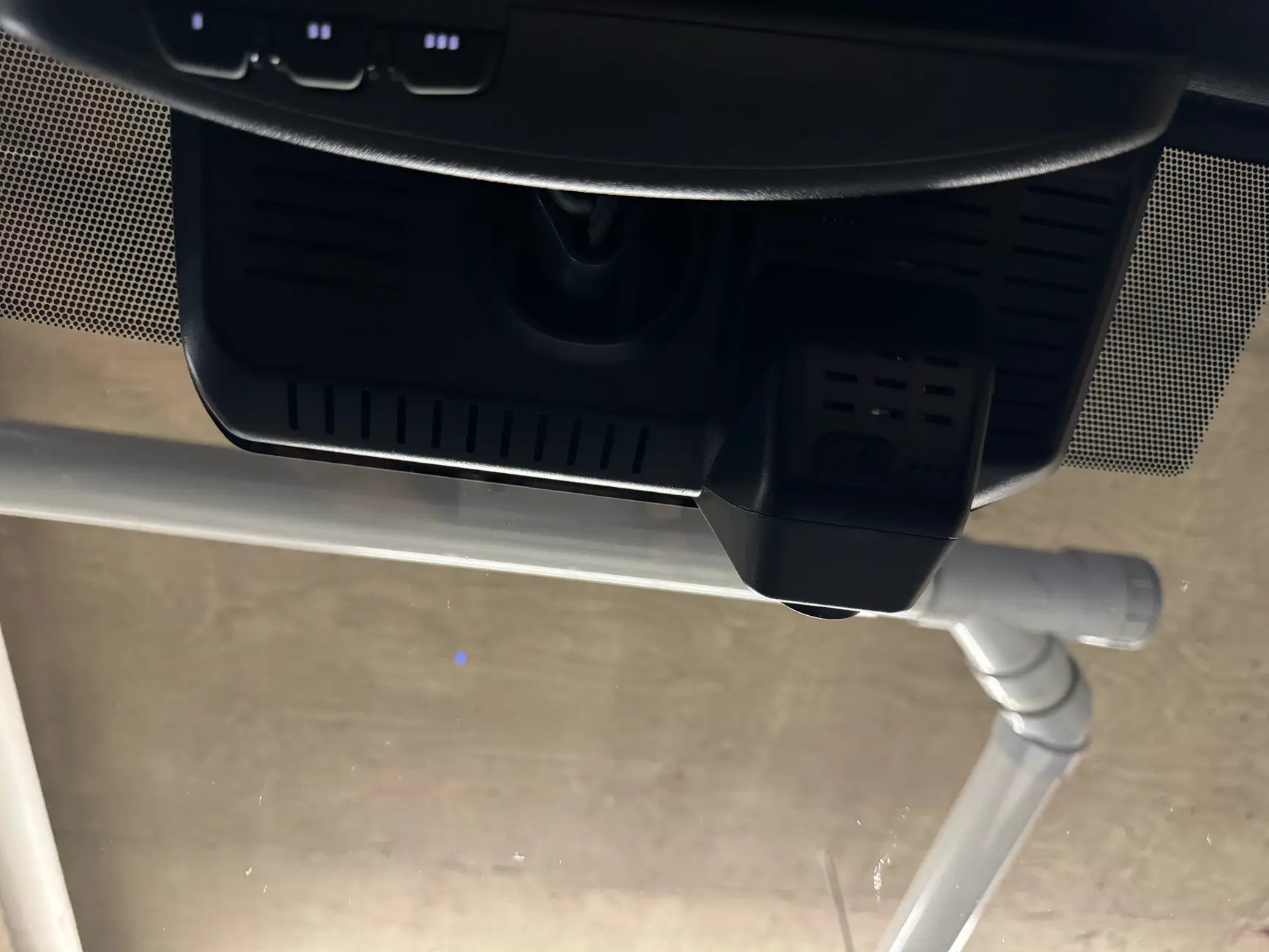
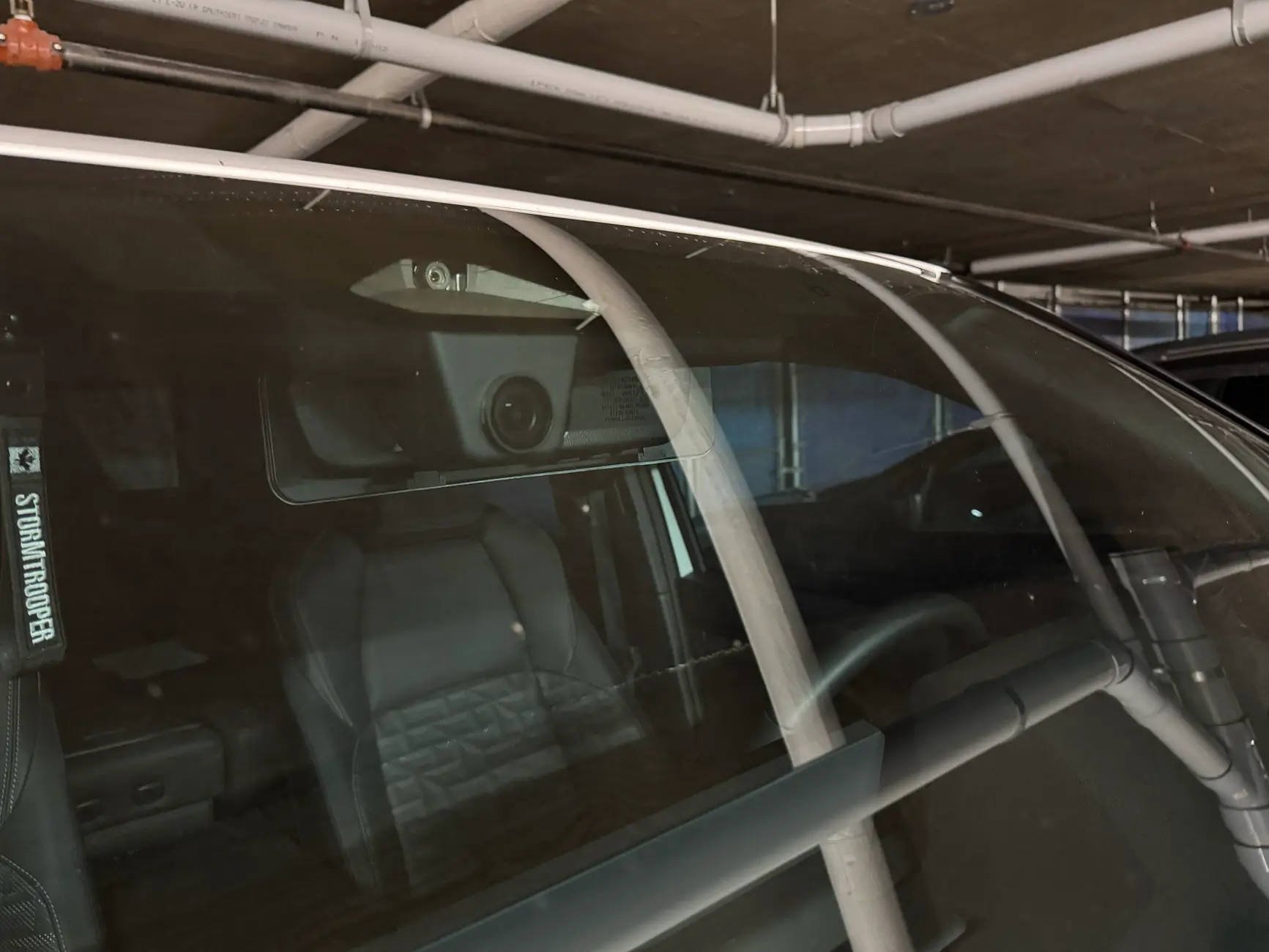
It's here at its installed....................FITCAMX 2025 4Runner

Install time 10minutes and neatly cabled
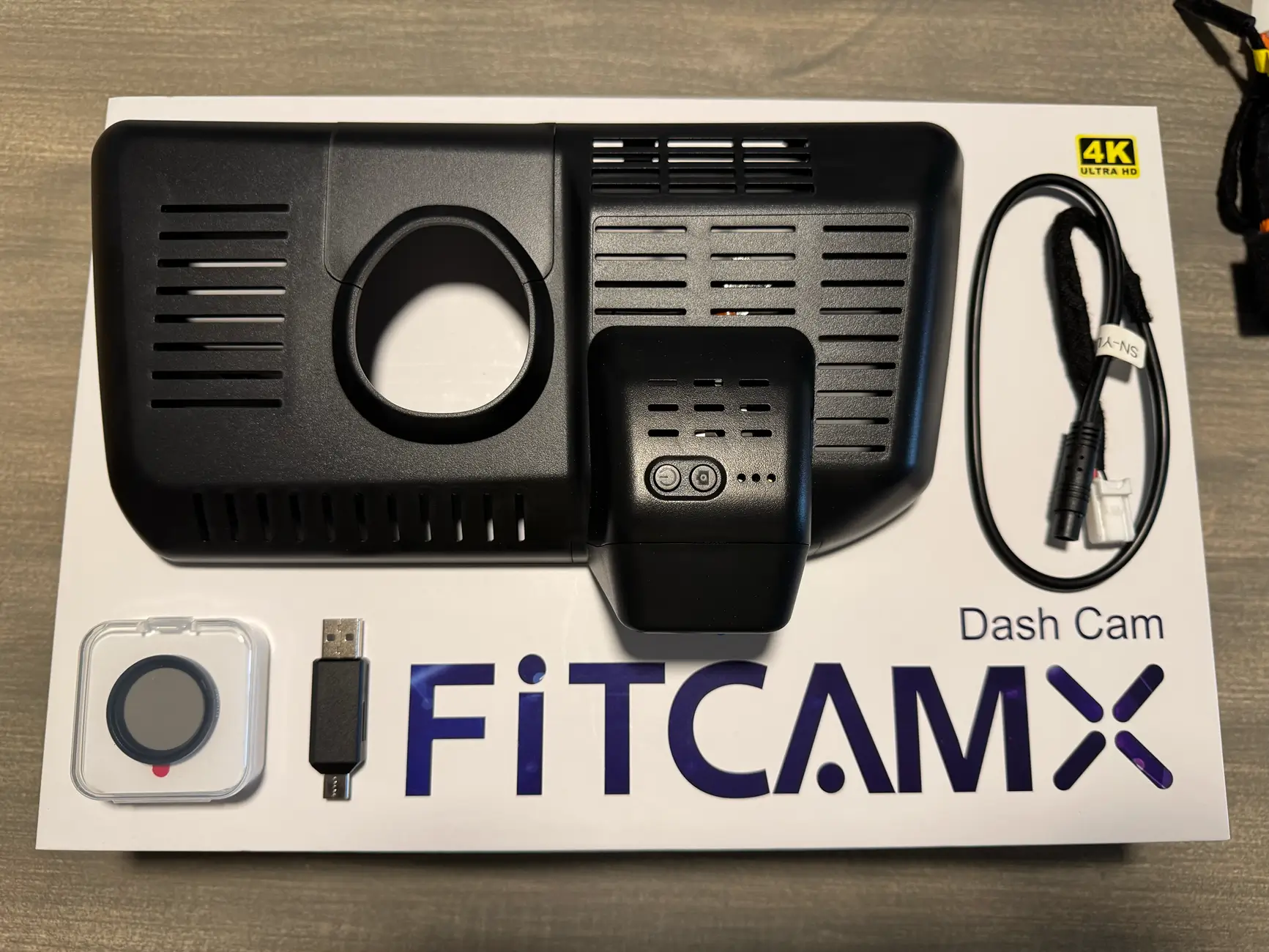
I chose the CLP filter and the oem dash cam plug in from FITCAMX

tempImagerlFrba.webp


tempImagevRdIEk.webp


Step 1. Remove Overhead Console. (One Swift Pull Down the front near windshield)

tempImagekCH4oO.webp


Locate the White OEM Dash Cam Plug.

tempImageatmJG9.webp


tempImageJIP4QU.webp


Plug in the optional FITCAMX power cable.

tempImaged9rNCp.webp


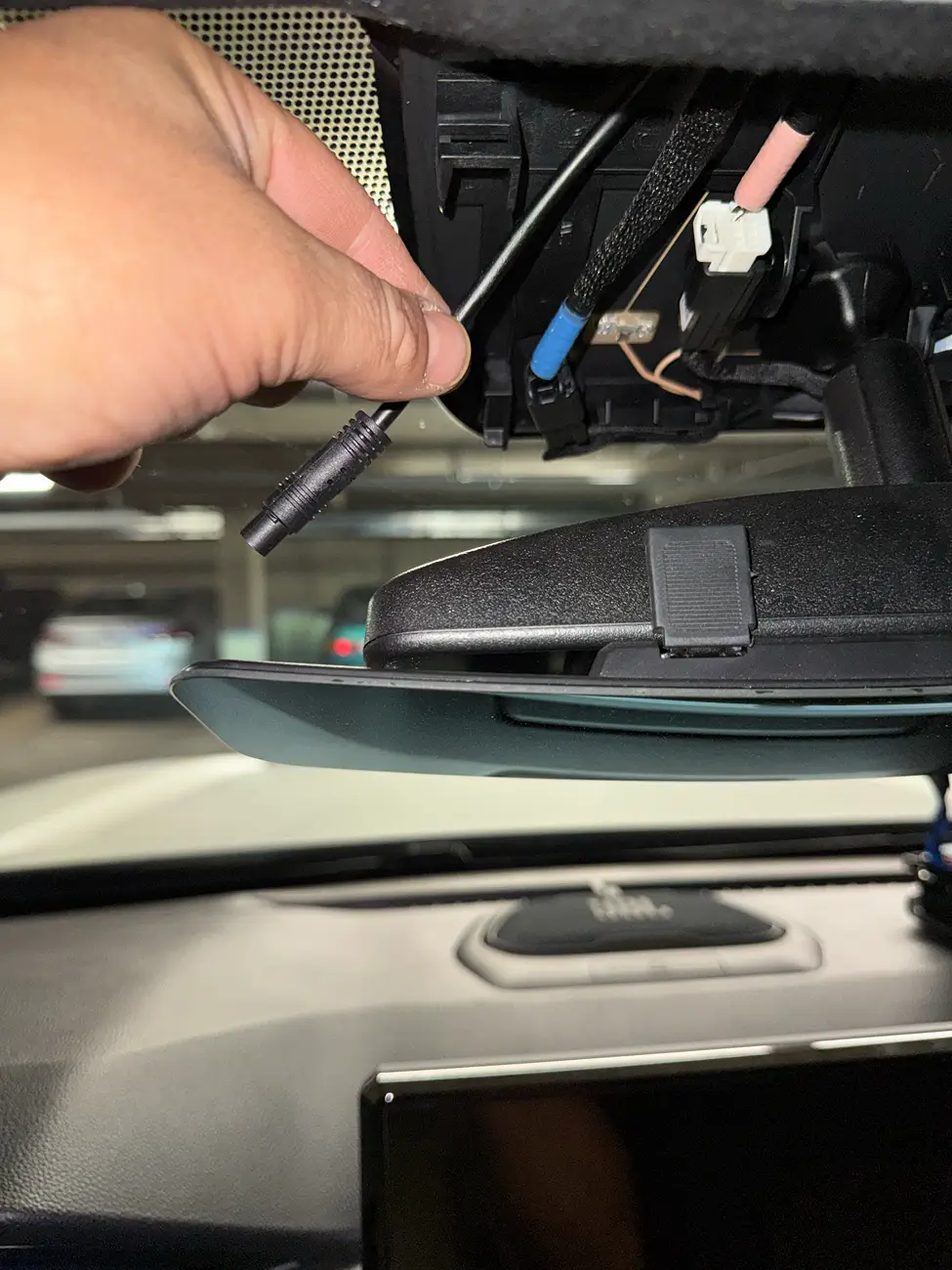
Route the power through the headliner toward the mirror.

tempImageOoKrFw.webp


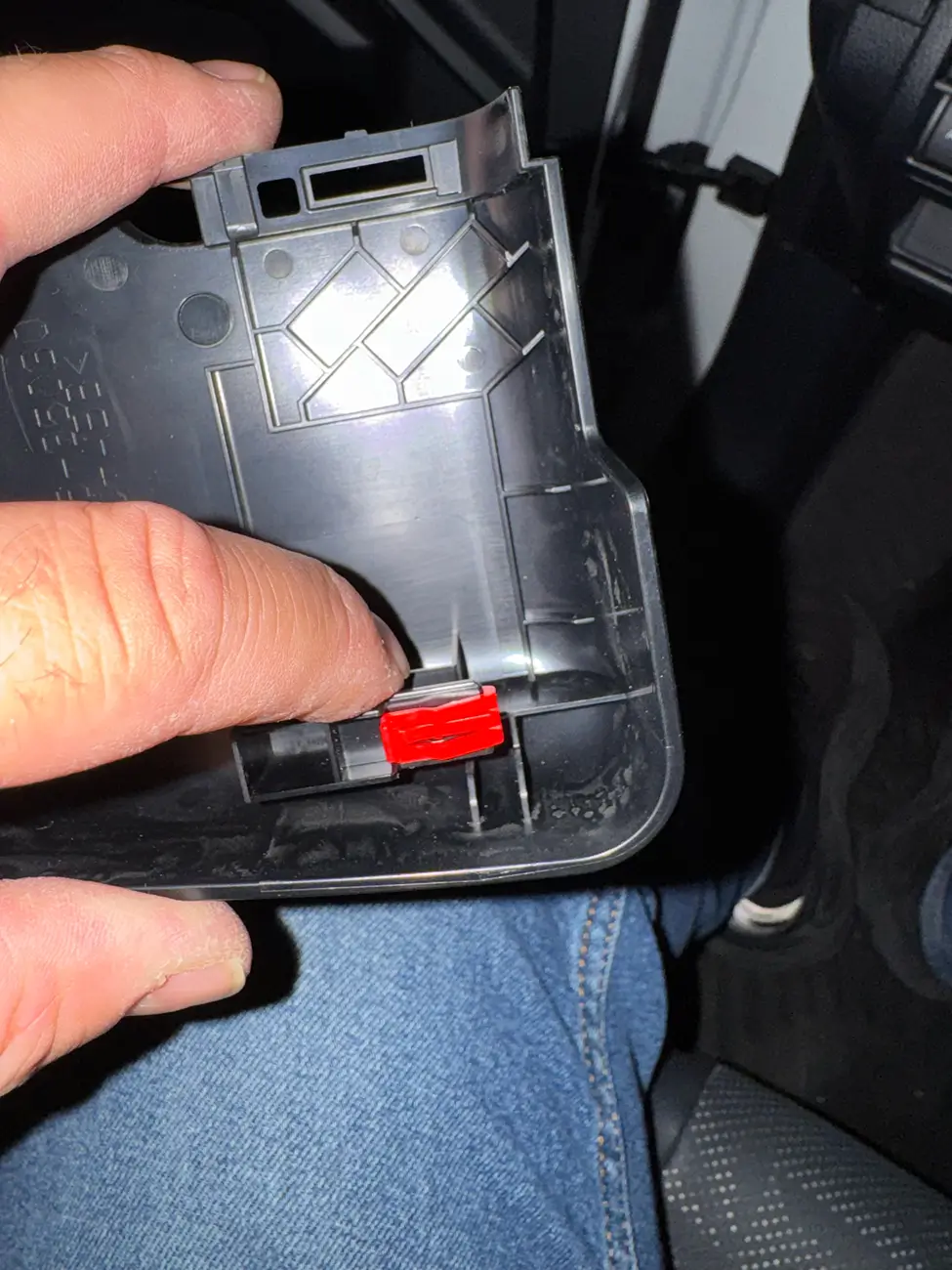
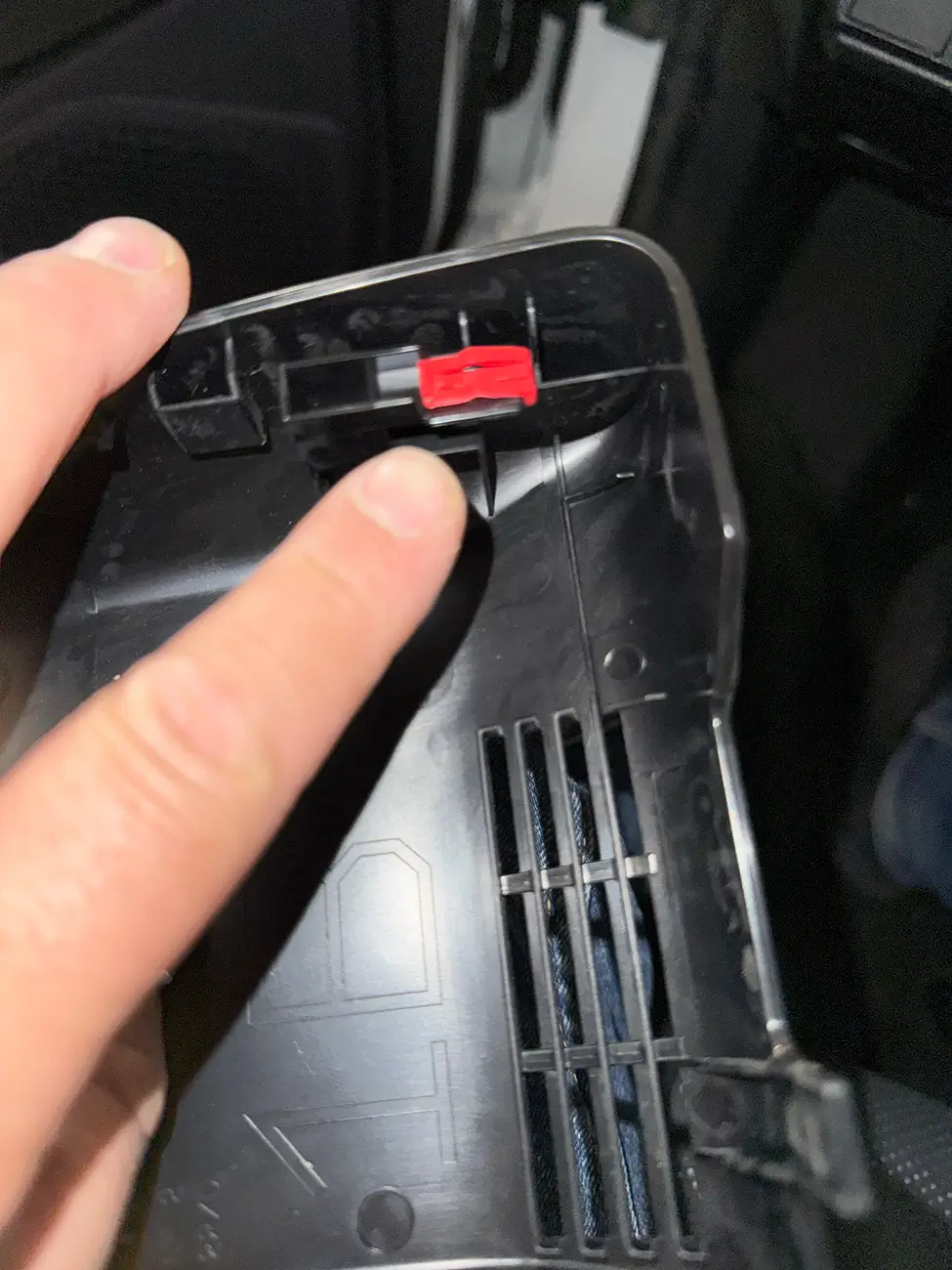
Step 3. Remove OEM Mirror Housing and remove the two red clips and relocate the to the FITCAMX housing.

tempImaged7pzQI.webp


tempImageUkRpM7.webp


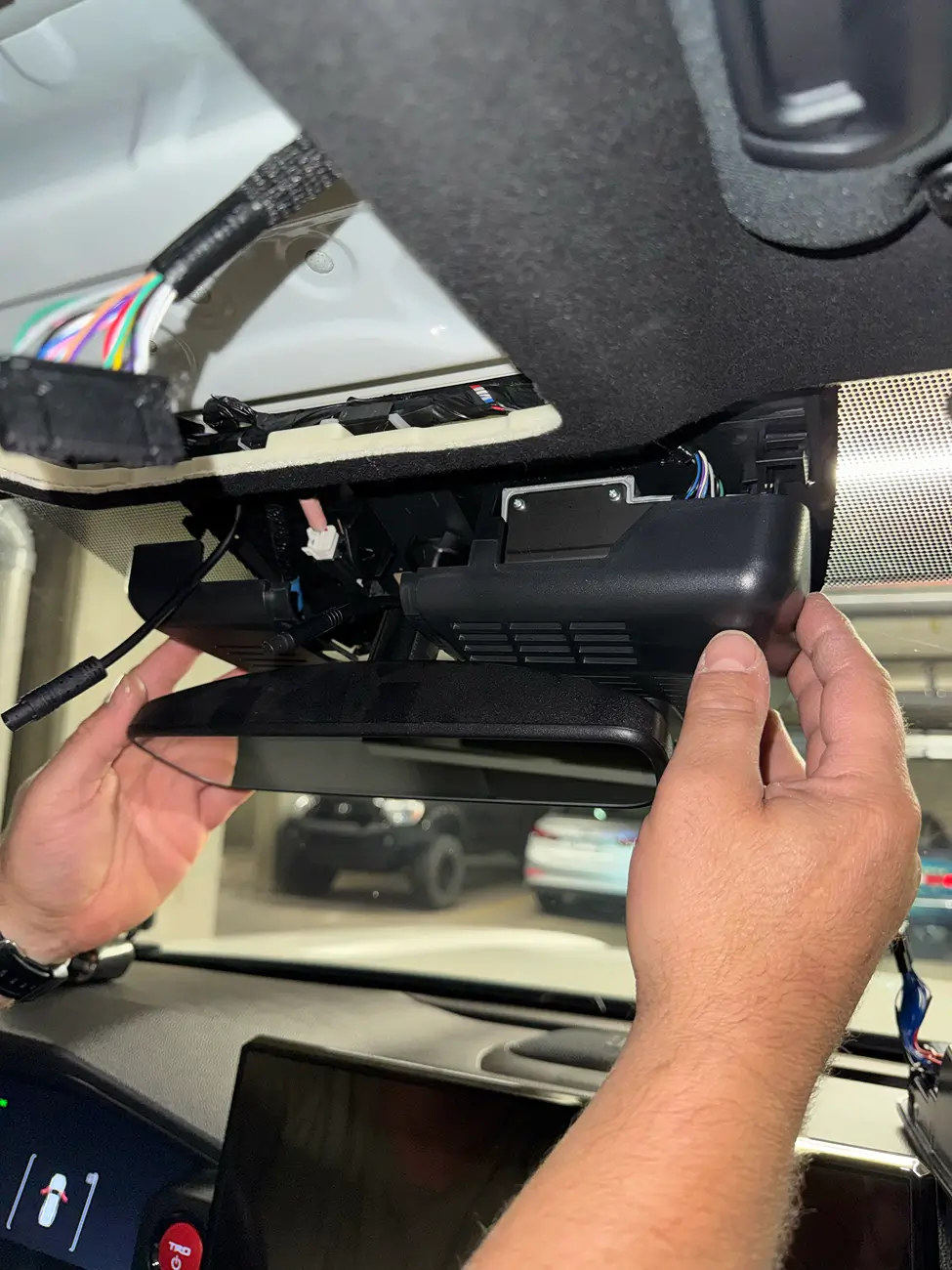
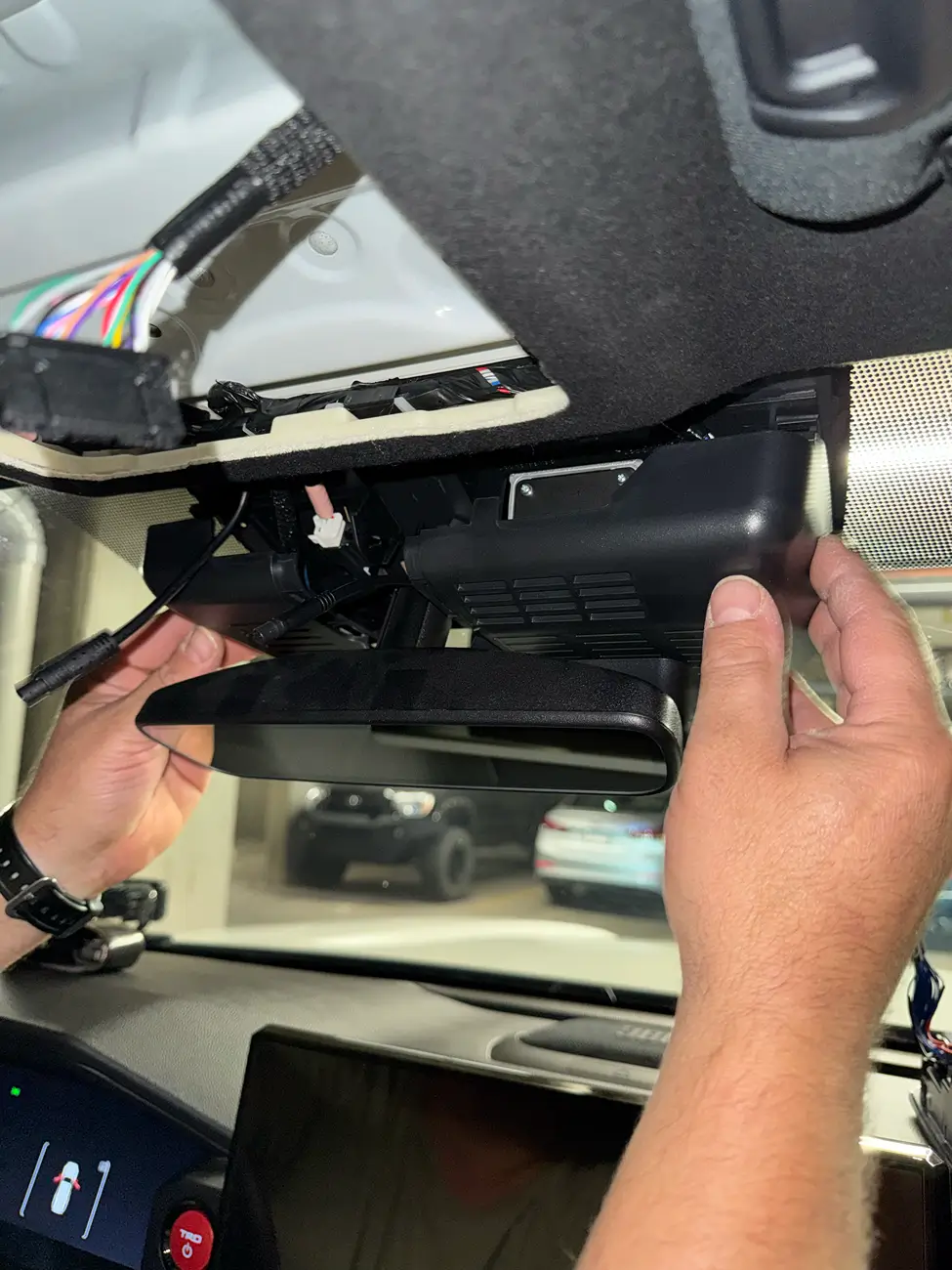
Step 4. Slide the FITCAMX housing into place and listen for the Click!

tempImageFel0T5.webp


tempImage8Lp0qE.webp


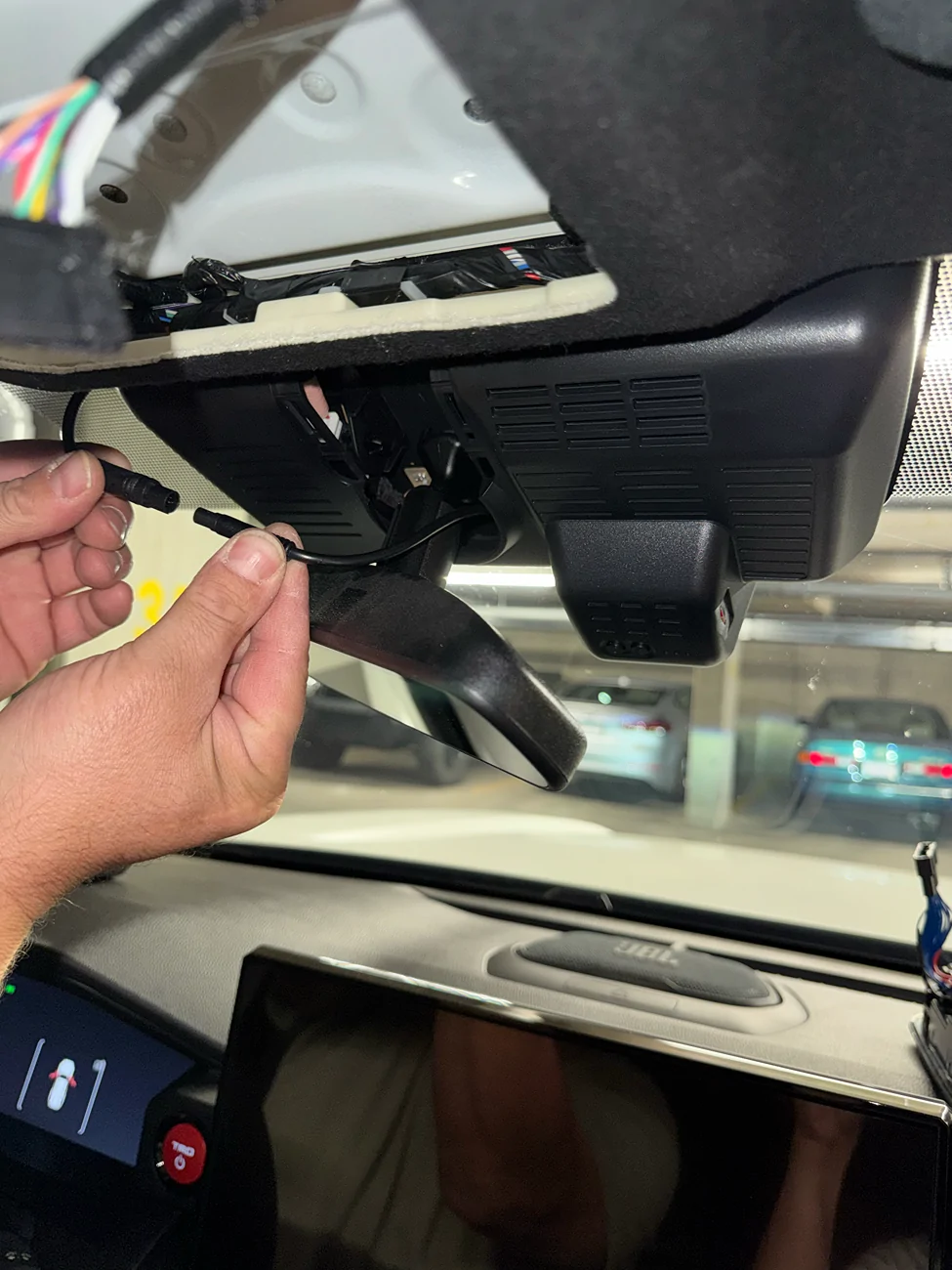
Step 5. Connect the power cables togethers.

tempImage39J4iW.webp


And get out there and start recording your Off Road Adventures...... FITCAMX

tempImageYohE3c.webp


tempImageIFqvRX.webp


tempImageNyU3Mm.webp


tempImagetG51hB.webp


tempImageIor8nx.webp


To order yours Today use the link below in my signature and get fast delivery.
Oh man there wasn’t an option for the OEM cam when I ordered. 😕
 
OP
OP
Van Solo

Van Solo

TRD Off-Road Premium
Well-known member
First Name
Van
Joined
May 20, 2025
Threads
13
Messages
363
Reaction score
250
Location
Calgary / Canada
Vehicle(s)
4Runner
is the anti-glare polarizing circular lens for the front camera recommended?
I would say no I did not like it at all and did not use!
Sponsored


Top