
I sure didnt. I guess it pays to read.i guess no one reads the manual
Sponsored
I sure didnt. I guess it pays to read.i guess no one reads the manual
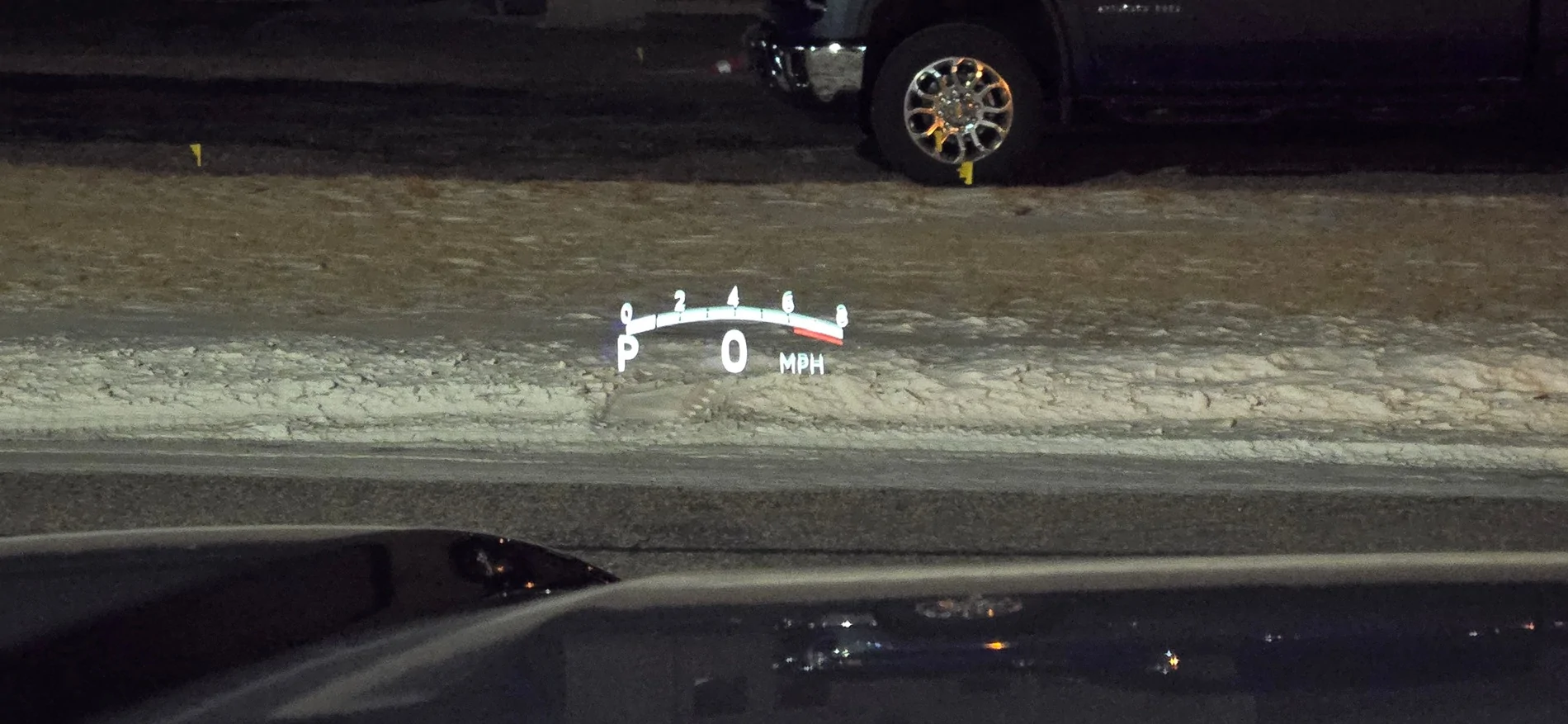
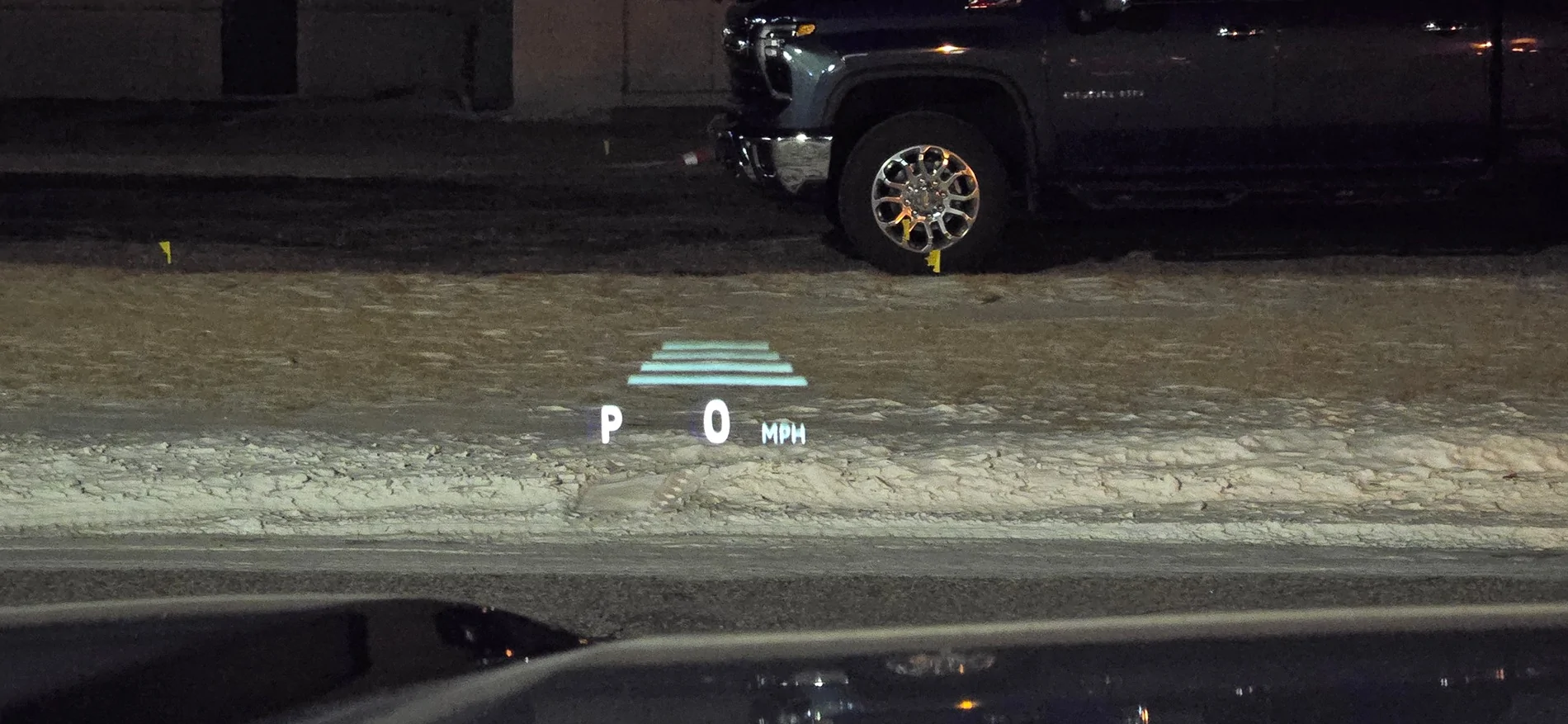
Settings > Meter Settings > Meter Type
Thanks!Settings > Meter Settings > Meter Type
i had to since this 4R is drastically different than my 2014 4R vs the 2004 to 2014 switchI sure didnt. I guess it pays to read.
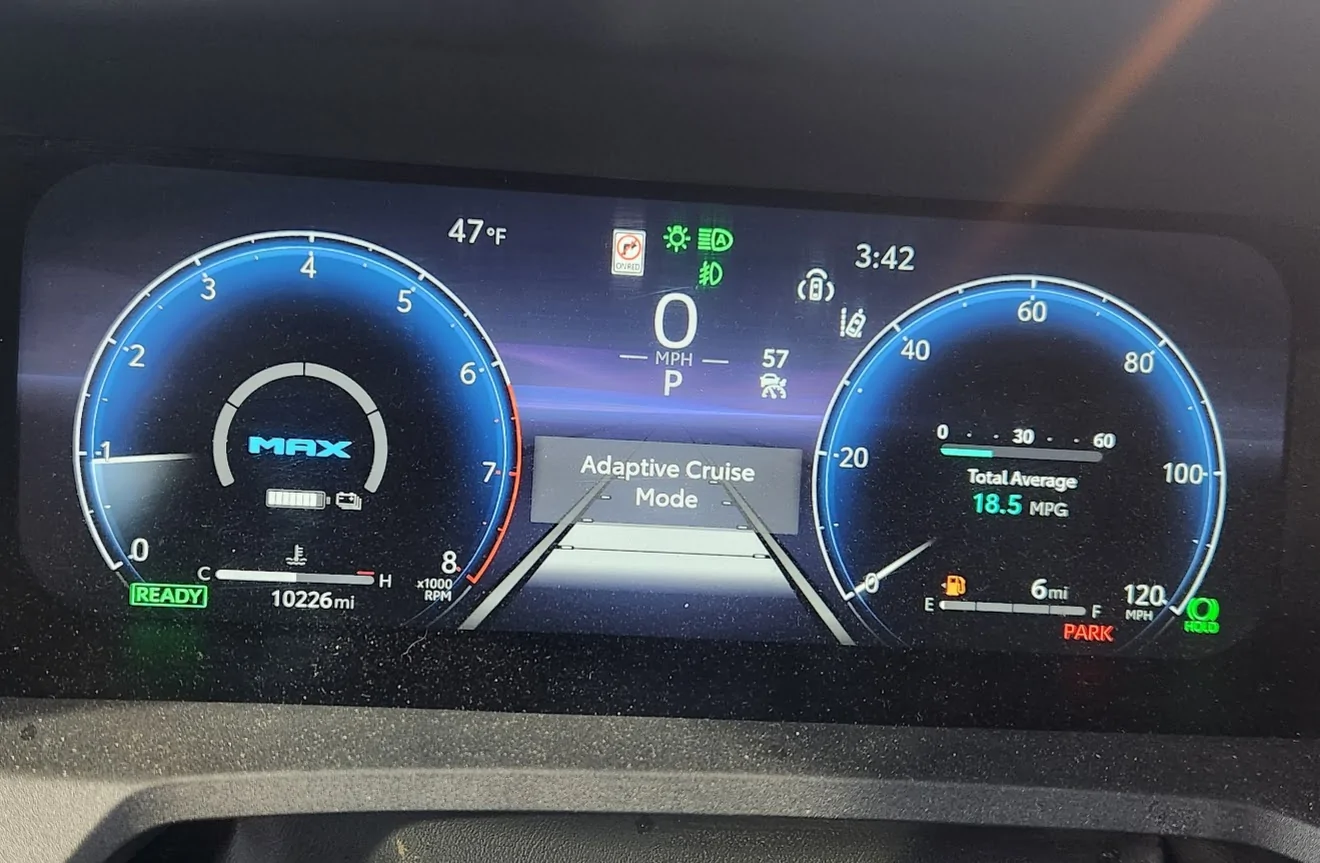
| LEFT | CENTER: Driving Support System Info | RIGHT |
| 2 | Fuel Economy | 1 |
| x | Nav. Compass/Route Guidance | |
| Audio | x | |
| Drive: Avg Speed/Dist/Time (trip) | x | |
| 3 | Trip (A/B): Speed/Dist/Time (since reset) | |
| x | Traction Monitor: Drxn/Spin indicator | |
| Tire Inflation Pressure | 3 | |
| x | Trailer brake | |
| Trailer mode Blnd Spot Monitor | x | |
| Pitch & Roll | x | |
| x | Voltmeter & oil pressure | x |
| x | Engine/Trns Oil Temp | |
| Turbo Boost | 2 | |
| 1 | MG-Hybrid Motor Use/Battery Status |
 thanks!!
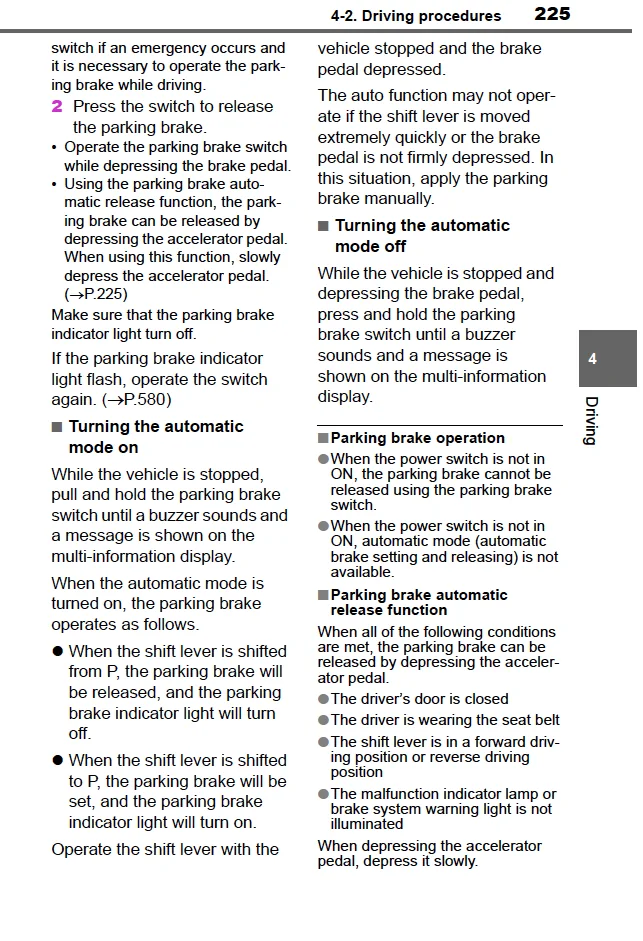
I don't think you can sadly. There's the mini display that pops up when in ACC but I want the full size view when using it -- I have had it fail to detect the car in front of me a few times in the rain and that's a situation I definitely want to be aware of. But I agree the big cruise control view is annoying when you're not even using it. I've just created two screens -- screen 1 is my normal city driving without cruise control, and screen 2 is pretty much the exact same info just with cruise control added. Screen 3 is for offroad with tire pressure, transmission temps, tilt, etc.If someone tells me how I can get rid of the cruise control icon from always being there I will kiss them
um you are either in adaptive cruise control mode or normal cruise control mode. there is no off switch for cruise control anymore, its always onIf someone tells me how I can get rid of the cruise control icon from always being there I will kiss them