
Sponsored

RunnerRocks

TRD Off-Road Premium
Well-known member
First Name
RedDog
Joined
Dec 15, 2025
Threads
7
Messages
256
Reaction score
171
Location
Nature
Vehicle(s)
2026 TRD ORP (non-hybrid)
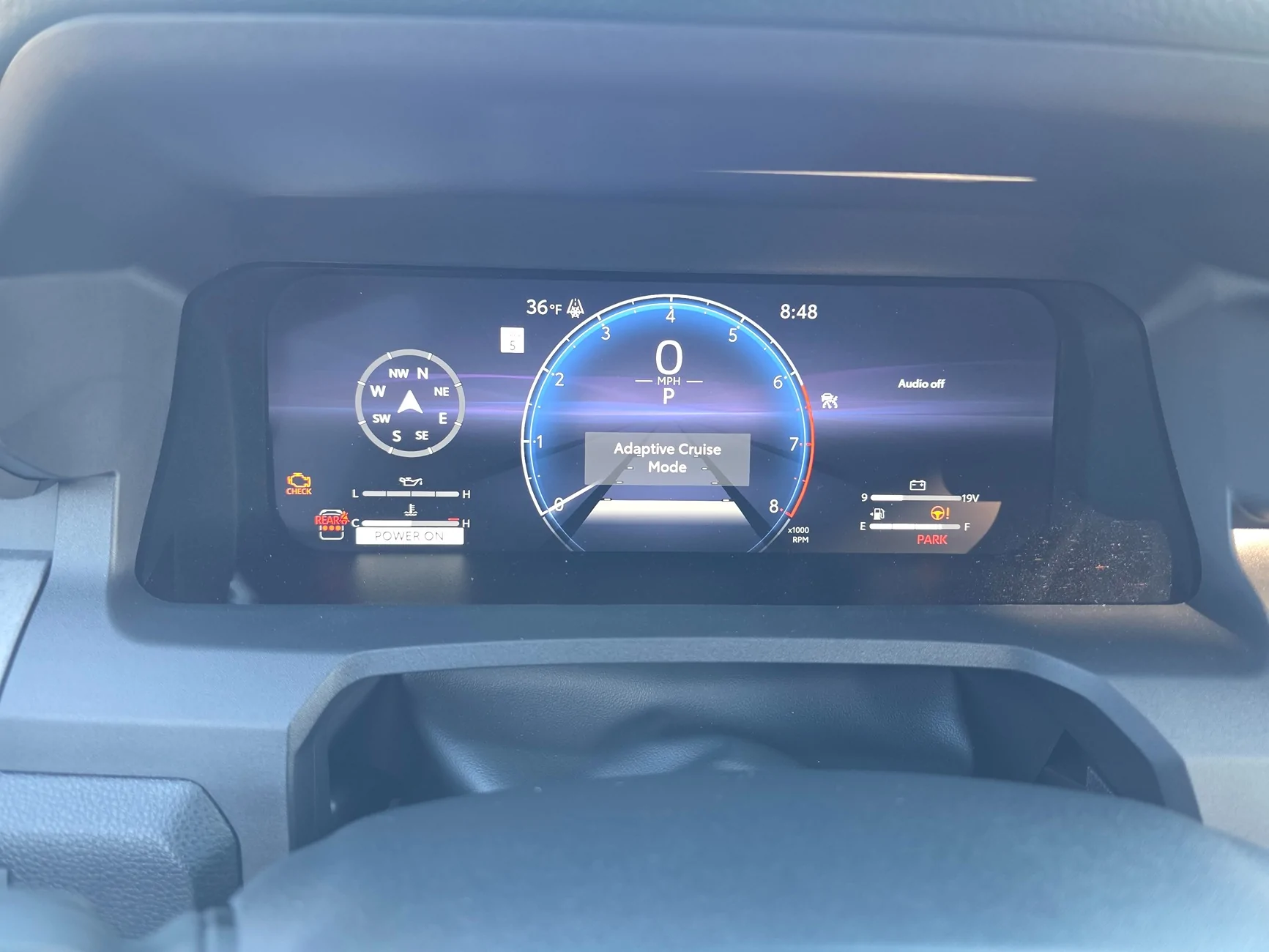
forgot to add for those with HUD, going from adaptive to normal cruise control, your hud will show a tach bar vs the radar distance bars in the hud screen depending on how you setup your hud settings.

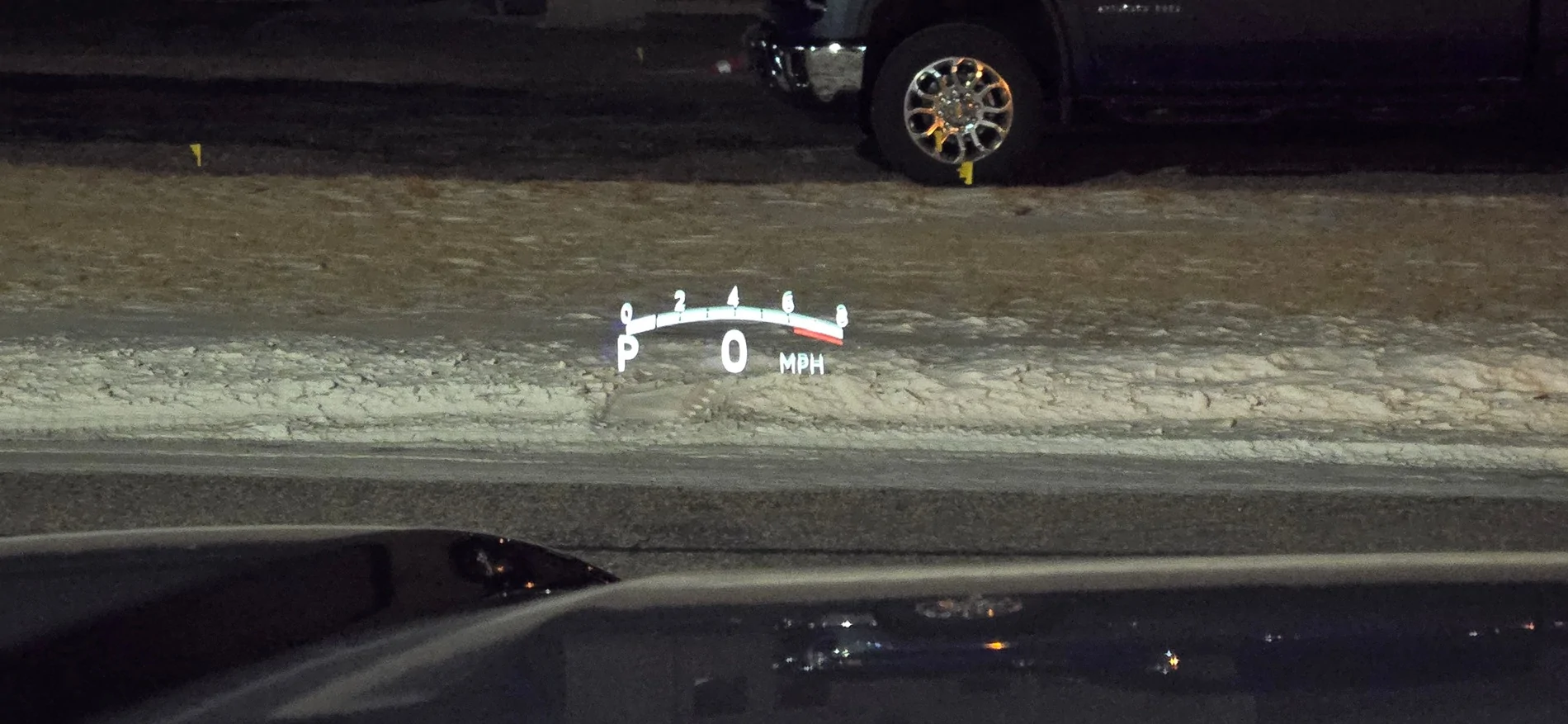
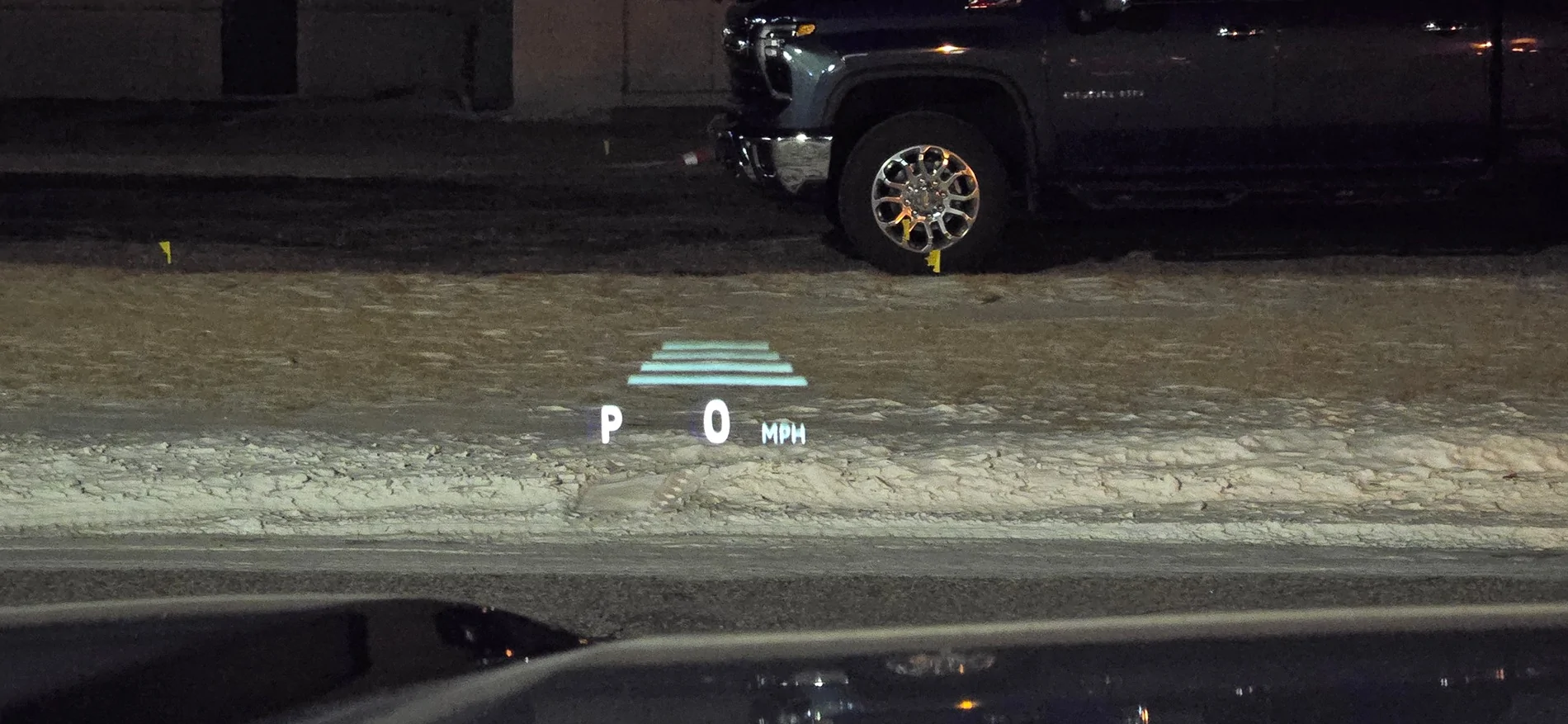
20260129_065403.webp


20260129_065356.webp
Does the HUD display any other data? Like Nav?
Sponsored


jaymay82

SR5
Well-known member
Joined
Mar 17, 2025
Threads
4
Messages
69
Reaction score
64
Location
Honolulu
Vehicle(s)
'21 SR5 Super White, '25 SR5 Underground
For us peons that have SR5s, I do have some gauge cluster envy.

I will say that the single gauge setup is the way to go.
 

Nodak

Platinum
Well-known member
First Name
JR
Joined
Jan 22, 2025
Threads
38
Messages
2,091
Reaction score
1,179
Location
ND
Vehicle(s)
2025 4R Platinum Heritage Blue , 2023 Tundra Platinum Blueprint no-HV
Does the HUD display any other data? Like Nav?
i guess it does/can. i just never use the nav. if i go on long trips i use my 7in garmin. already have my route pre-built into it for my bi-annual trip from ND to ATL to see my mom.

i built it using garmin basecamp so it follows what i exactly want for the roads i want to travel on and what cities i want to go thru and what interstate bypasses i want to take around big cities.

but thats just my preference.

for places i have never been to i just use my phone and let it verbal my directions. inside the state i rarely use the nav on my phone or vehicle since i just have to see it on a map and can pretty much remember key landmarks to get around.

ND is a pretty easy state to travel without a nav, only have like 3 big cities to worry about needing a nav at best.

bismarck took a few years to no longer need a nav, fargo is a bit harder since the daughter moved to a new house so i have to relearn that to memory and how to get around based on her house now.
 

bakutheleo

TRD Off-Road Premium
Well-known member
First Name
Andy
Joined
Jun 8, 2025
Threads
0
Messages
274
Reaction score
128
Location
CA
Vehicle(s)
2025 4Runner i-Force Max
I am with you, @Nodak, I was reading the manual before I received the vehicle. I do tend to read manuals on most everything though. I still need to take the time to customize all 3 views, but my default view is similar to your #1 except the gauge style (I think the one I use is called "Rugged"). I did play with gauge configurations for a while, then settled on the one gauge version and liked that much better. I found I always looked at the digital speed indicator rather than dial, so having just the tach there (which I do look at) and digital speed is more useful and saves a lot of space.
 

Nodak

Platinum
Well-known member
First Name
JR
Joined
Jan 22, 2025
Threads
38
Messages
2,091
Reaction score
1,179
Location
ND
Vehicle(s)
2025 4R Platinum Heritage Blue , 2023 Tundra Platinum Blueprint no-HV
I am with you, @Nodak, I was reading the manual before I received the vehicle. I do tend to read manuals on most everything though. I still need to take the time to customize all 3 views, but my default view is similar to your #1 except the gauge style (I think the one I use is called "Rugged"). I did play with gauge configurations for a while, then settled on the one gauge version and liked that much better. I found I always looked at the digital speed indicator rather than dial, so having just the tach there (which I do look at) and digital speed is more useful and saves a lot of space.
yeah the single gauge de clutters a lot of info and spreads it out somewhat so its easier to compartmentalize the info once you get use to the locations of items.

still trying to get use to the hud tach instead of looking down, i tend to use the gear shift and down shift into 45 degree on ramps to the highway here, kinda fun but the xreas system on the 5th gen made it way more fun and i could get a better exit speed than the new 4R. but it may be due to these crappy grandtrek's, they just absolutely suck in everything.
 

BonRunner

TRD Sport Premium
Well-known member
Joined
Dec 2, 2025
Threads
7
Messages
211
Reaction score
226
Location
Montana
Vehicle(s)
2026 TRD Sport Premium / WCP
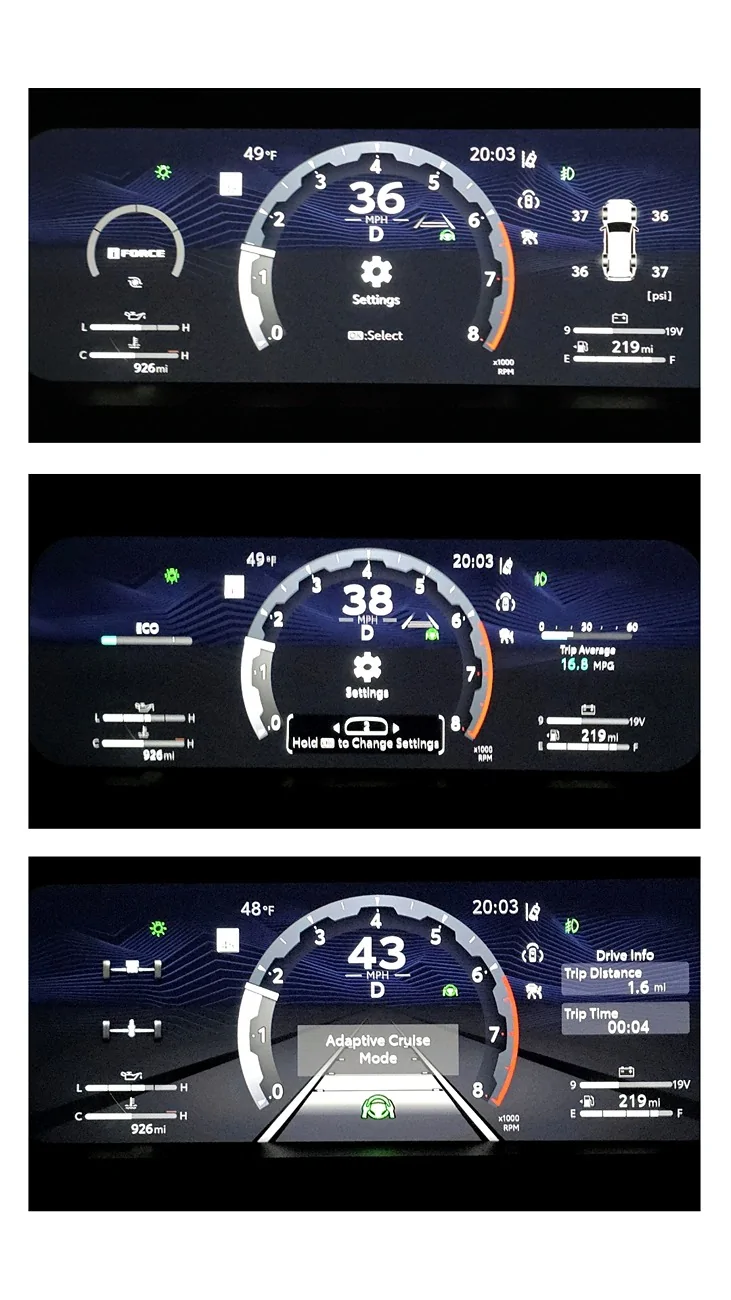
Was going with the "Smart" style for a bit but back to "Tough" for better readability. Feel like I could do better with the configuration 😅

2025 4runner 6th gen What does your gauge cluster look like? Post pics of your configuration! story_1769918061813
 

4score

TRD Off-Road Premium
Member
First Name
Mark
Joined
Feb 25, 2026
Threads
2
Messages
16
Reaction score
13
Location
Auburn, CA
Vehicle(s)
2026 TRD Off-Road Premium i-Force Max
If someone tells me how I can get rid of the cruise control icon from always being there I will kiss them

There are two main reasons the cruise control icon might constantly be on your screen: the system is turned on/in standby, or your instrument cluster is set to keep the "Driving support system information display" widget active. Here is how to get rid of it:

**1. Change or Disable the Multi-Information Display Widget**
Your display is likely set to the "Driving support system information display" which actively shows the status of features like Cruise Control, Lane Tracing Assist, and the Pre-Collision System. To change this to something else (like fuel economy or a compass):
* Press and hold the **OK** button on your steering wheel's meter control switches to bring up the cursor in the center of the display.
* Press the **<** or **>** arrows to move the cursor to the specific area (left, center, or right) where the cruise control icon is stuck.
* Press the **^** or **v** arrows to scroll through the menu and select a different display item.

If you want to completely disable this specific widget so it doesn't show up when you scroll:
* Press and hold **OK** to display the cursor.
* Use **<** or **>** to select the applicable content area.
* Press the **^** arrow to bring up the full contents list.
* Use the **^** or **v** arrows to select the driving support item, and press **OK** to disable it from your list of available screens.

**2. Turn Off the Driving Assist System**
If you are seeing the white or green cruise control indicator light, the system is turned on or in standby mode.
* To turn the system completely off, press the **cancel switch** or the **driving assist switch** on your steering wheel.
Sponsored


Top