
- Thread starter
- #1
First, a thank you and apology to Florent and all the great folks at @Wolfbox - this review is a long time coming - much longer than promised. And after a high level overview/summary of perspectives will cover all the ground I've covered: research, installation challenges, use experience, etc. So here we go....
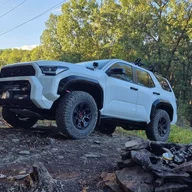
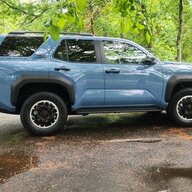
Caveat: This experience is specific to my installation on a TRD ORP with Tow Package and digital mirror - and the Toyota integrated dash cam. (So has some comparisons to those features.)
Overall perspective: Great product and packaging. Non-trivial to install but excellent performance. I really like the application that integrates the three views and the inclusion of GPS data giving me an accurate highway speed (since I have bigger tires that means my speedometer is off) and a great map view with the videos in the app. Details and images/videos below. And once I figured out how to route the camera cable through the fire wall there are lots of possibilities for camera placement to achieve different objectives. (I'm still struggling to find a way to get the rear camera outside and low, however.)
Toyota Complaint : My 6G4R came with lots of cameras - one in the mirror (rear view) and at least 5 more that show up in various views on the big 14" monitor (front, rear, side view mirrors, under front?, other?). I love the images in real time (especially in MTS) but have been frustrated that I cannot save any of them. This led me to purchase the Toyota front camera that at least gives me a recording feature. But the Wolfbox G900 is much more - three cameras all with ability to record.
(The fact that my OEM mirror connected to a camera that I may no longer see seems wasteful - and I'm still uncertain whether the camera that shows on the big monitor when in reverse is the same or different than the one that showed on the rear view mirror)
Recommended G900 Improvements:
1. Better 5G4R-Specific Installation Instructions. More on this under "research" below.
2. Provide a hardwire capability that is specific to the 6G4R. Here is example where a competitor did this: FITCAMX power cable for Toyota. I would have bought this part (inexpensive) and connected with solder-seal shrink connectors except I had already bought Posi-Taps to connect into wiring where OEM camera connects - which worked great. But a more vehicle custom solution is really needed when there is a connecter RIGHT THERE that is designed for precisely this function.
3. HomeLink Functionality. OK, this is a bit of wishful thinking but I miss having the integrated HomeLink function that was on my OEM mirror. So I'm back to having unreliable remotes on my visor. (Damn remote works to open the door from the street but won't reliably close the door when I'm 15 feet away - uggh - but HomeLink on OEM mirror worked every time).
4. Improved OEM mount/ball joint. The mount is "stiff" and its difficult to find the right spot for use as an actual mirror (the actual Toyota mirror is very smoothly adjustable).
My G900 Experience - so far...
Saturday 11/23- Sunday 11/24/25 - Package Arrives/Unpacking
Excited that its here but limited time over the next week to install.

11/23 too 12/7 Researching
Can I get it installed before planned off-road excursion on 12/6? Turns out no.
Lots of installation questions.
Unfortunately, the WolfBox site only had a video specific to Bronco. WolfBox Site with Bronco installation video, and a very generic installation guide WolfBox Smart Mirror Installation - nothing specific to 6G4R.
There are, however, many installation videos for the 5G4R - and these are helpful because of similarity (e.g., K&G G900 install on 2020 4Runner).
The only 6G4R installation I could find was actually quite good - StickerFab G900 Install on 2025 4Runner - and this is where I got the idea for using the Posi-Taps to connect to existing OEM mirror wiring (which worked for me about 6 weeks later:>) But he he used the Donger solution for power that I think is unnecessary - and he didn't route the rear camera outside AND he didn't show exactly how to get through the fire wall grommet so I was making it all up.
As I was contemplating the power connection I found lots of good references for the fuse box: 6G4R fuse box details; 6G4R fuse box refs. And I did try routing to the inside fuse box but gave up when it was clear I would not be able to use the hardwire kit AND close the cover of the fuse box - and the other solution worked.
12/7/26: Installation Day 1/Strapping Everything Together
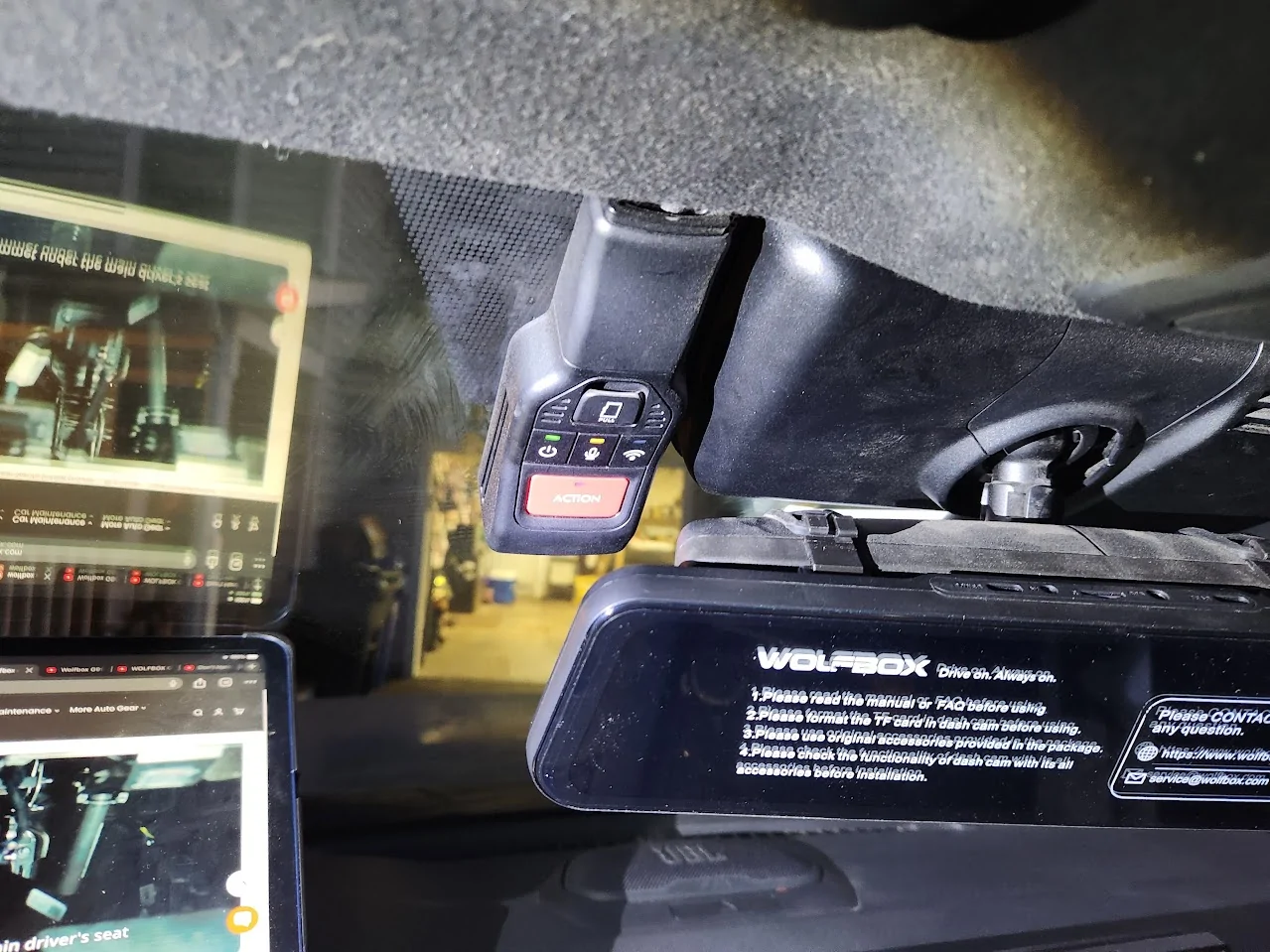
Original test run showing Wofbox strapped to my original mirror with my Toyota dash cam right in front of the Wolfbox mirror cam.

Test run with all three cameras working
12/20/25: Installation Day2
Taking apart the upper console to route wires (decision to use the replacement mount)
Routing rear camera - can't figure out how to get the cable to the license plate or the lower outside (decision to just get it attached inside and look through the window for now...)
Tried routing out the outside of liftgate but could not find a good path.
12/21/25: Install Day 3:
Removed OEM mirror to expose mount for "OEM Bracket"
OEM Mirror connectors removed
12/21/25: Inst Day 3
Firewall grommet - above left foot rest on driver's side:
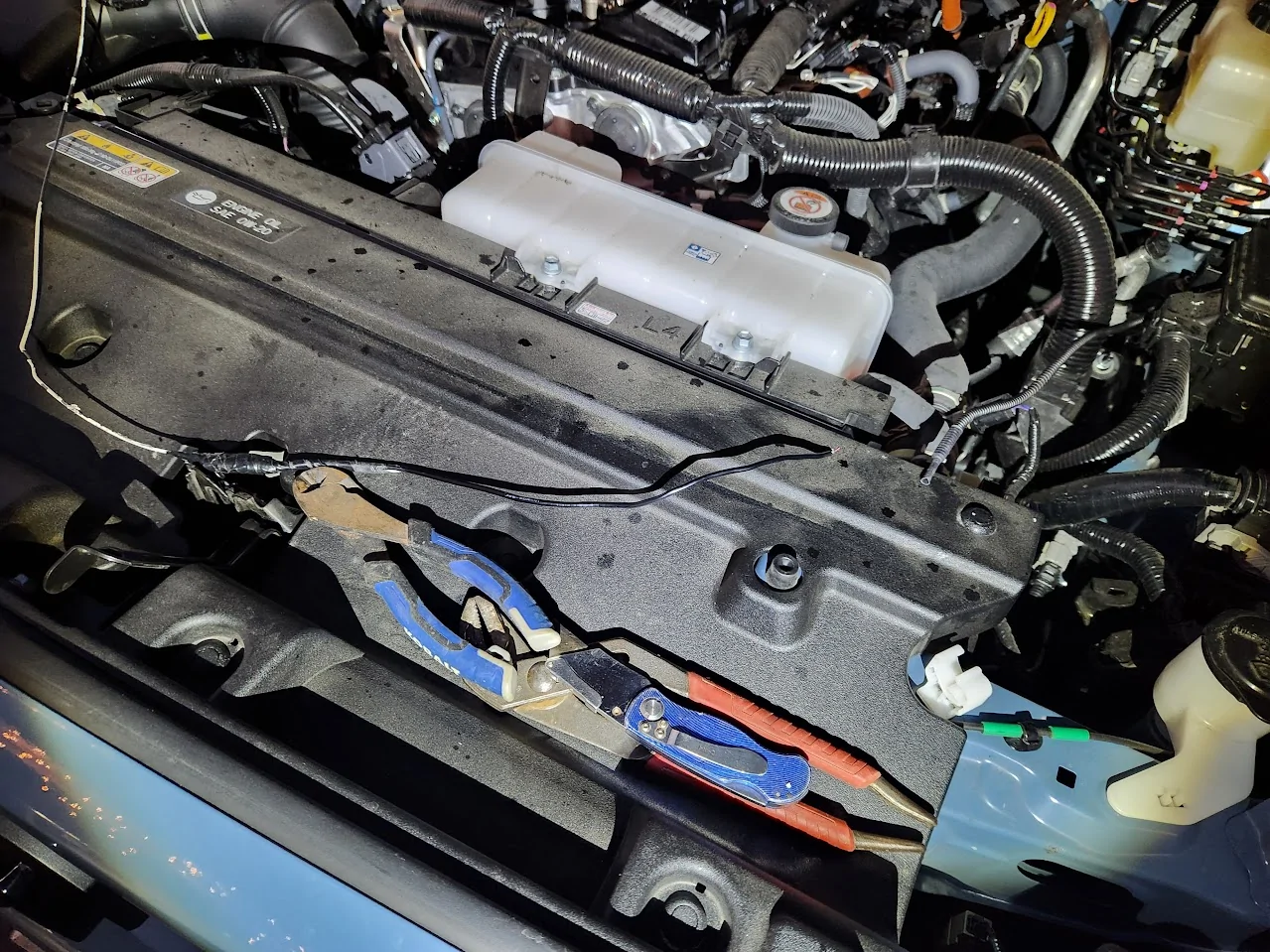
Firewall grommet from inside engine compartment
Wire hanger attached to bumper camera cable stuck in hole in firewall grommet. Pulled too hard and broke the cable (UGH). Lesson is to make sure that you are not pulling against a tangled cable - it was a tight fit for the connector through the hole I made in the grommet but it was the fact that the cable was tangled/knotted that caused the abject failure. Lesson learned.

Broken bumper camera cable.
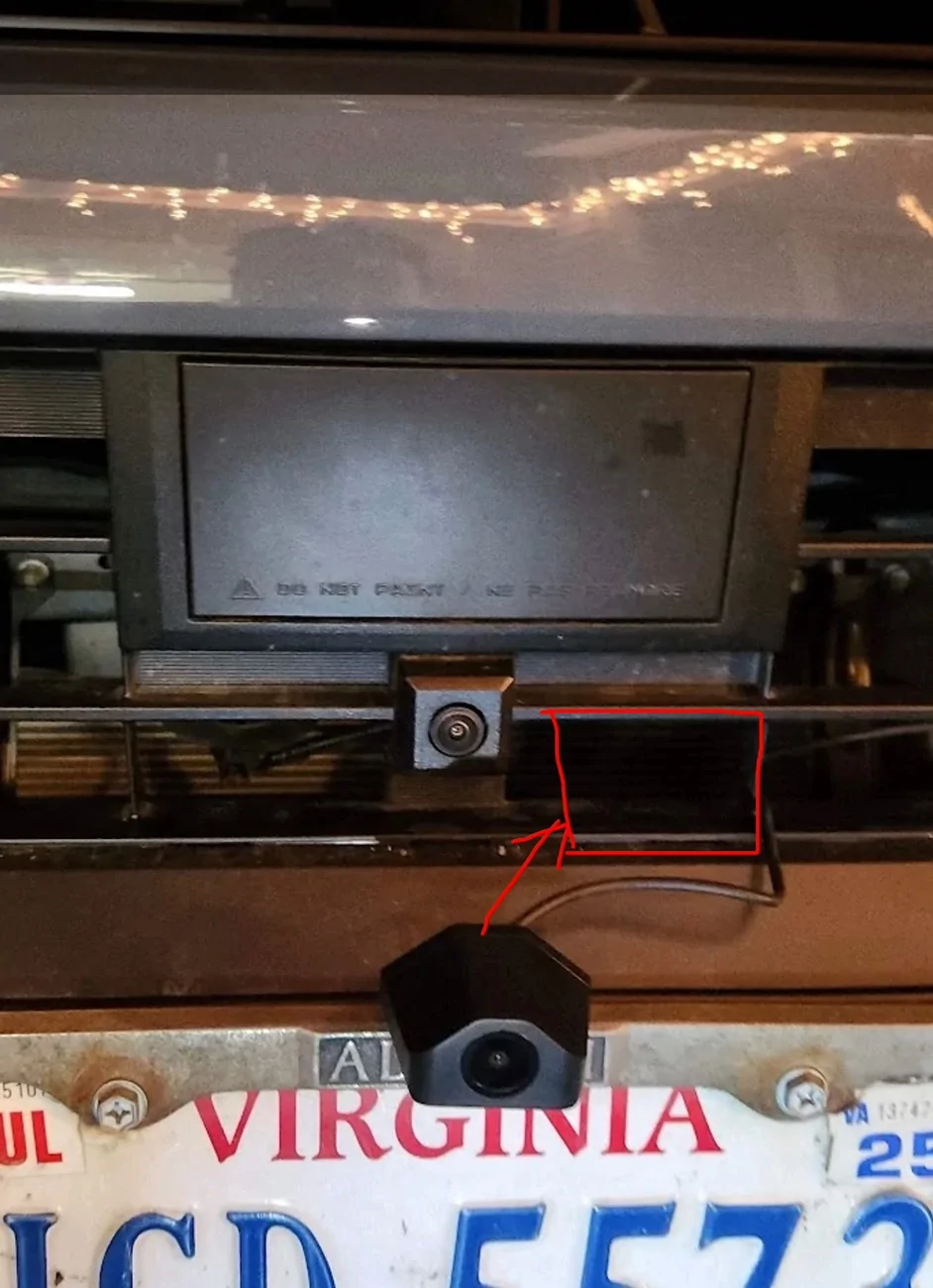
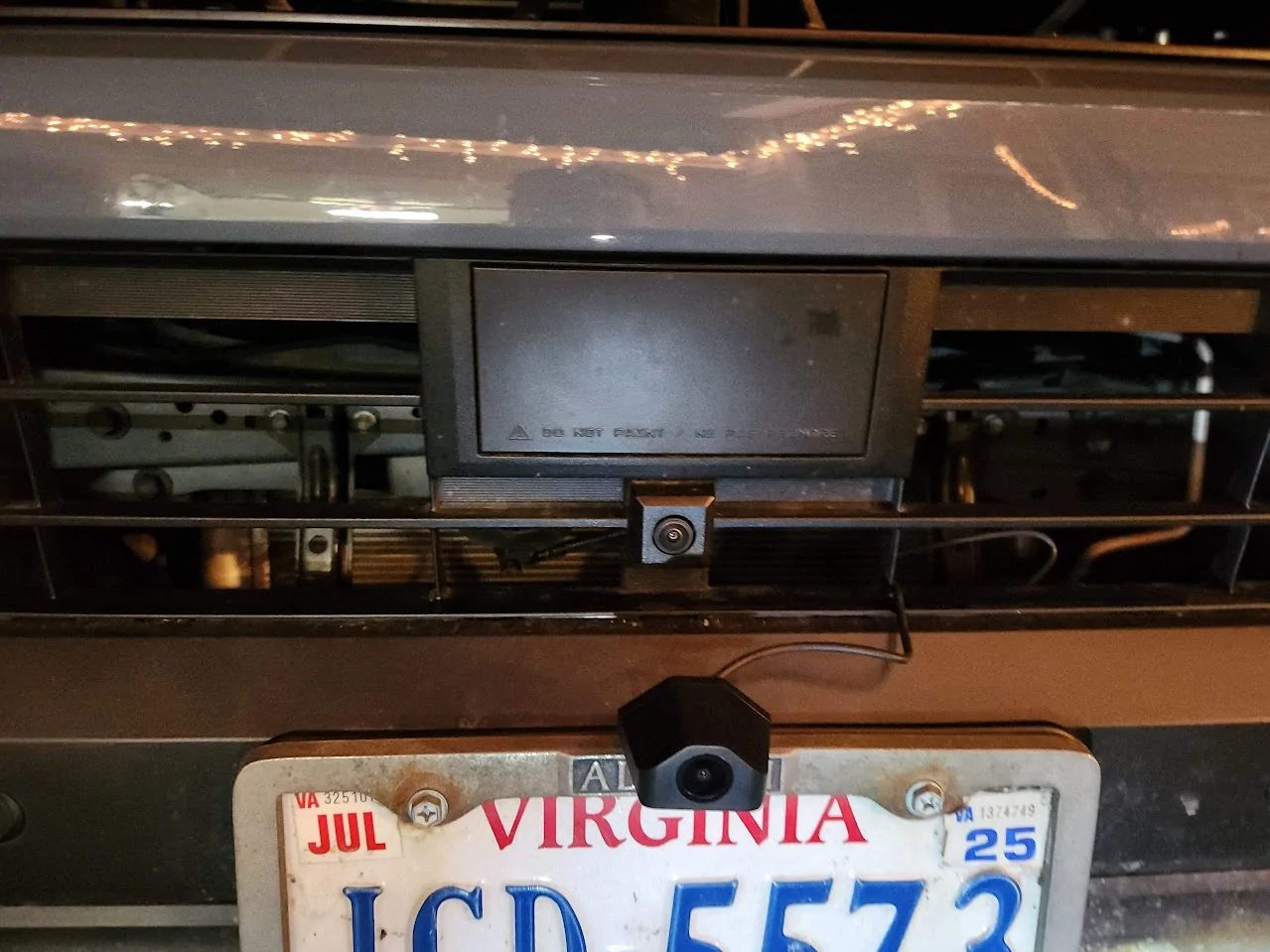
Front camera mounted on license plate bracket (just below OEM camera - yea - ends up interfering)
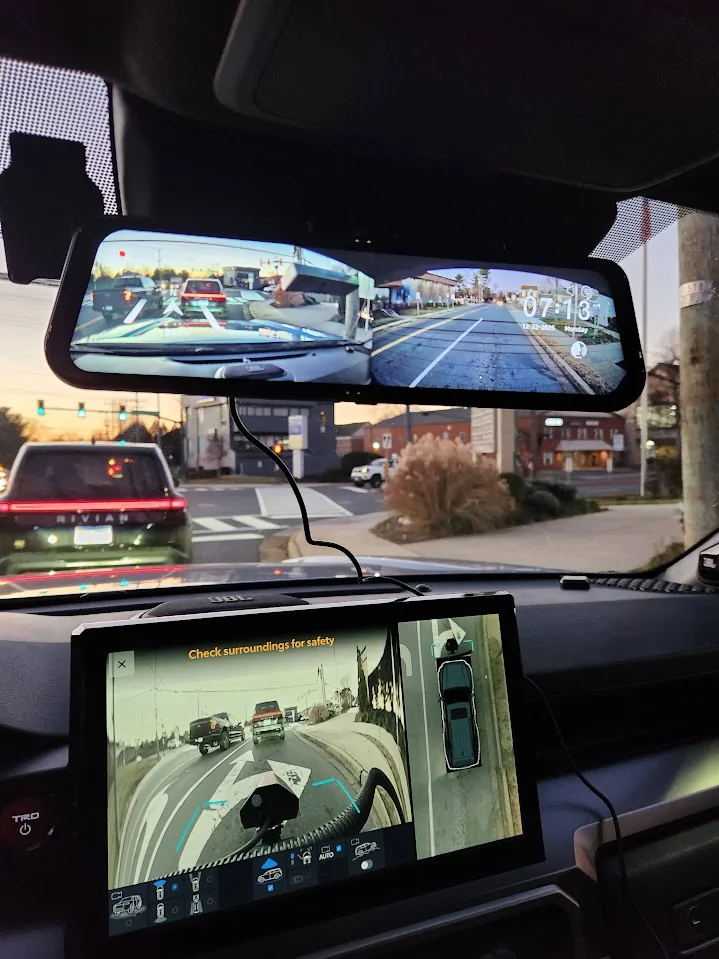
12/22/25: Two camera's working. See how bumper cam is in the way of main forward camera view - had a slightly negative impact on auto cruise lane control feature.
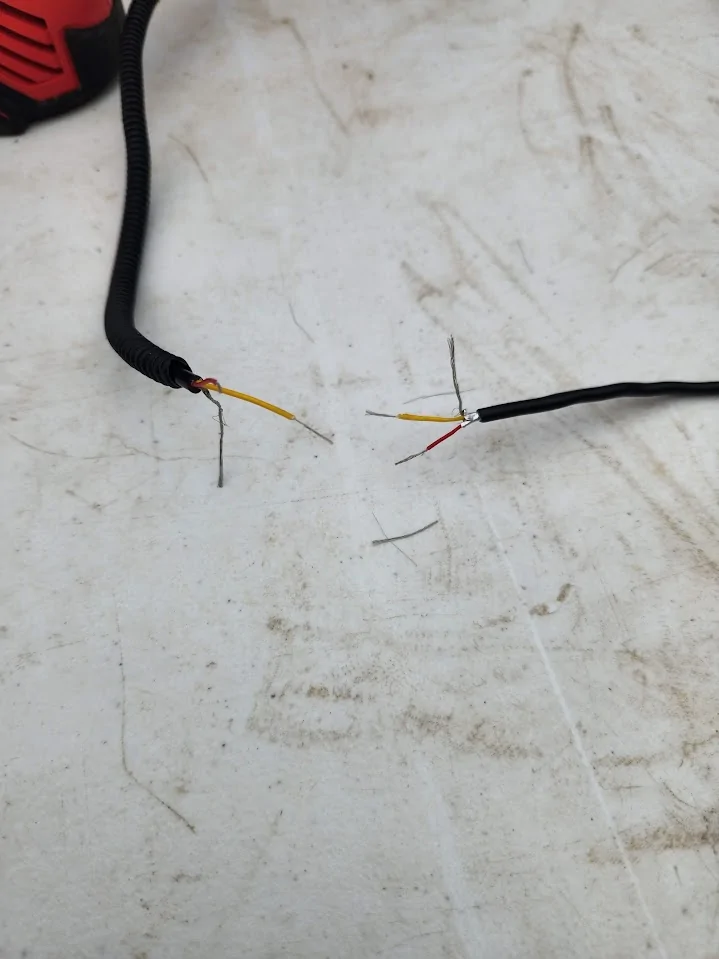
12/27/25: Inst Day 4: bumper camera cable repair (attempt unsuccessful (used solder seal connectors) - believe 4th pin needs to have continuity but did not have solution for connecting the shielding)
1/3/26: Off road day.
Still shot from Wolfbox mirror camera (think how cool the view from the bumper cam would be:>)

30 degree incline view with Multi Terrain Monitor front camera view obscured by Wolfbox bumper camera (and another reason I need to move it). Rear camera looking down at the ground:>)
Install Day 5: 1/17/26
Replacement bumper camera cable (and another camera) came in yesterday (Thanks Florint!!)
Below freezing outside so inside garage with heaters - including one to heat up the revised mounting spot for the camera.
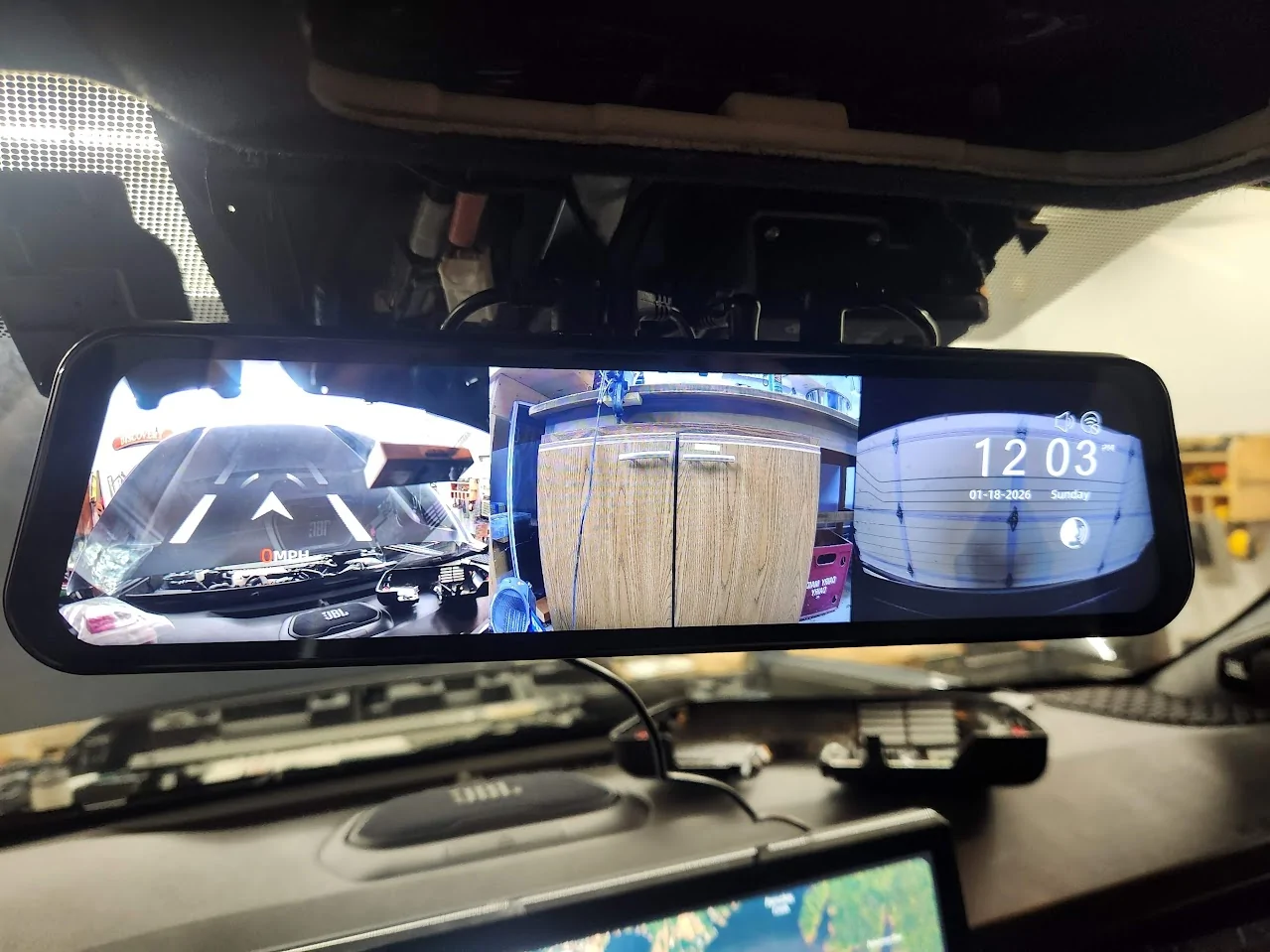
Testing that the new camera works - it does !!
New bumper cam mounting spot under license plate - avoid interaction with Toyota front camera and radar sensor.
And the camera still works!
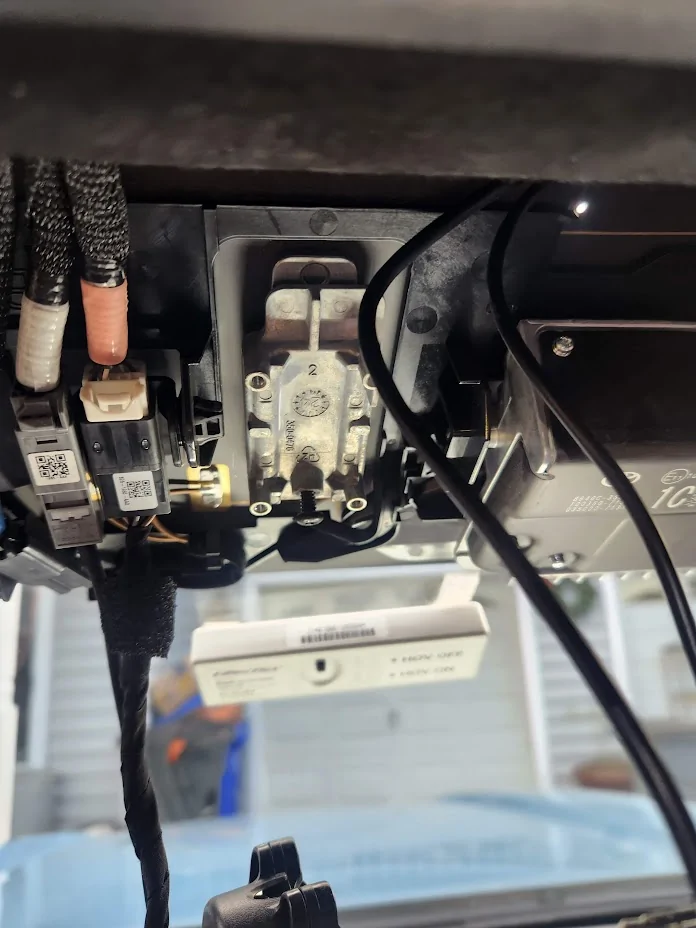
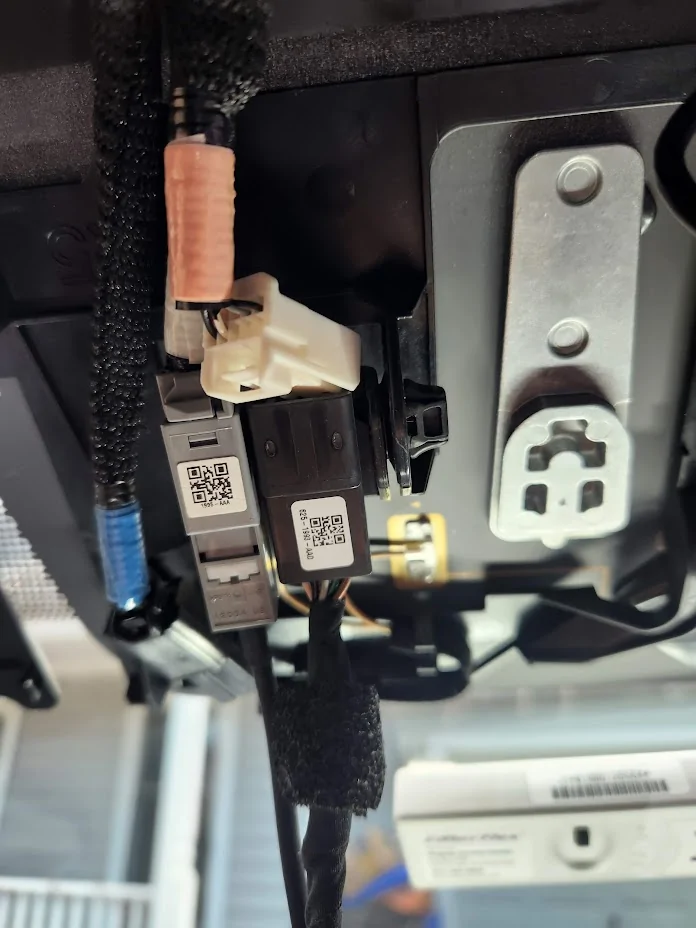
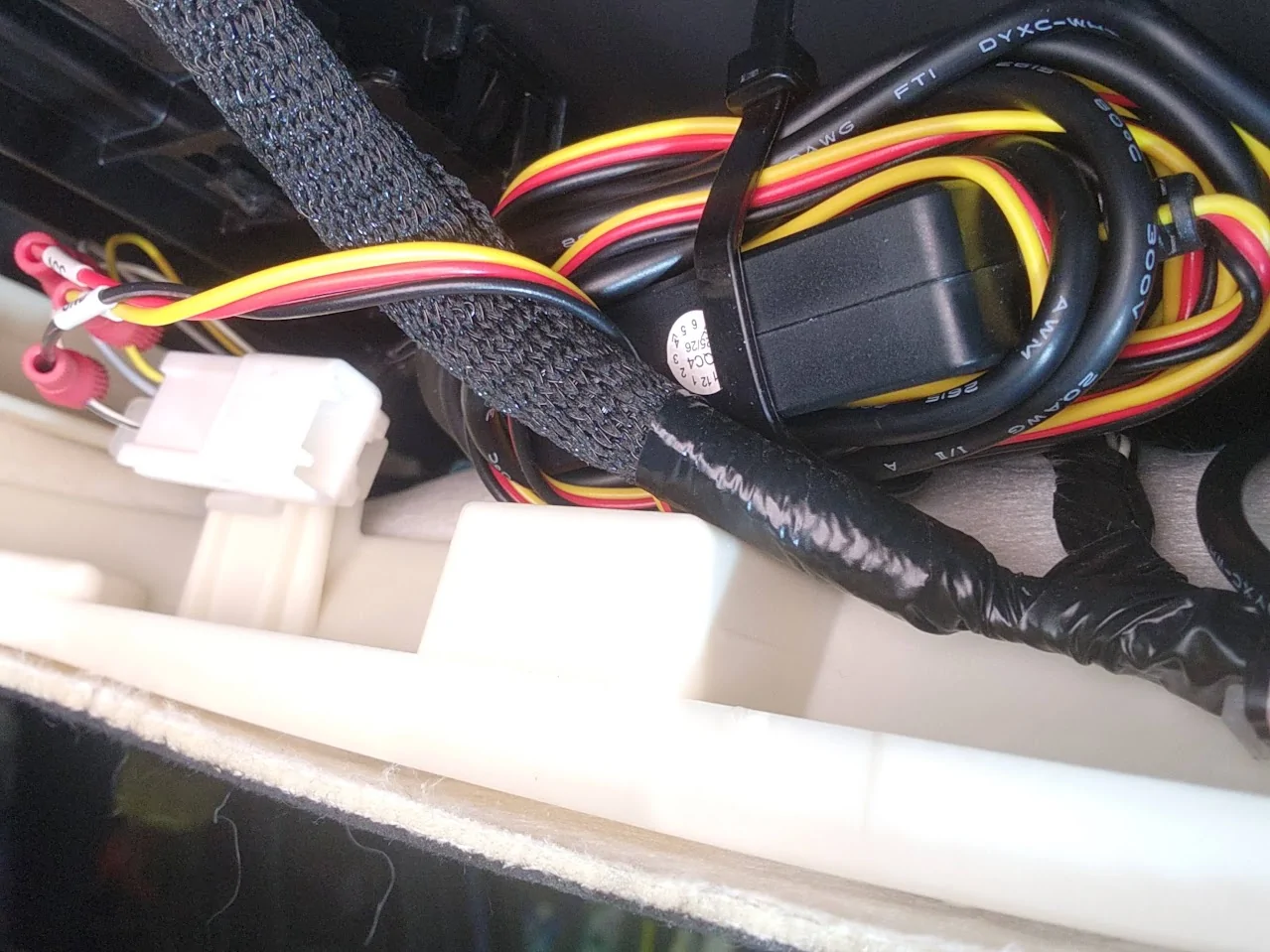
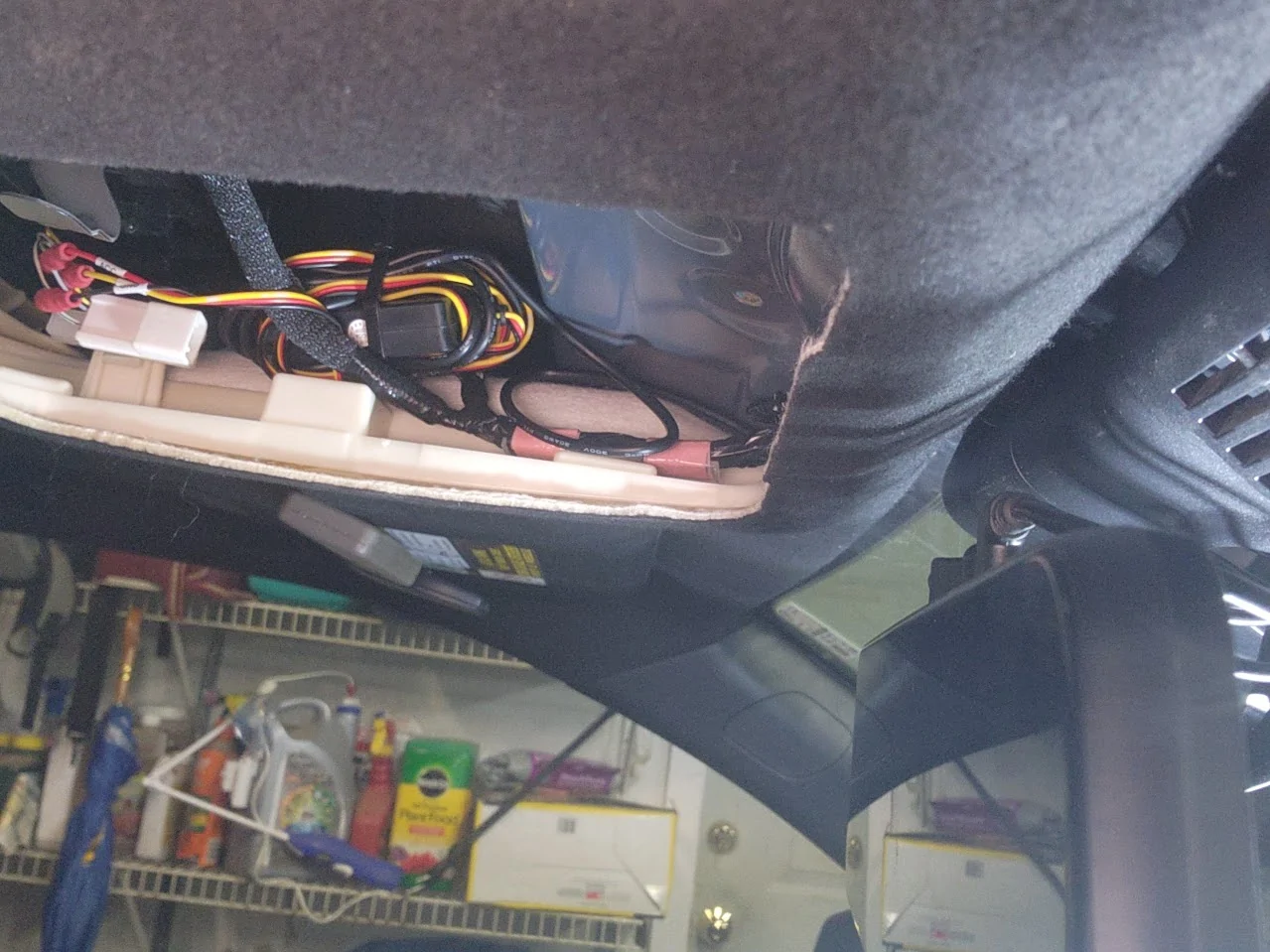
Unfortunately, I failed to take any photos of the PosiTap connection to the power feeding the OEM camera connector. I was able to snap the connector off of a bracket it was attached to and get access to the three wires. ~18 guage, I think. Cut the ends off the hardwire connector kit (red, yellow & black wires as described here: WolfBox Hardwire Kit Installation The PosiTaps I got worked great. I wrapped up all that extra wire that came with the hardware kit and stuffed it in to the left side of the area above the upper console - in front of the connector.
Will suggest again that a custom 6G4R solution that comes with less wire and the connector that goes into the existing connector that is MADE for this purpose would simplify things substantially (like this one: FitCam toyota connector )
Updating to show my power connection setup using PosiTaps. They DID work great but the power connection failed after a few weeks so I have ordered the FitCam toyota connector and hope the small PosiTap holes in the small wires (which I taped over) are not creating a permanant problem. We shall see. UPDATE: FitCam will not sell me the connector part without a FitCam order (Huh?) so looking for the connector - would hate to cut it off my OEM mirror but might have to do that.... Unless anyone knows how to find that connector that FitCam won't sell me??
I've not gotten on the trail since the bumper cam got installed but imagine the view from below the license plate during this excursion:>)
Caveat: This experience is specific to my installation on a TRD ORP with Tow Package and digital mirror - and the Toyota integrated dash cam. (So has some comparisons to those features.)
Overall perspective: Great product and packaging. Non-trivial to install but excellent performance. I really like the application that integrates the three views and the inclusion of GPS data giving me an accurate highway speed (since I have bigger tires that means my speedometer is off) and a great map view with the videos in the app. Details and images/videos below. And once I figured out how to route the camera cable through the fire wall there are lots of possibilities for camera placement to achieve different objectives. (I'm still struggling to find a way to get the rear camera outside and low, however.)
Toyota Complaint : My 6G4R came with lots of cameras - one in the mirror (rear view) and at least 5 more that show up in various views on the big 14" monitor (front, rear, side view mirrors, under front?, other?). I love the images in real time (especially in MTS) but have been frustrated that I cannot save any of them. This led me to purchase the Toyota front camera that at least gives me a recording feature. But the Wolfbox G900 is much more - three cameras all with ability to record.
(The fact that my OEM mirror connected to a camera that I may no longer see seems wasteful - and I'm still uncertain whether the camera that shows on the big monitor when in reverse is the same or different than the one that showed on the rear view mirror)
Recommended G900 Improvements:
1. Better 5G4R-Specific Installation Instructions. More on this under "research" below.
2. Provide a hardwire capability that is specific to the 6G4R. Here is example where a competitor did this: FITCAMX power cable for Toyota. I would have bought this part (inexpensive) and connected with solder-seal shrink connectors except I had already bought Posi-Taps to connect into wiring where OEM camera connects - which worked great. But a more vehicle custom solution is really needed when there is a connecter RIGHT THERE that is designed for precisely this function.
3. HomeLink Functionality. OK, this is a bit of wishful thinking but I miss having the integrated HomeLink function that was on my OEM mirror. So I'm back to having unreliable remotes on my visor. (Damn remote works to open the door from the street but won't reliably close the door when I'm 15 feet away - uggh - but HomeLink on OEM mirror worked every time).
4. Improved OEM mount/ball joint. The mount is "stiff" and its difficult to find the right spot for use as an actual mirror (the actual Toyota mirror is very smoothly adjustable).
My G900 Experience - so far...
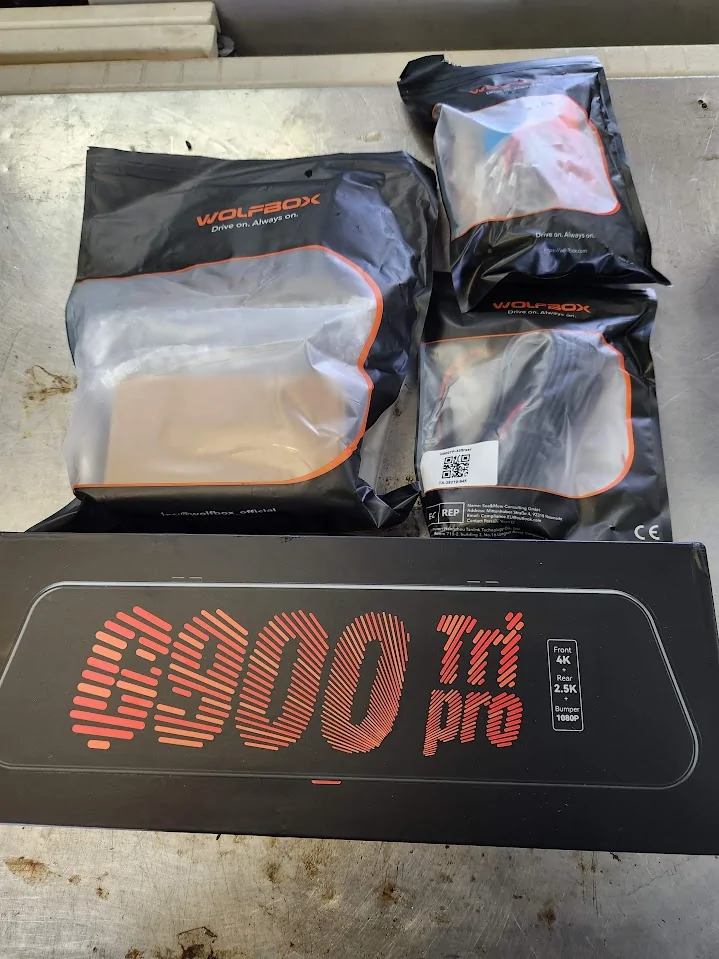
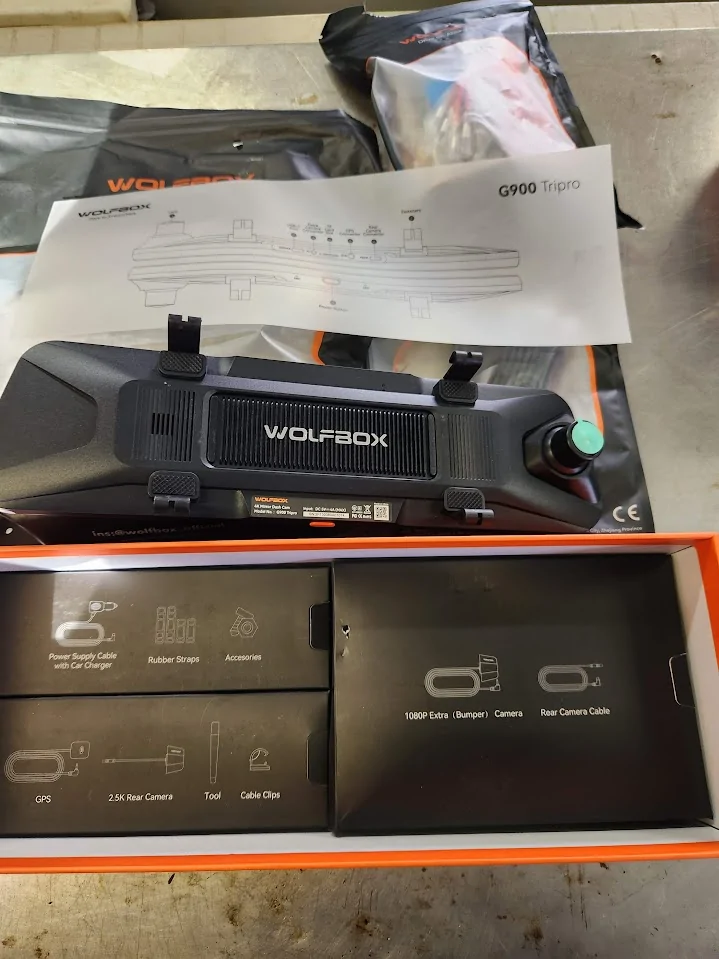
Saturday 11/23- Sunday 11/24/25 - Package Arrives/Unpacking
Excited that its here but limited time over the next week to install.
11/23 too 12/7 Researching
Can I get it installed before planned off-road excursion on 12/6? Turns out no.
Lots of installation questions.
Unfortunately, the WolfBox site only had a video specific to Bronco. WolfBox Site with Bronco installation video, and a very generic installation guide WolfBox Smart Mirror Installation - nothing specific to 6G4R.
There are, however, many installation videos for the 5G4R - and these are helpful because of similarity (e.g., K&G G900 install on 2020 4Runner).
The only 6G4R installation I could find was actually quite good - StickerFab G900 Install on 2025 4Runner - and this is where I got the idea for using the Posi-Taps to connect to existing OEM mirror wiring (which worked for me about 6 weeks later:>) But he he used the Donger solution for power that I think is unnecessary - and he didn't route the rear camera outside AND he didn't show exactly how to get through the fire wall grommet so I was making it all up.
As I was contemplating the power connection I found lots of good references for the fuse box: 6G4R fuse box details; 6G4R fuse box refs. And I did try routing to the inside fuse box but gave up when it was clear I would not be able to use the hardwire kit AND close the cover of the fuse box - and the other solution worked.
12/7/26: Installation Day 1/Strapping Everything Together
Original test run showing Wofbox strapped to my original mirror with my Toyota dash cam right in front of the Wolfbox mirror cam.
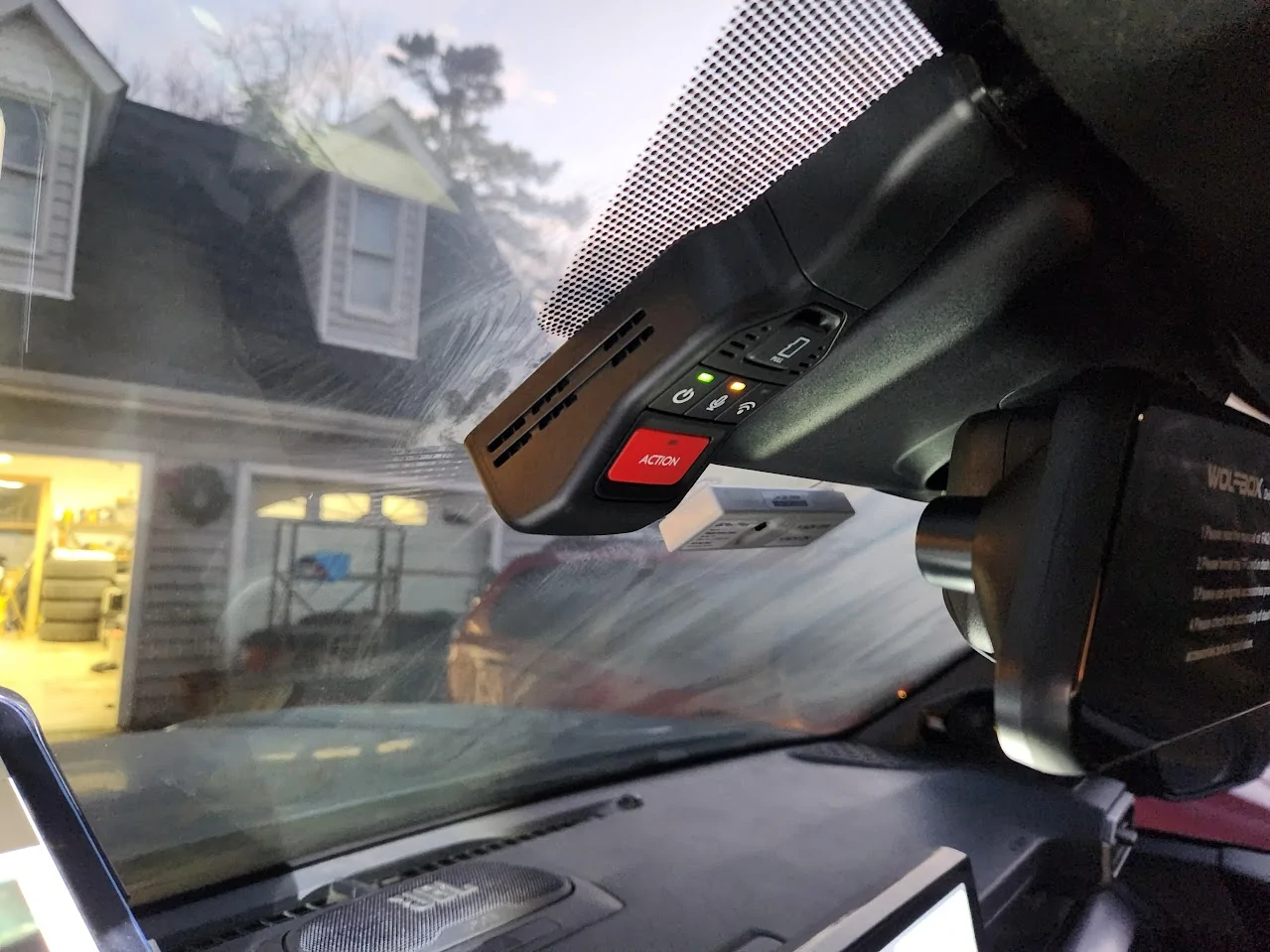
Test run with all three cameras working
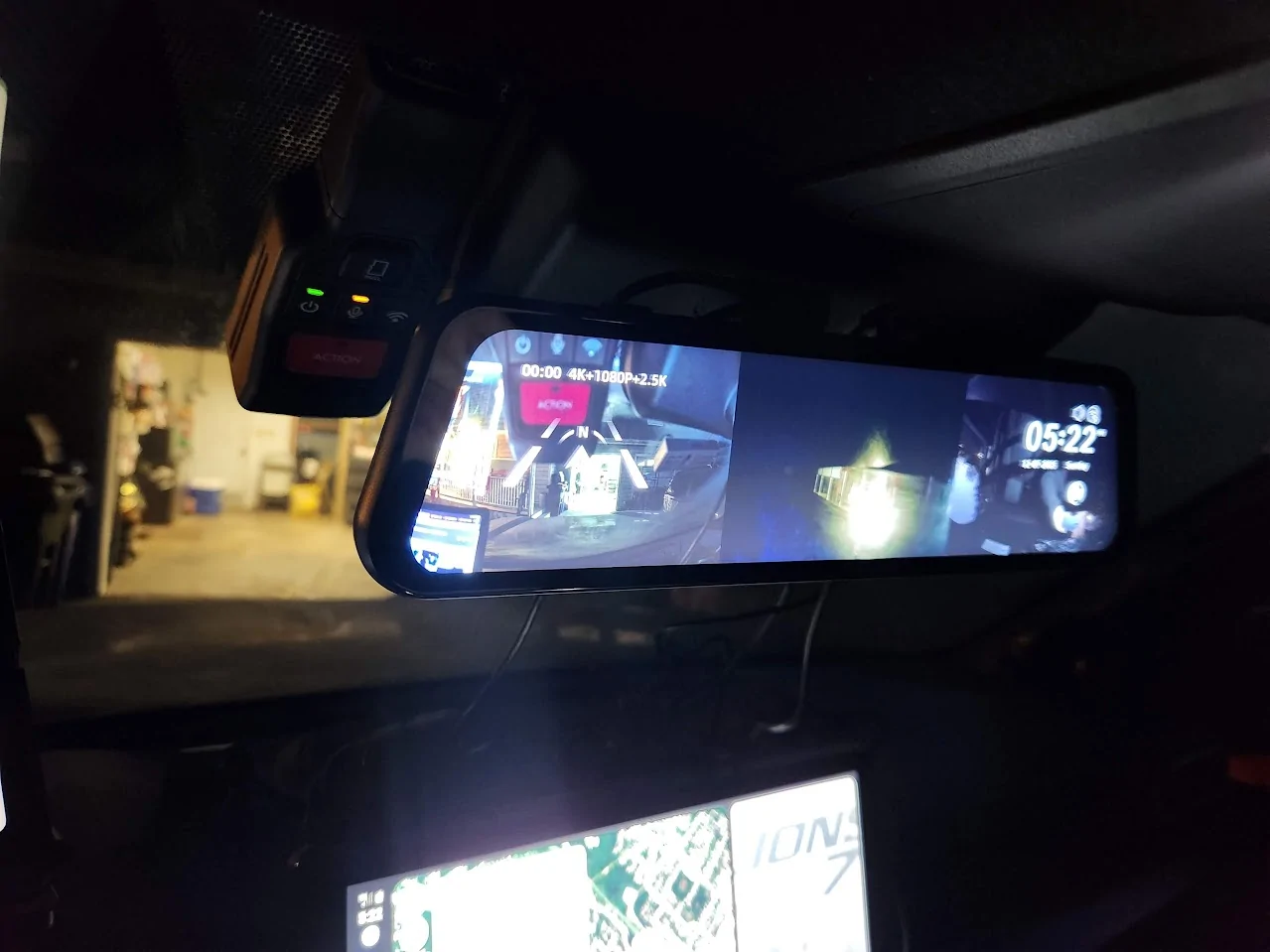
12/20/25: Installation Day2
Taking apart the upper console to route wires (decision to use the replacement mount)
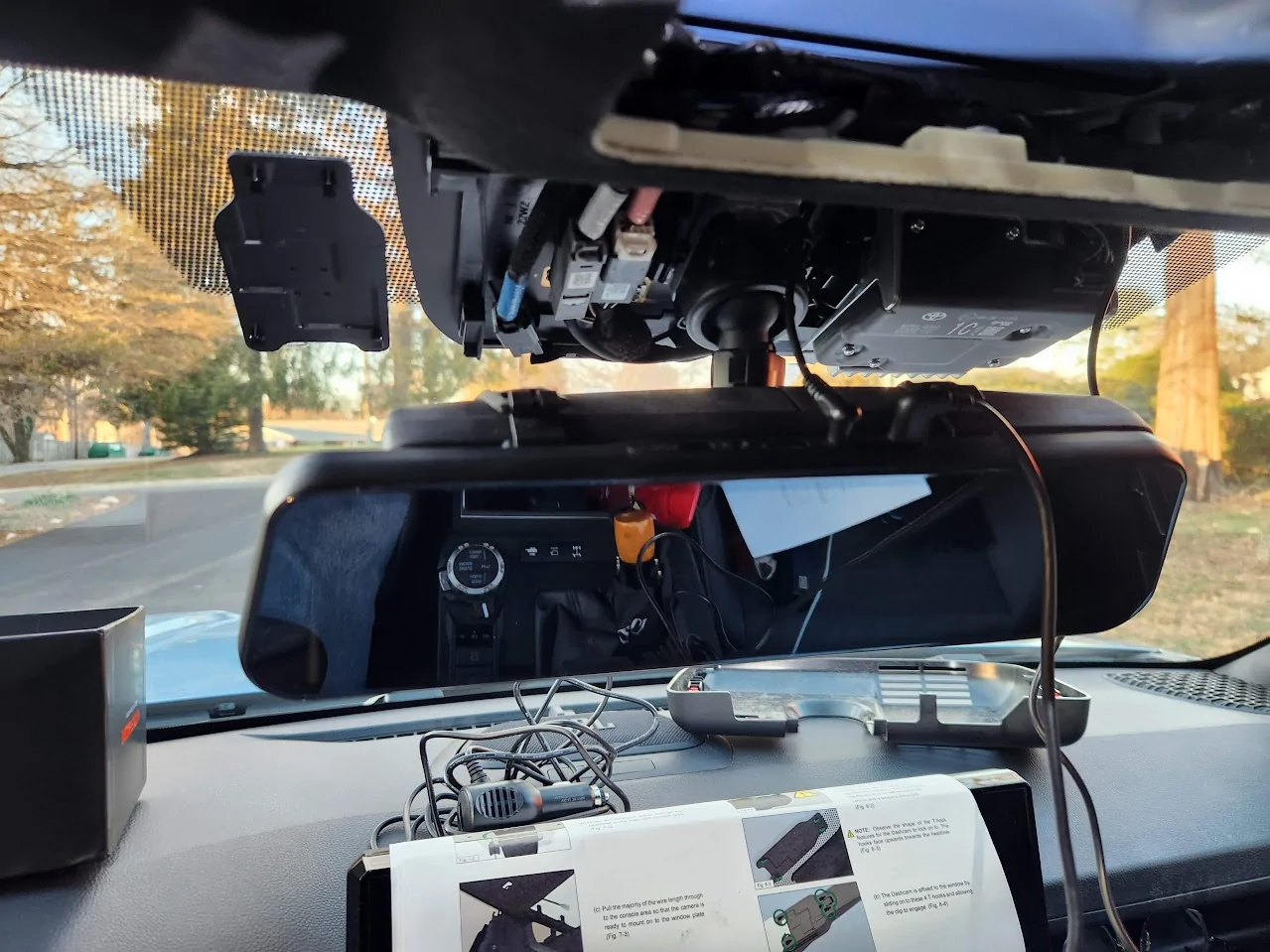
Routing rear camera - can't figure out how to get the cable to the license plate or the lower outside (decision to just get it attached inside and look through the window for now...)
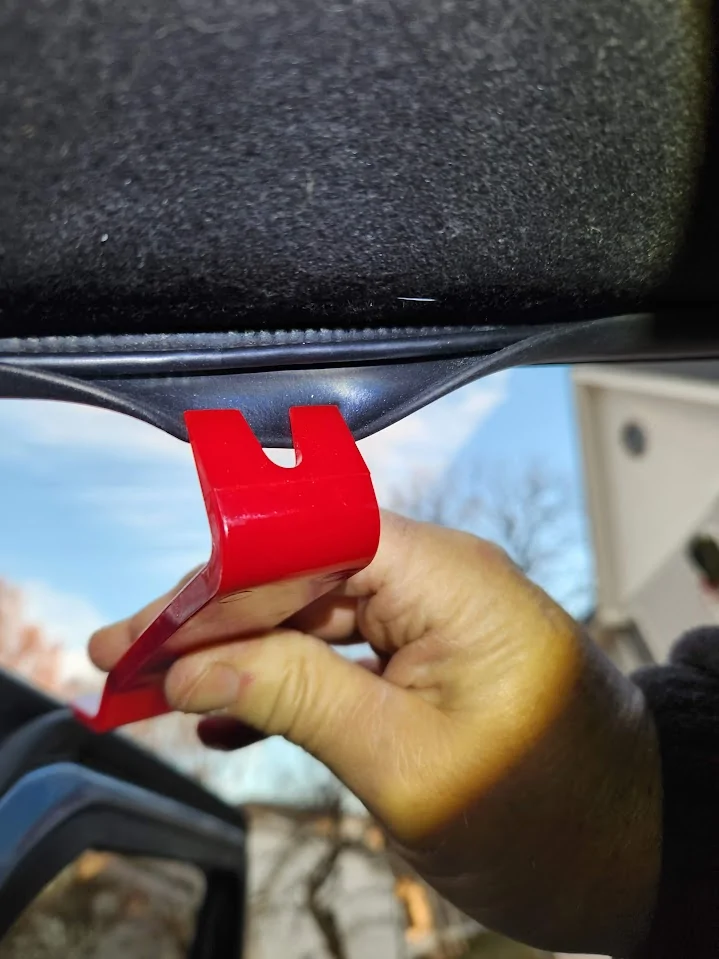
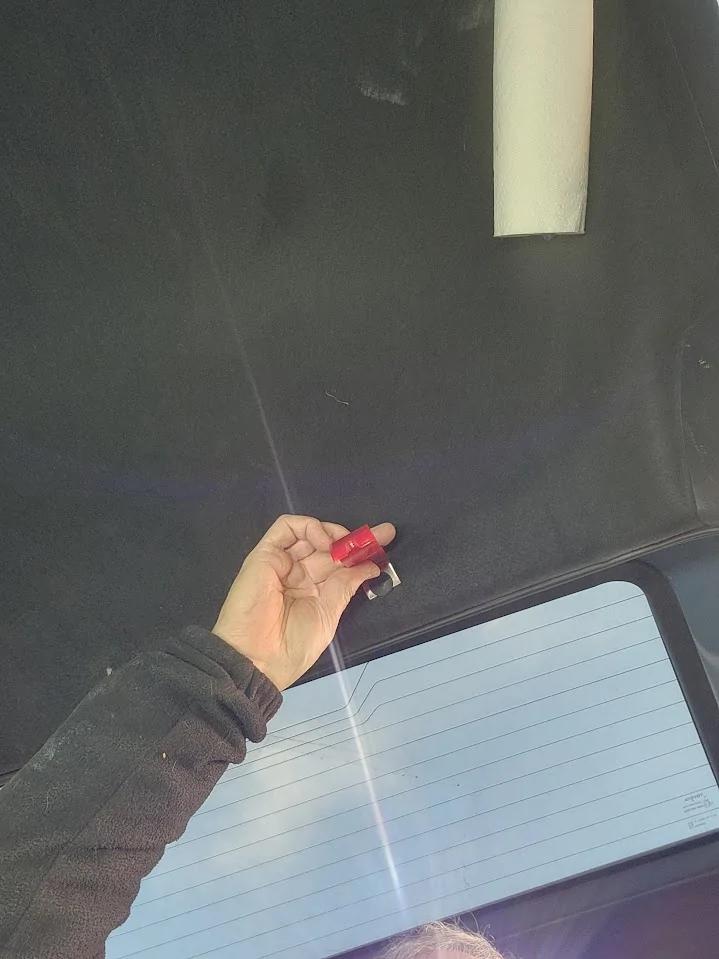
Tried routing out the outside of liftgate but could not find a good path.
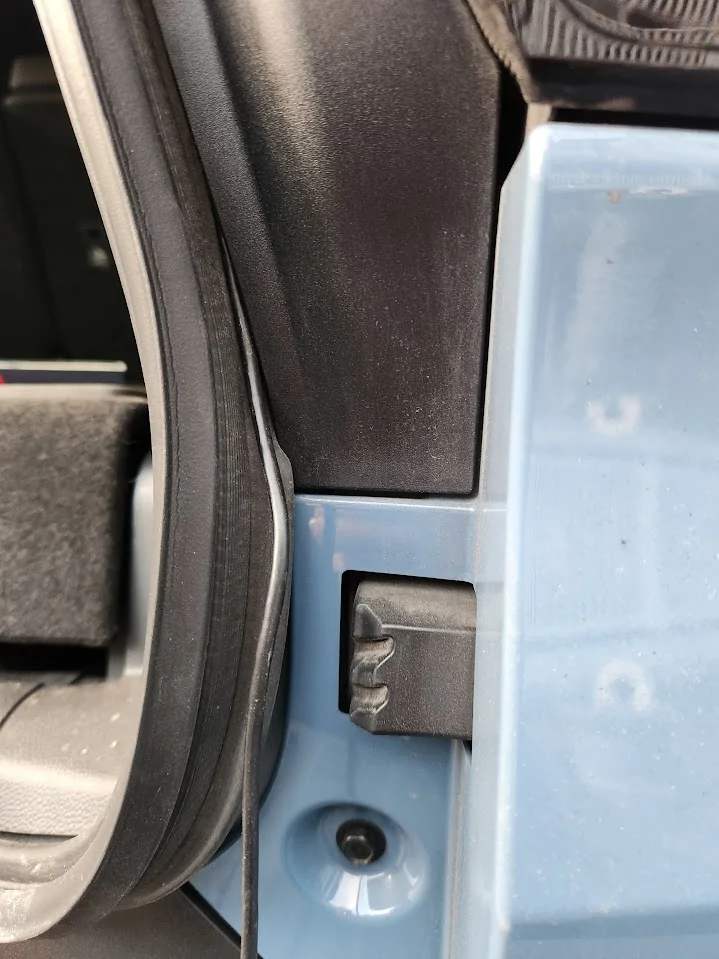
12/21/25: Install Day 3:
Removed OEM mirror to expose mount for "OEM Bracket"
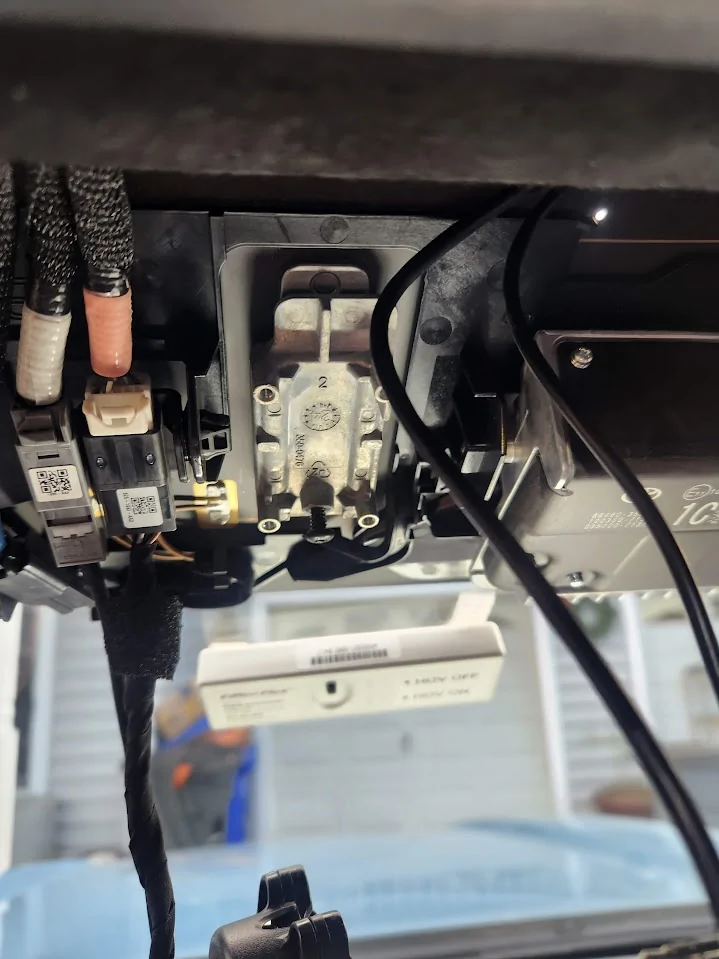
OEM Mirror connectors removed
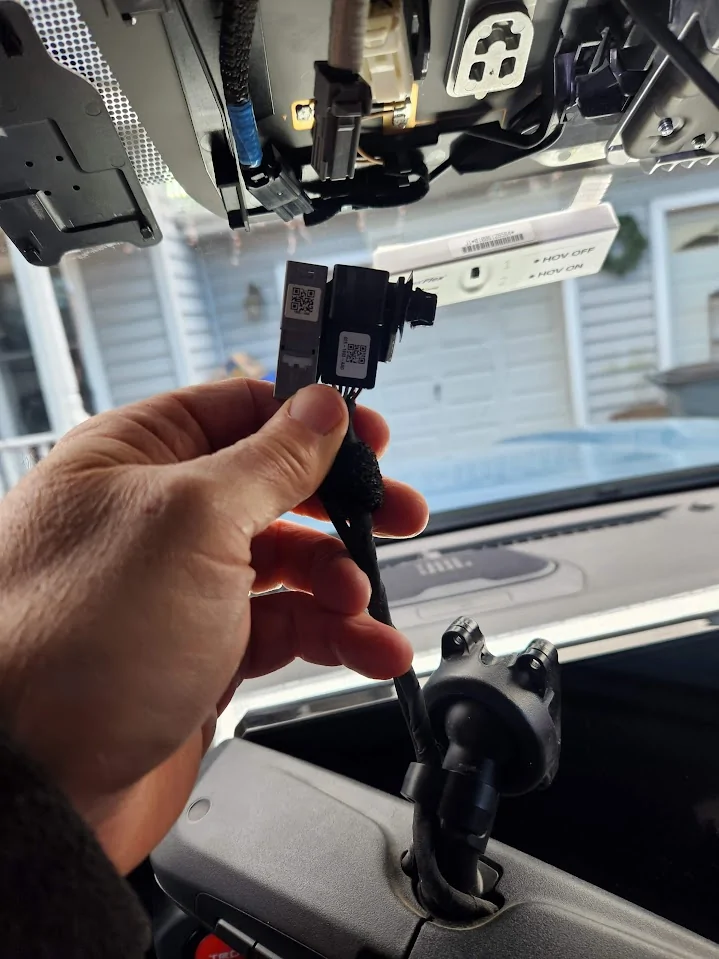
12/21/25: Inst Day 3
Firewall grommet - above left foot rest on driver's side:
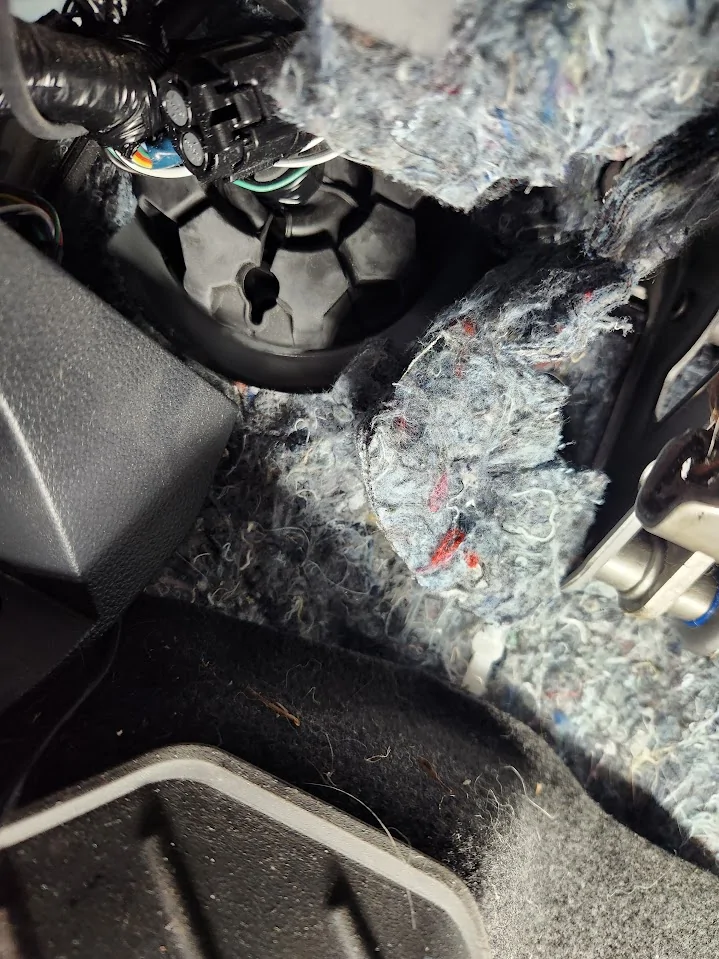
Firewall grommet from inside engine compartment
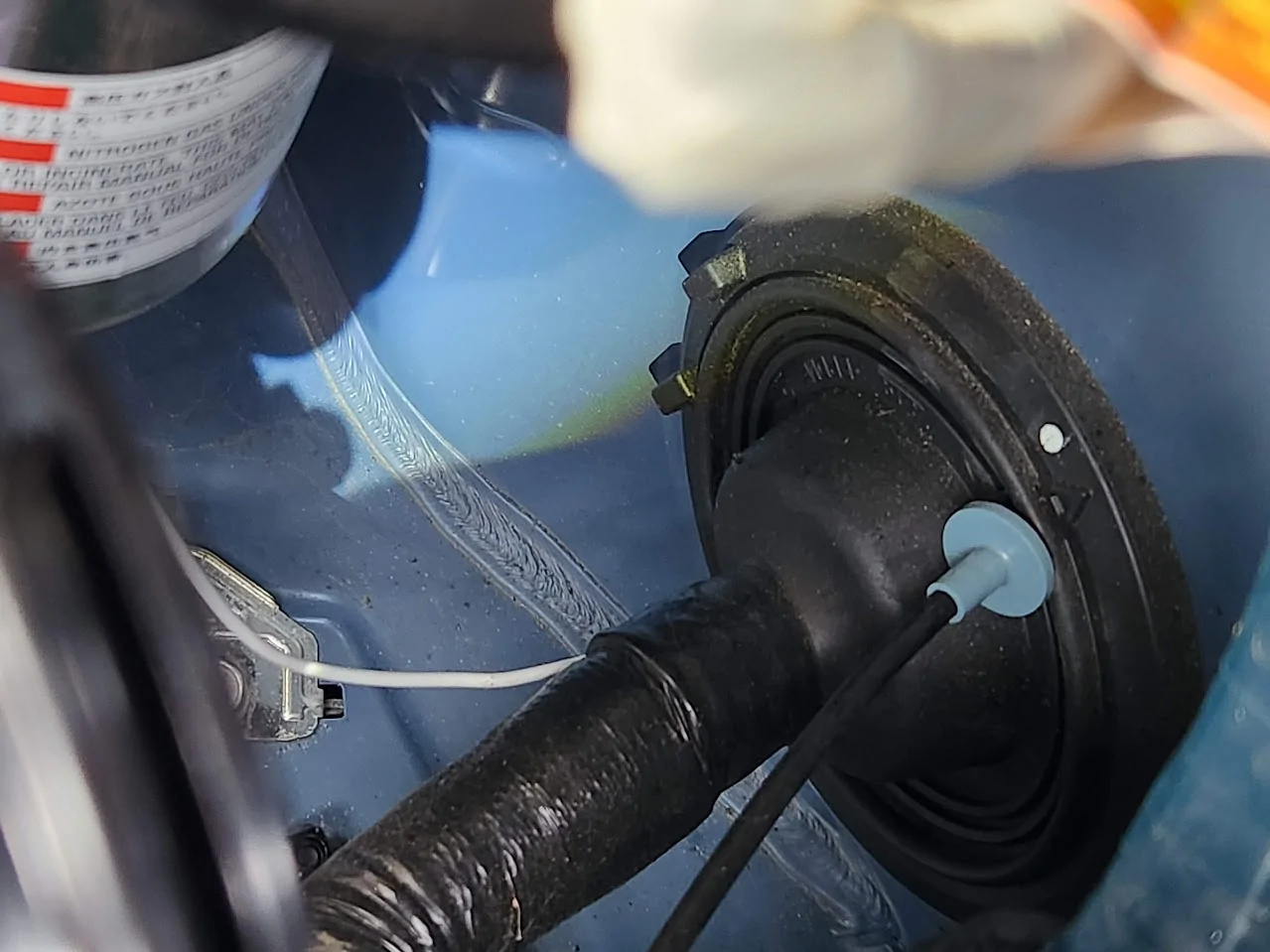
Wire hanger attached to bumper camera cable stuck in hole in firewall grommet. Pulled too hard and broke the cable (UGH). Lesson is to make sure that you are not pulling against a tangled cable - it was a tight fit for the connector through the hole I made in the grommet but it was the fact that the cable was tangled/knotted that caused the abject failure. Lesson learned.
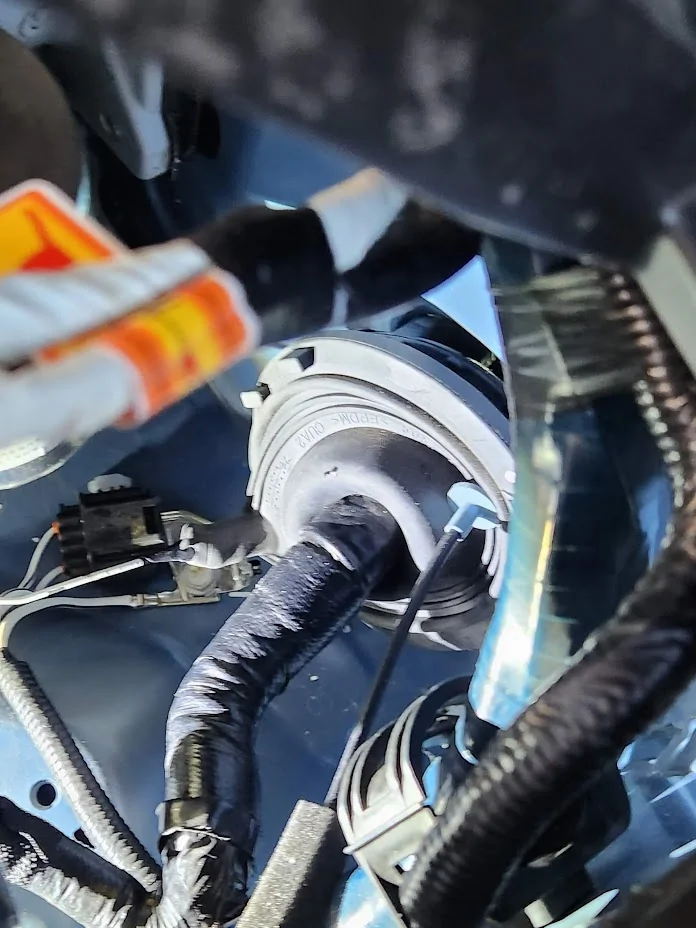
Broken bumper camera cable.
Front camera mounted on license plate bracket (just below OEM camera - yea - ends up interfering)
12/22/25: Two camera's working. See how bumper cam is in the way of main forward camera view - had a slightly negative impact on auto cruise lane control feature.
12/27/25: Inst Day 4: bumper camera cable repair (attempt unsuccessful (used solder seal connectors) - believe 4th pin needs to have continuity but did not have solution for connecting the shielding)
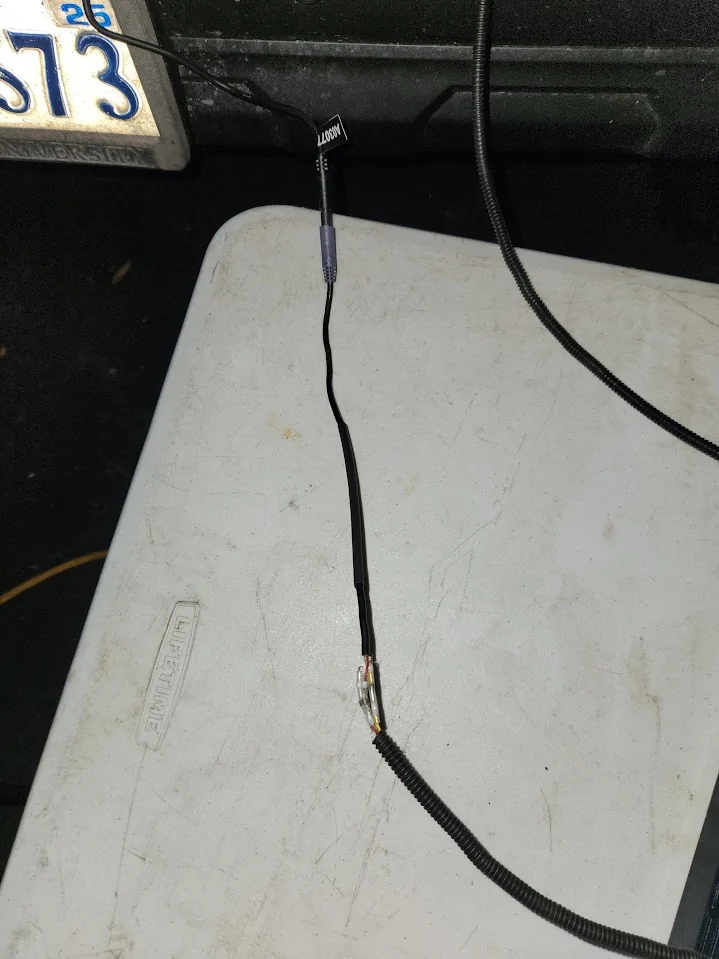
1/3/26: Off road day.
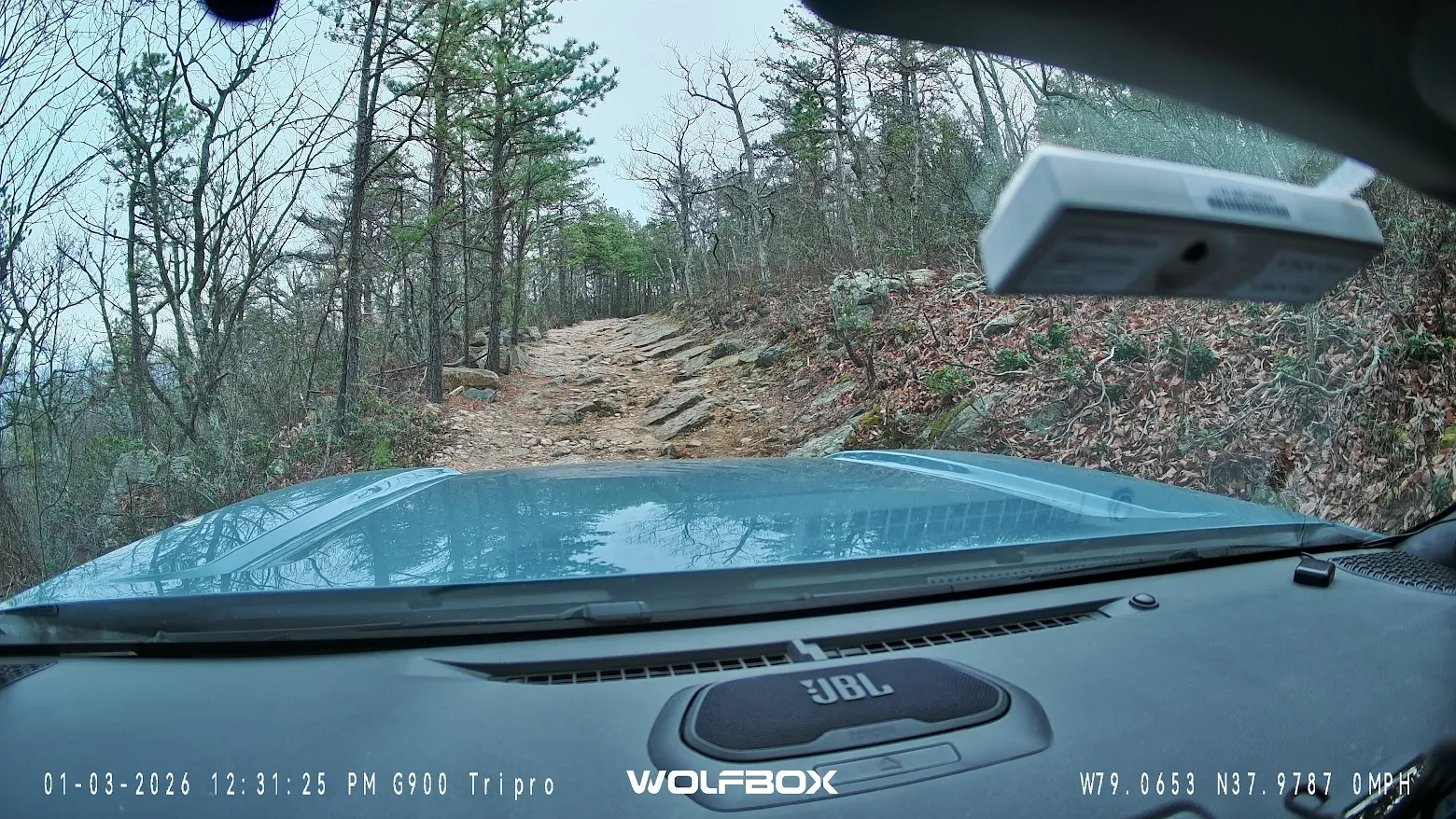
Still shot from Wolfbox mirror camera (think how cool the view from the bumper cam would be:>)
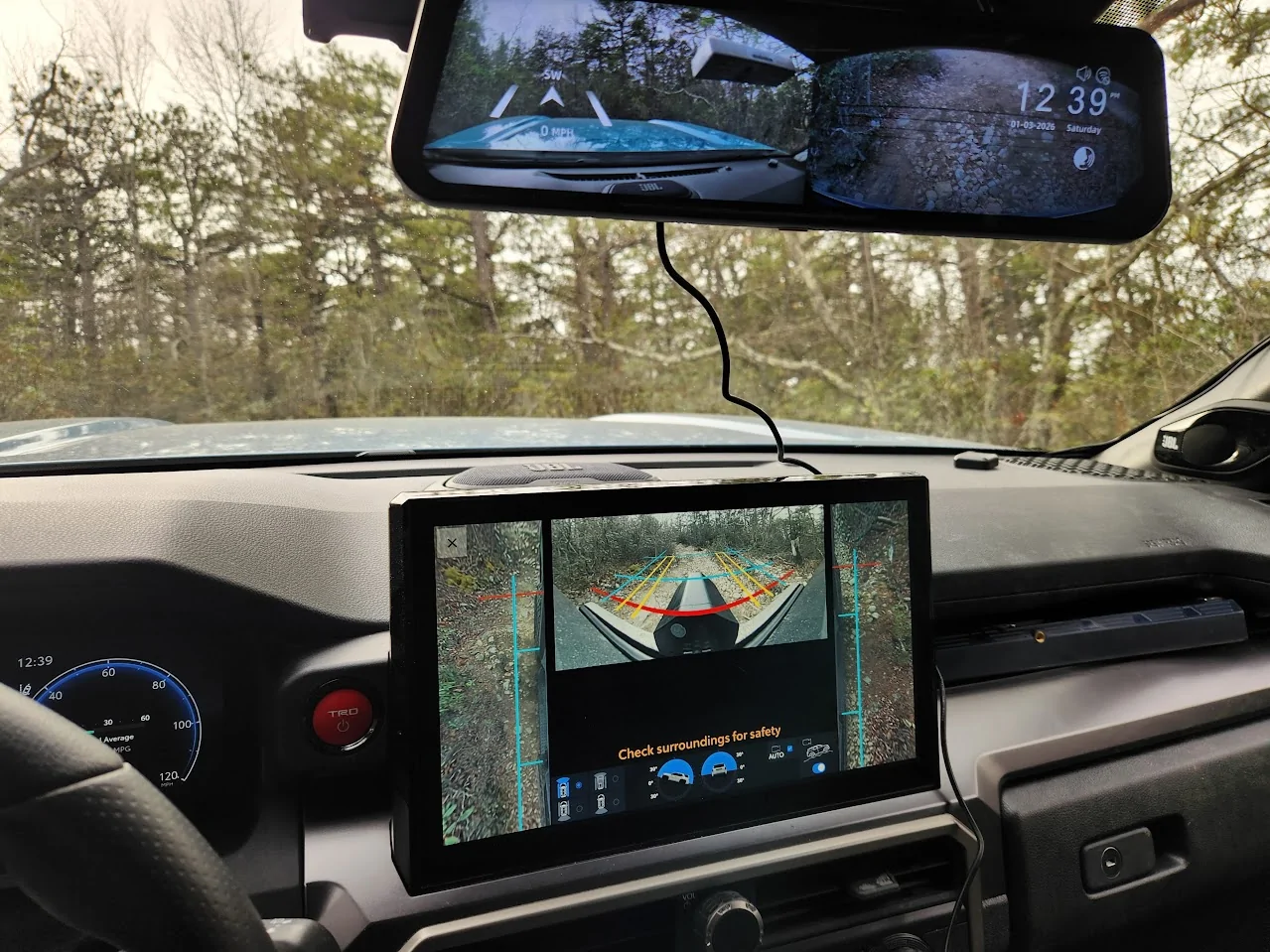
30 degree incline view with Multi Terrain Monitor front camera view obscured by Wolfbox bumper camera (and another reason I need to move it). Rear camera looking down at the ground:>)
Install Day 5: 1/17/26
Replacement bumper camera cable (and another camera) came in yesterday (Thanks Florint!!)
Below freezing outside so inside garage with heaters - including one to heat up the revised mounting spot for the camera.
Testing that the new camera works - it does !!
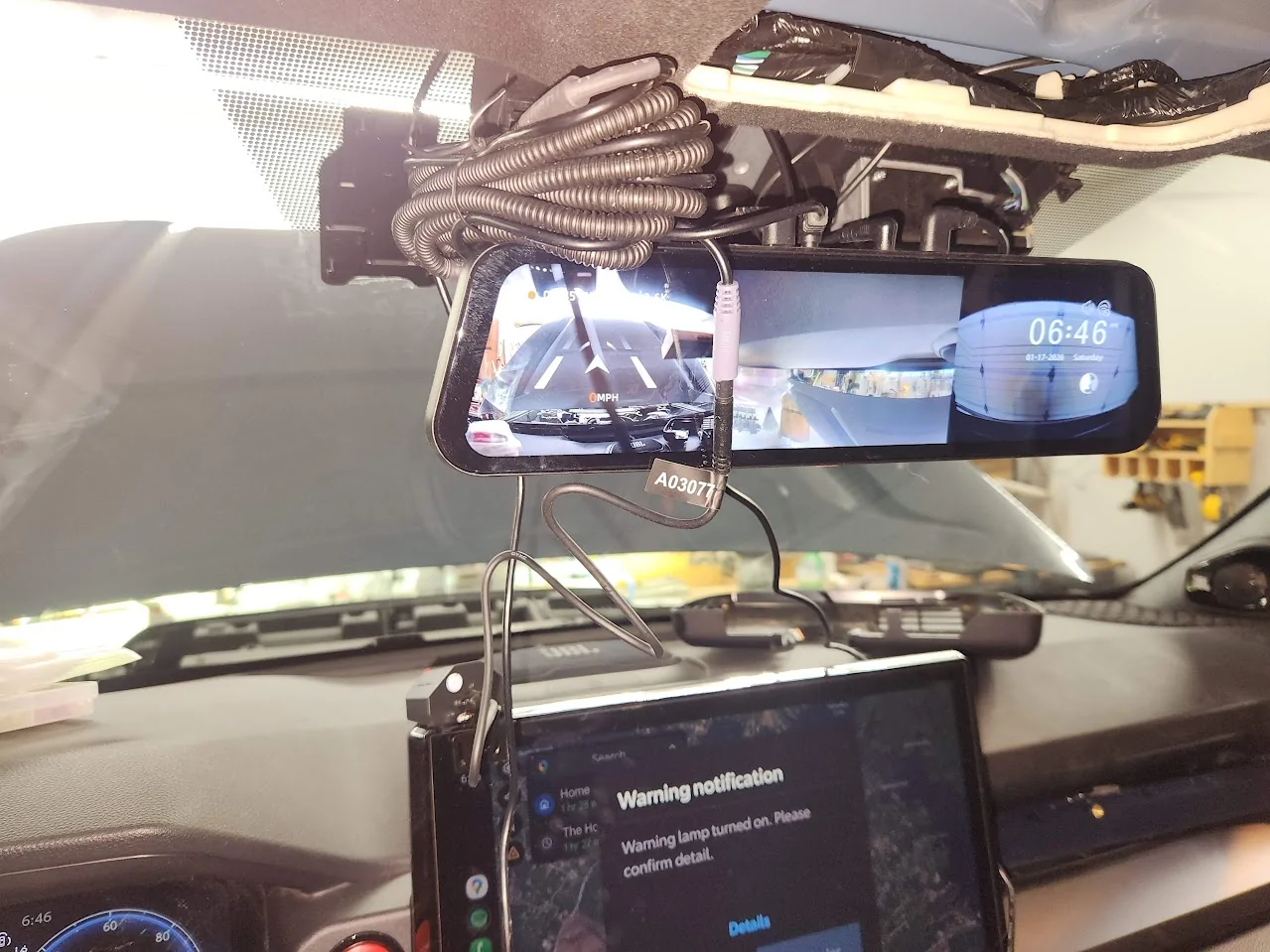
New bumper cam mounting spot under license plate - avoid interaction with Toyota front camera and radar sensor.
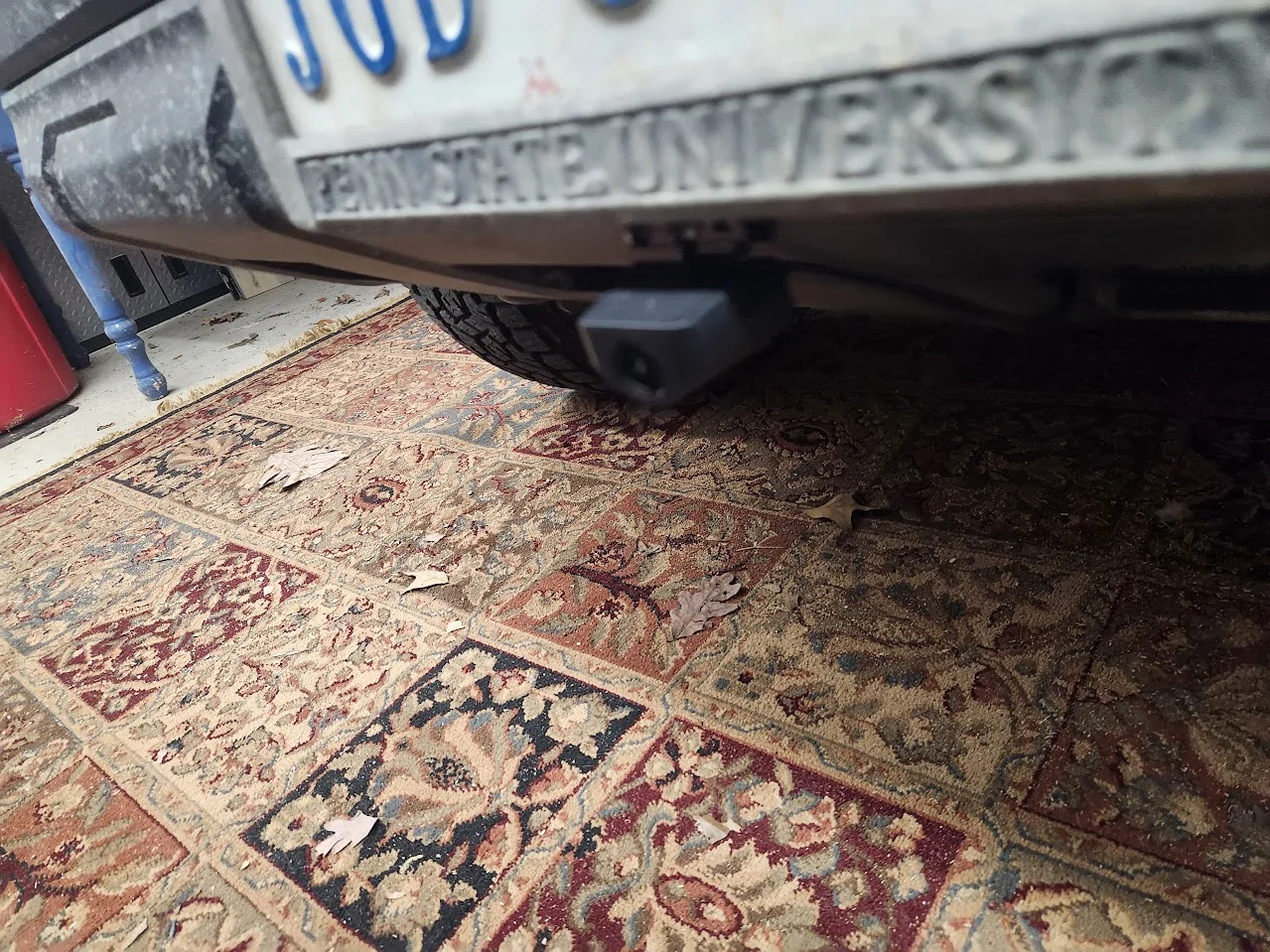
And the camera still works!
Unfortunately, I failed to take any photos of the PosiTap connection to the power feeding the OEM camera connector. I was able to snap the connector off of a bracket it was attached to and get access to the three wires. ~18 guage, I think. Cut the ends off the hardwire connector kit (red, yellow & black wires as described here: WolfBox Hardwire Kit Installation The PosiTaps I got worked great. I wrapped up all that extra wire that came with the hardware kit and stuffed it in to the left side of the area above the upper console - in front of the connector.
Will suggest again that a custom 6G4R solution that comes with less wire and the connector that goes into the existing connector that is MADE for this purpose would simplify things substantially (like this one: FitCam toyota connector )
Updating to show my power connection setup using PosiTaps. They DID work great but the power connection failed after a few weeks so I have ordered the FitCam toyota connector and hope the small PosiTap holes in the small wires (which I taped over) are not creating a permanant problem. We shall see. UPDATE: FitCam will not sell me the connector part without a FitCam order (Huh?) so looking for the connector - would hate to cut it off my OEM mirror but might have to do that.... Unless anyone knows how to find that connector that FitCam won't sell me??
I've not gotten on the trail since the bumper cam got installed but imagine the view from below the license plate during this excursion:>)
Sponsored
Last edited: