
- First Name
- Van
- Joined
- May 20, 2025
- Threads
- 19
- Messages
- 566
- Reaction score
- 375
- Location
- Calgary / Canada
- Vehicle(s)
- 4Runner
- Thread starter
- #1
UPDATED September 21, 2025
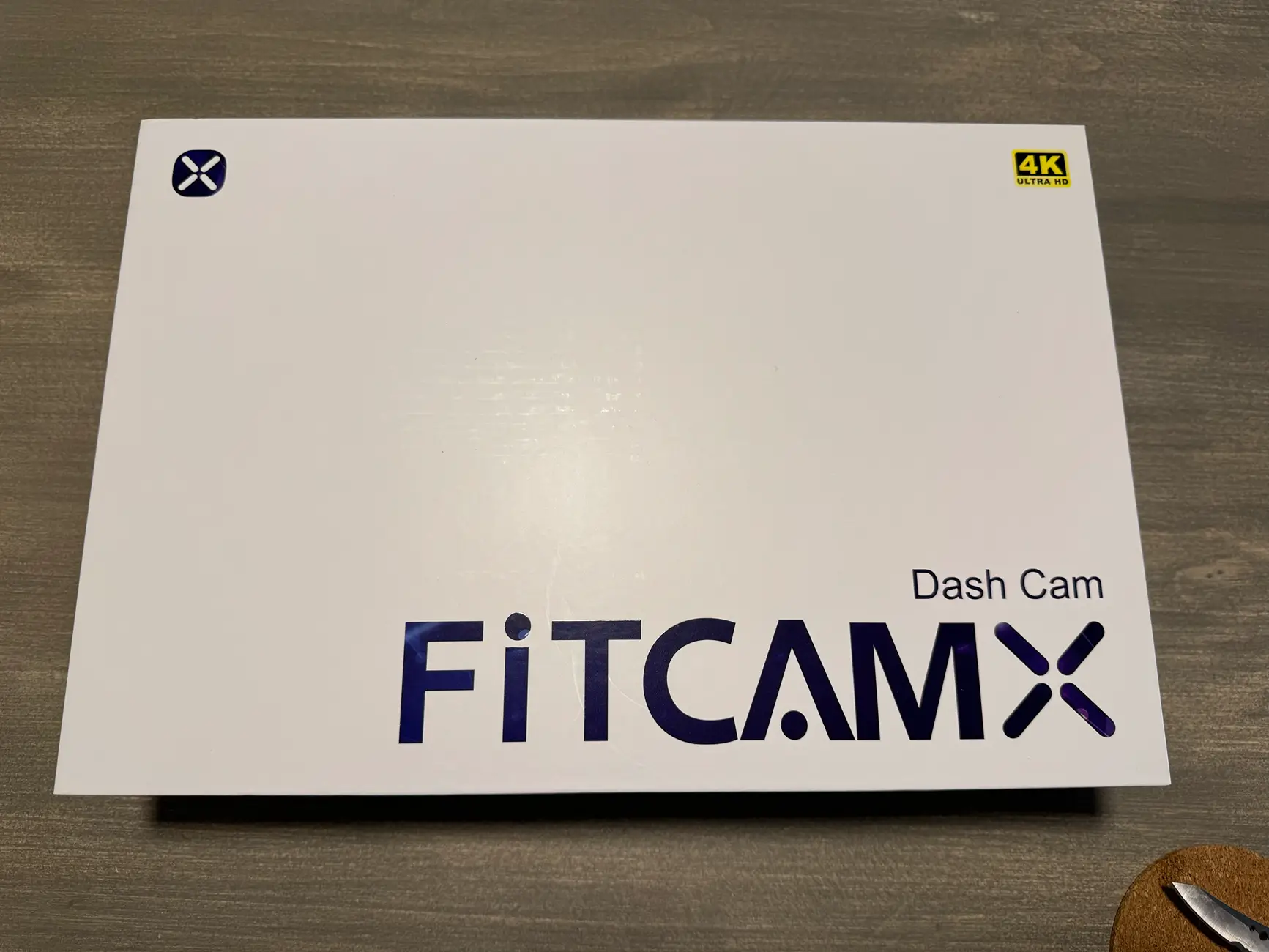
It's here at its installed....................FITCAMX 2025 4Runner
Install time 10minutes and neatly cabled
I chose the CLP filter and the oem dash cam plug in from FITCAMX

Step 1. Remove Overhead Console. (One Swift Pull Down the front near windshield)

Locate the White OEM Dash Cam Plug.
Plug in the optional FITCAMX power cable.
Route the power through the headliner toward the mirror.
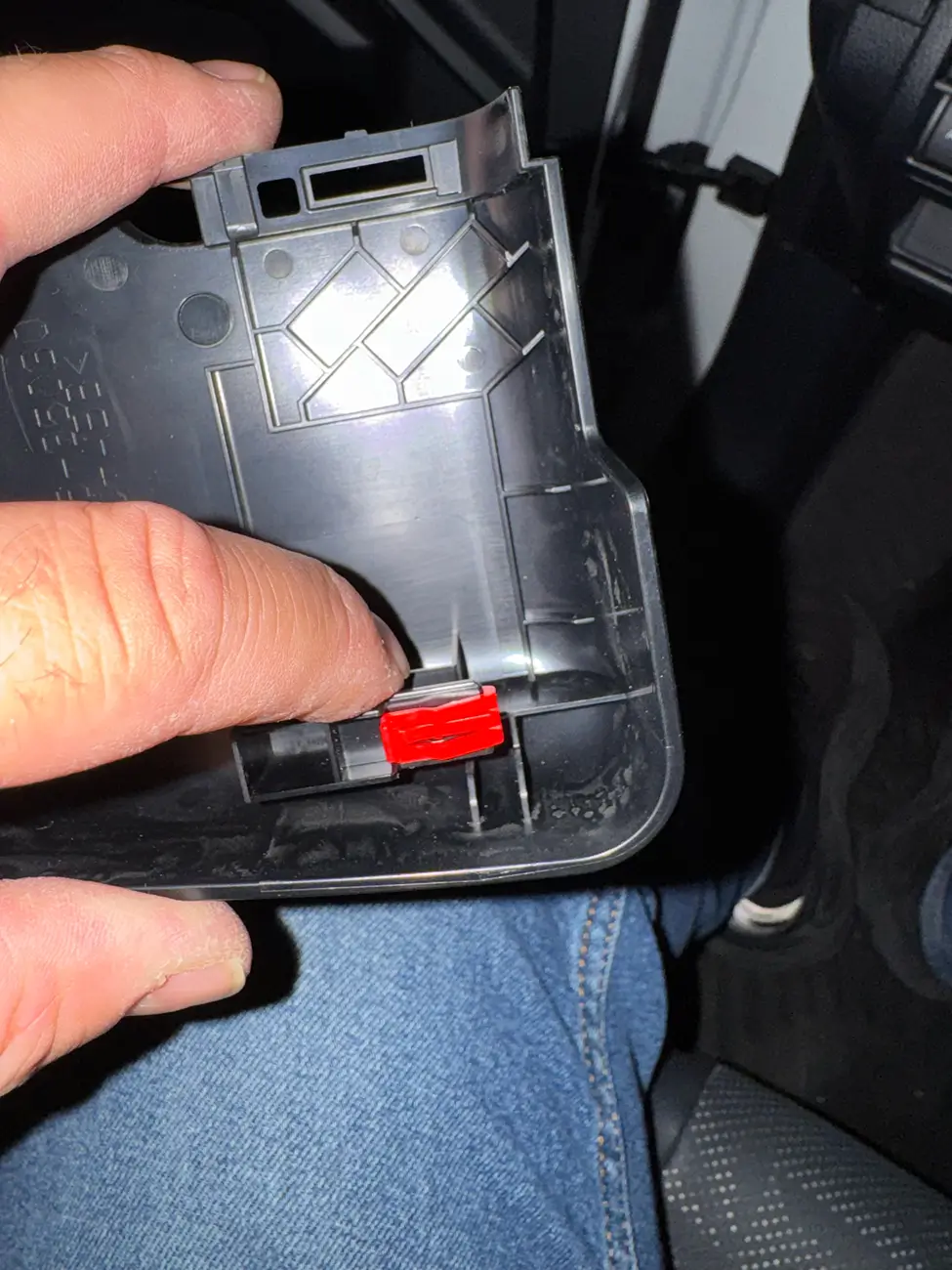
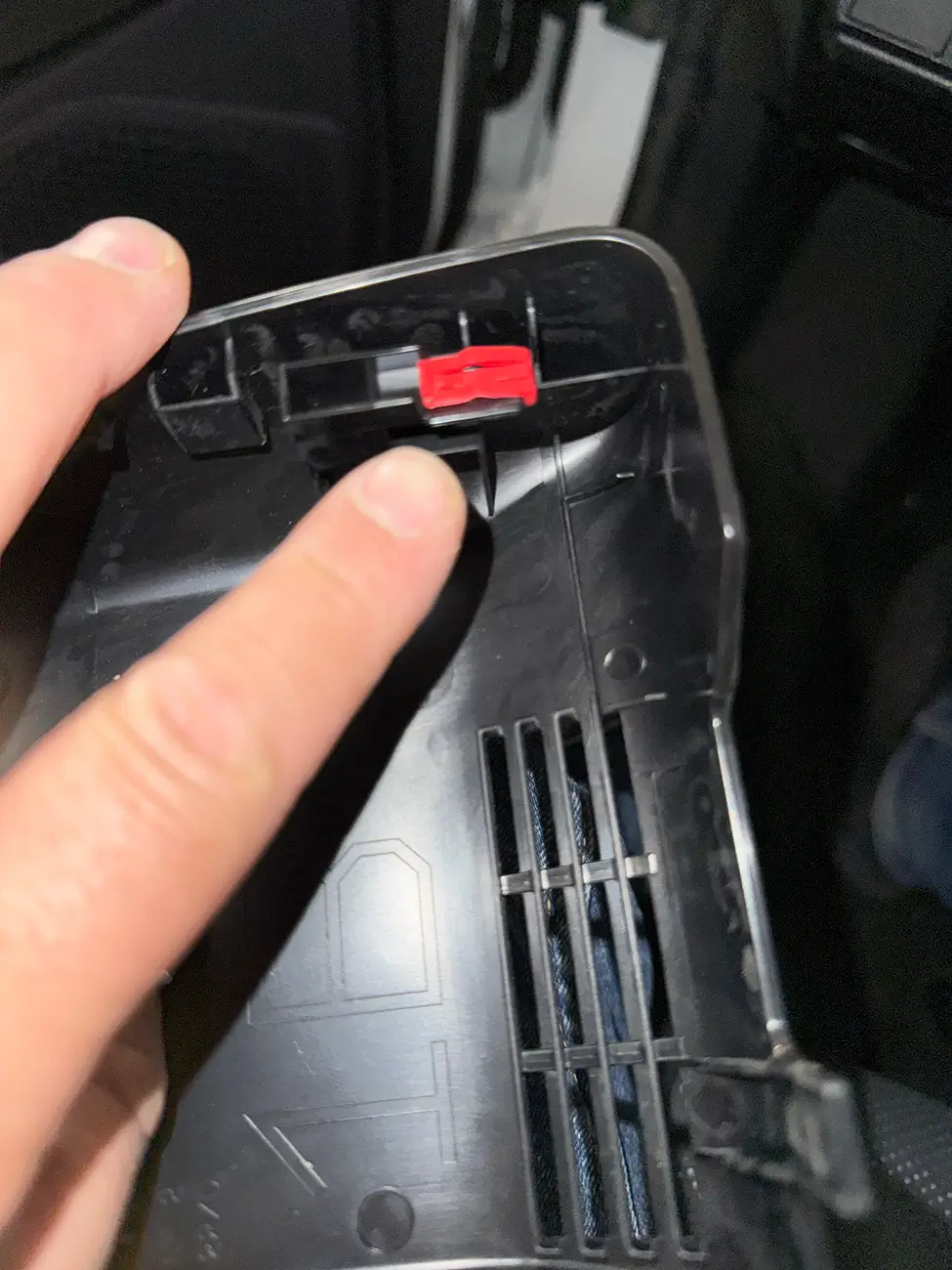
Step 3. Remove OEM Mirror Housing and remove the two red clips and relocate the to the FITCAMX housing.
Step 4. Slide the FITCAMX housing into place and listen for the Click!
Step 5. Connect the power cables togethers.
And get out there and start recording your Off Road Adventures...... FITCAMX
To order yours Today use the link below in my signature and get fast delivery.
It's here at its installed....................FITCAMX 2025 4Runner
Install time 10minutes and neatly cabled
I chose the CLP filter and the oem dash cam plug in from FITCAMX
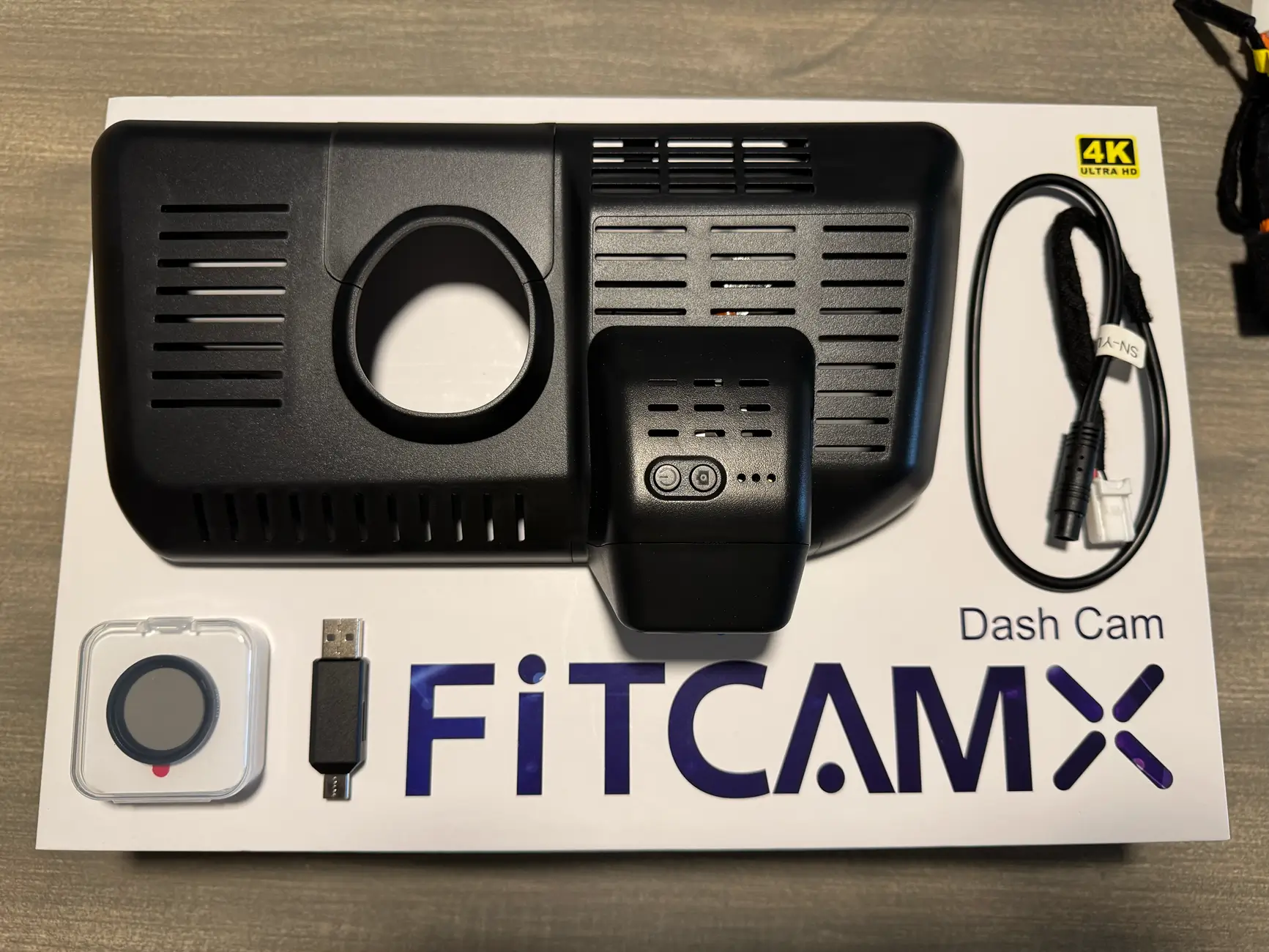
Step 1. Remove Overhead Console. (One Swift Pull Down the front near windshield)
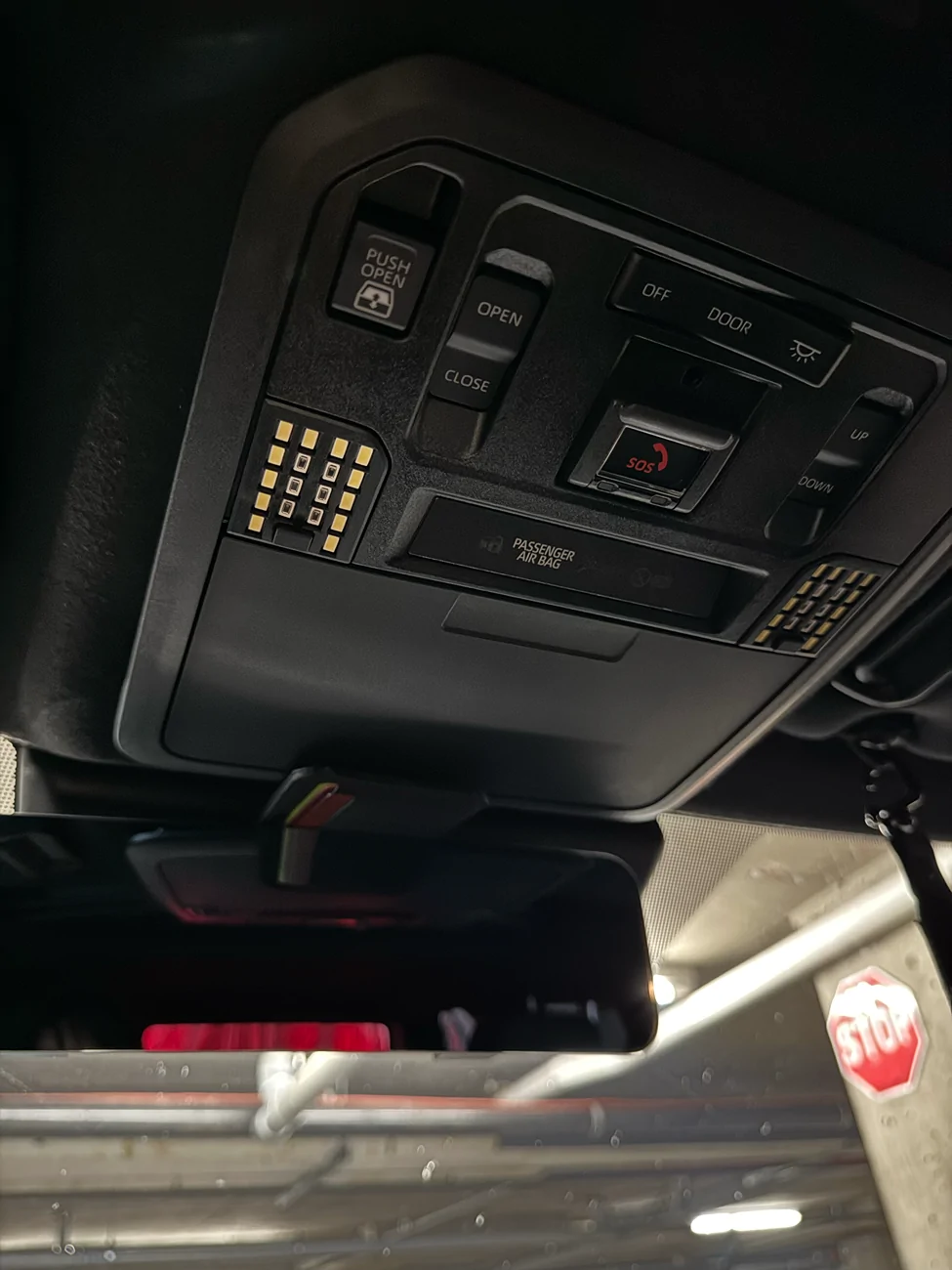
Locate the White OEM Dash Cam Plug.
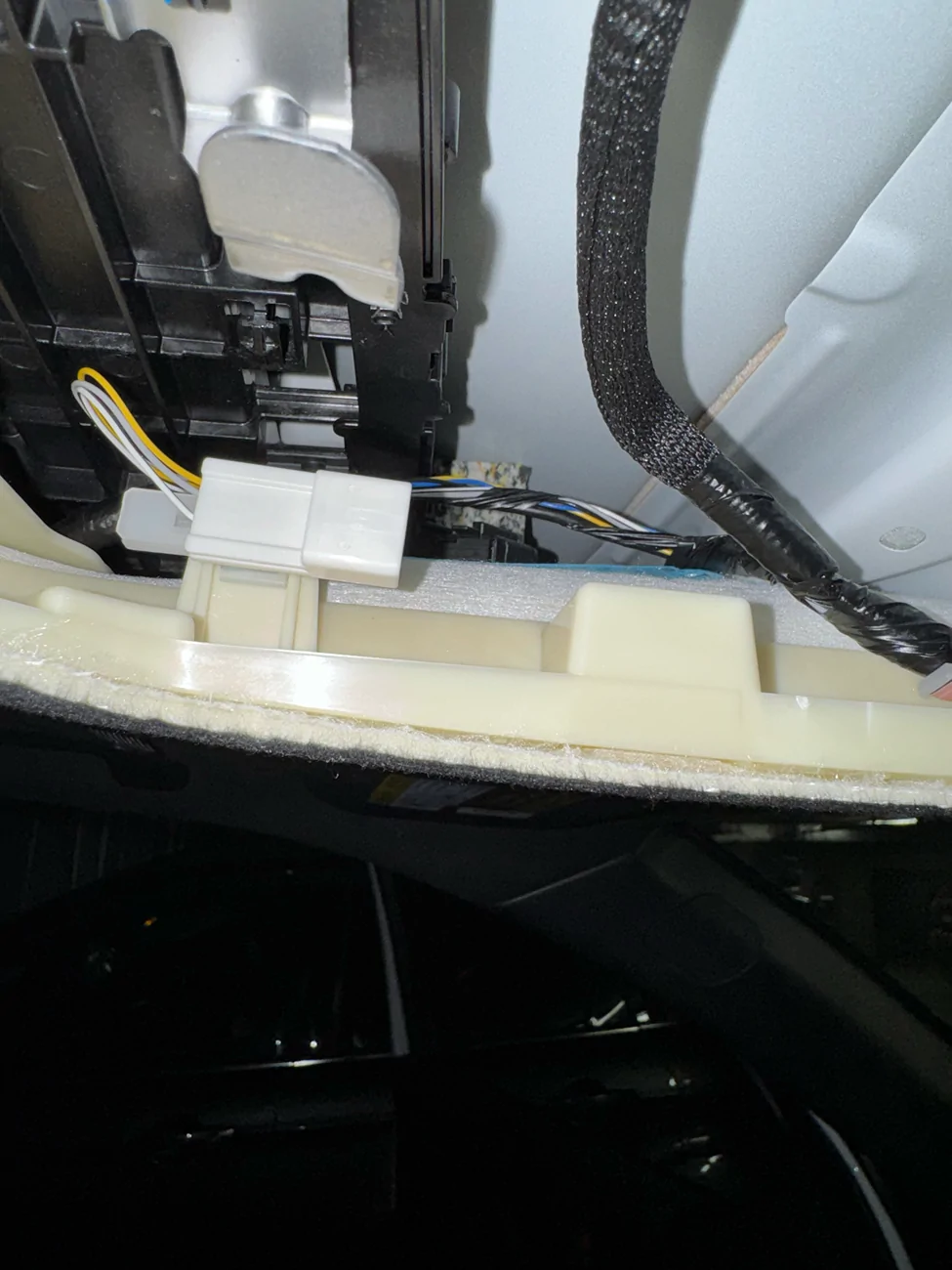
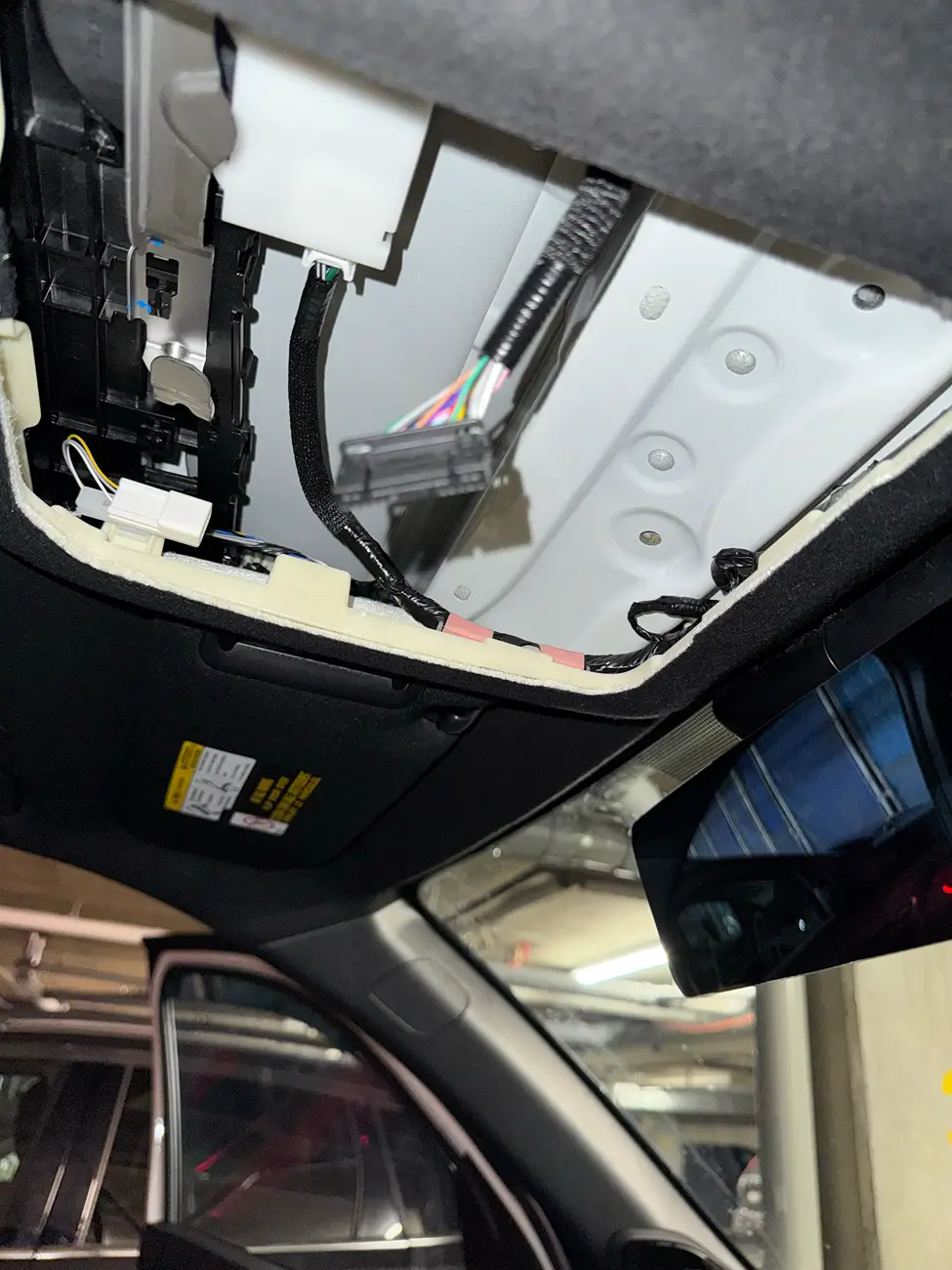
Plug in the optional FITCAMX power cable.
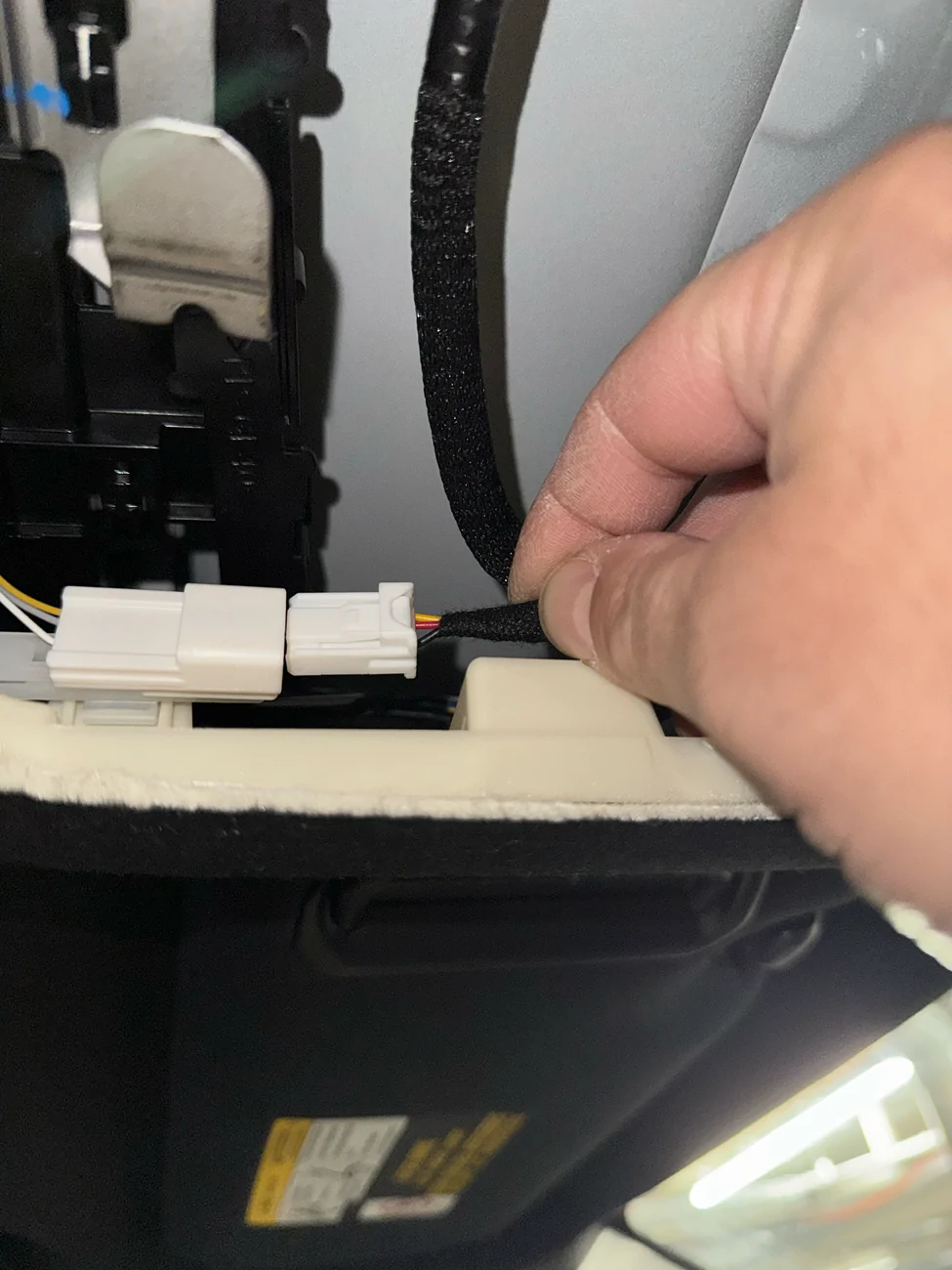
Route the power through the headliner toward the mirror.
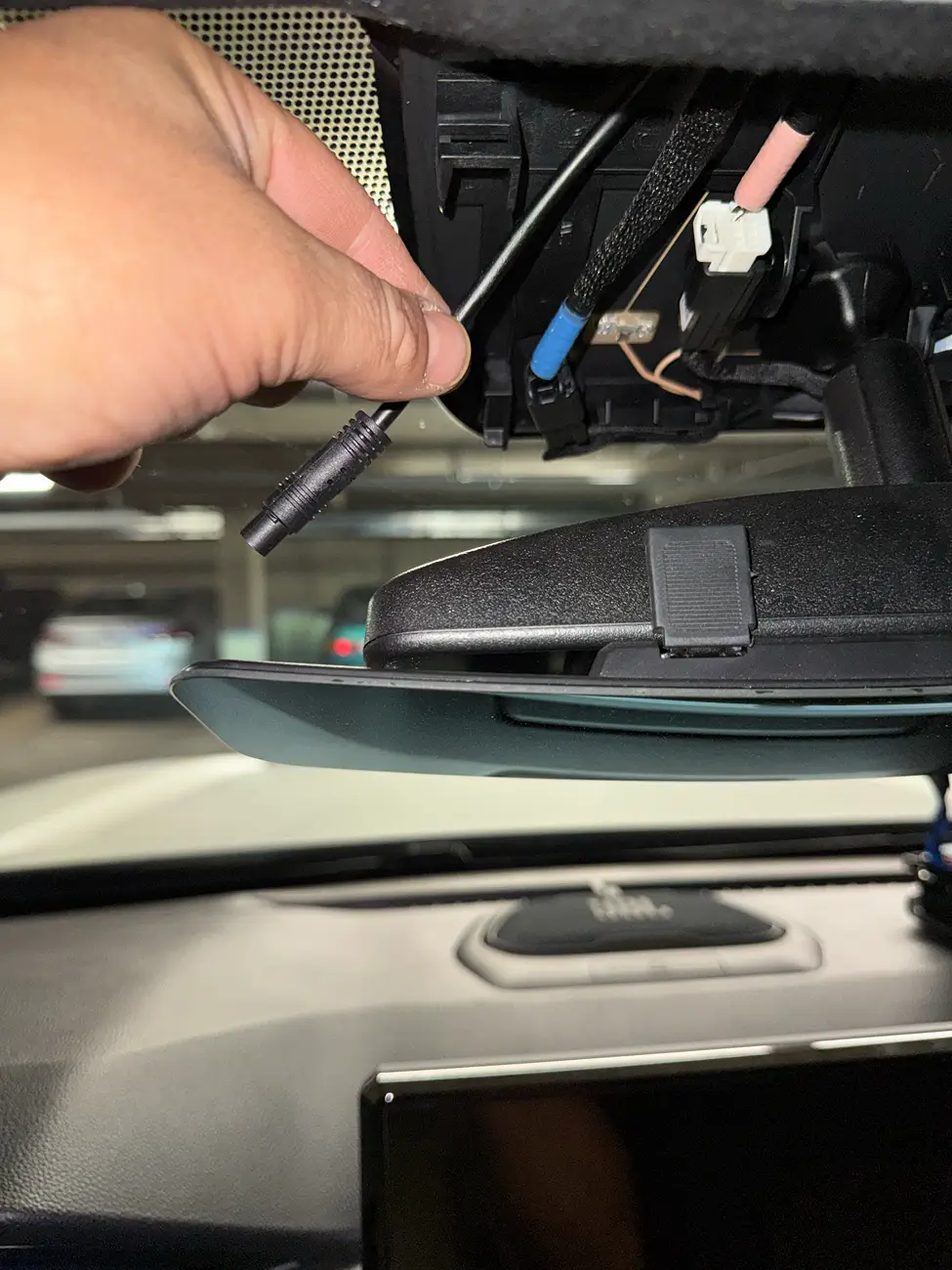
Step 3. Remove OEM Mirror Housing and remove the two red clips and relocate the to the FITCAMX housing.
Step 4. Slide the FITCAMX housing into place and listen for the Click!
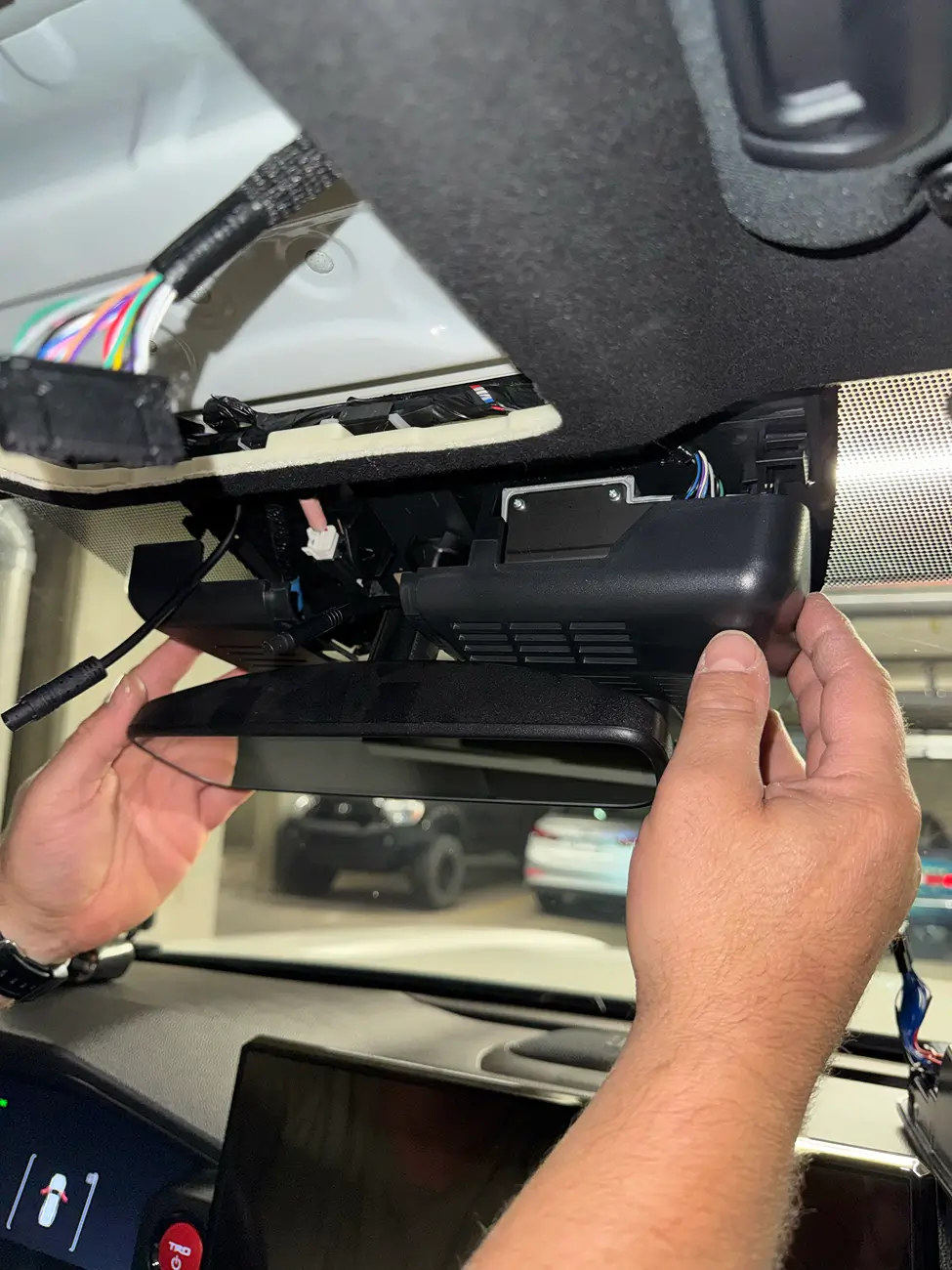
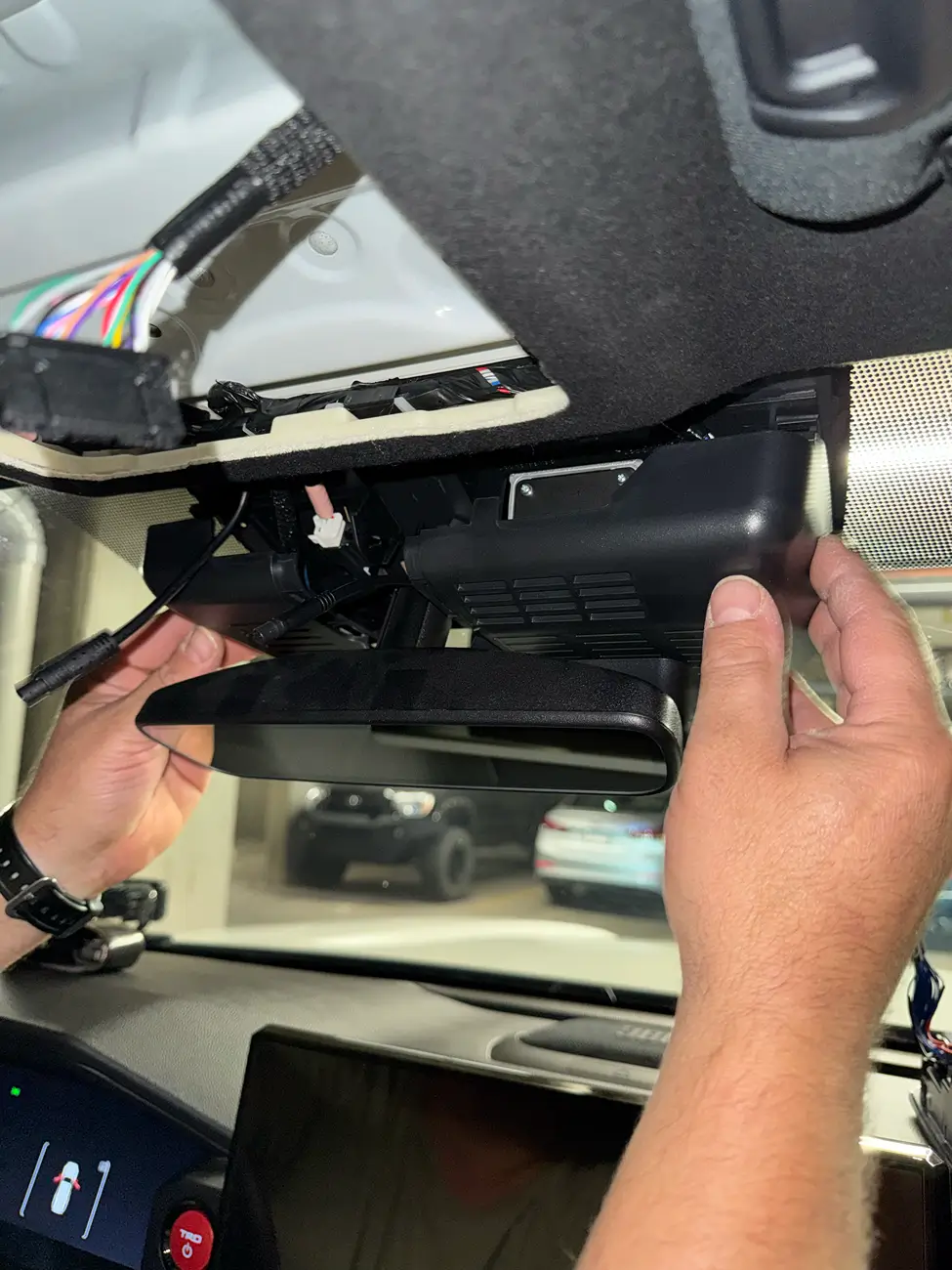
Step 5. Connect the power cables togethers.
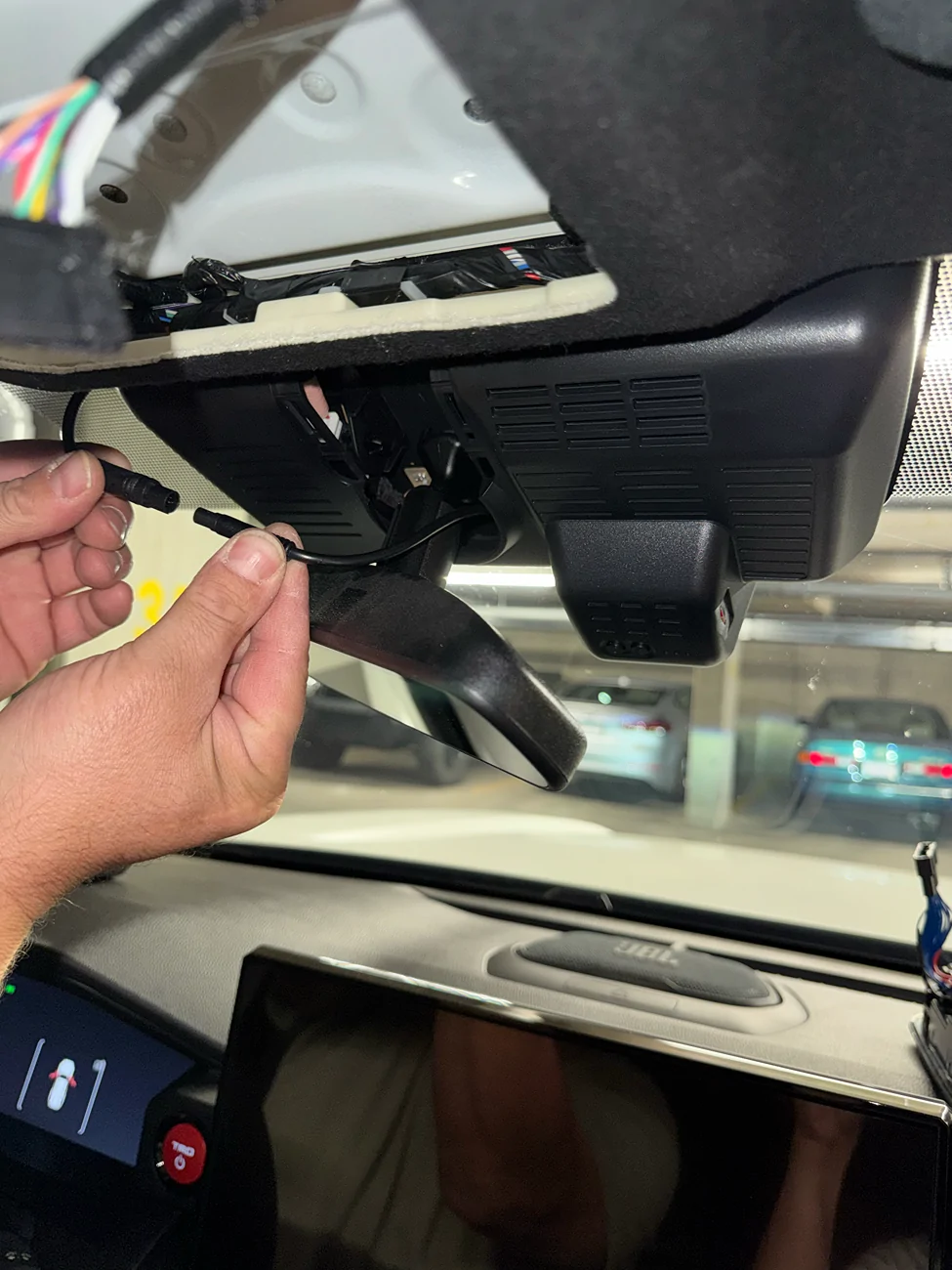
And get out there and start recording your Off Road Adventures...... FITCAMX

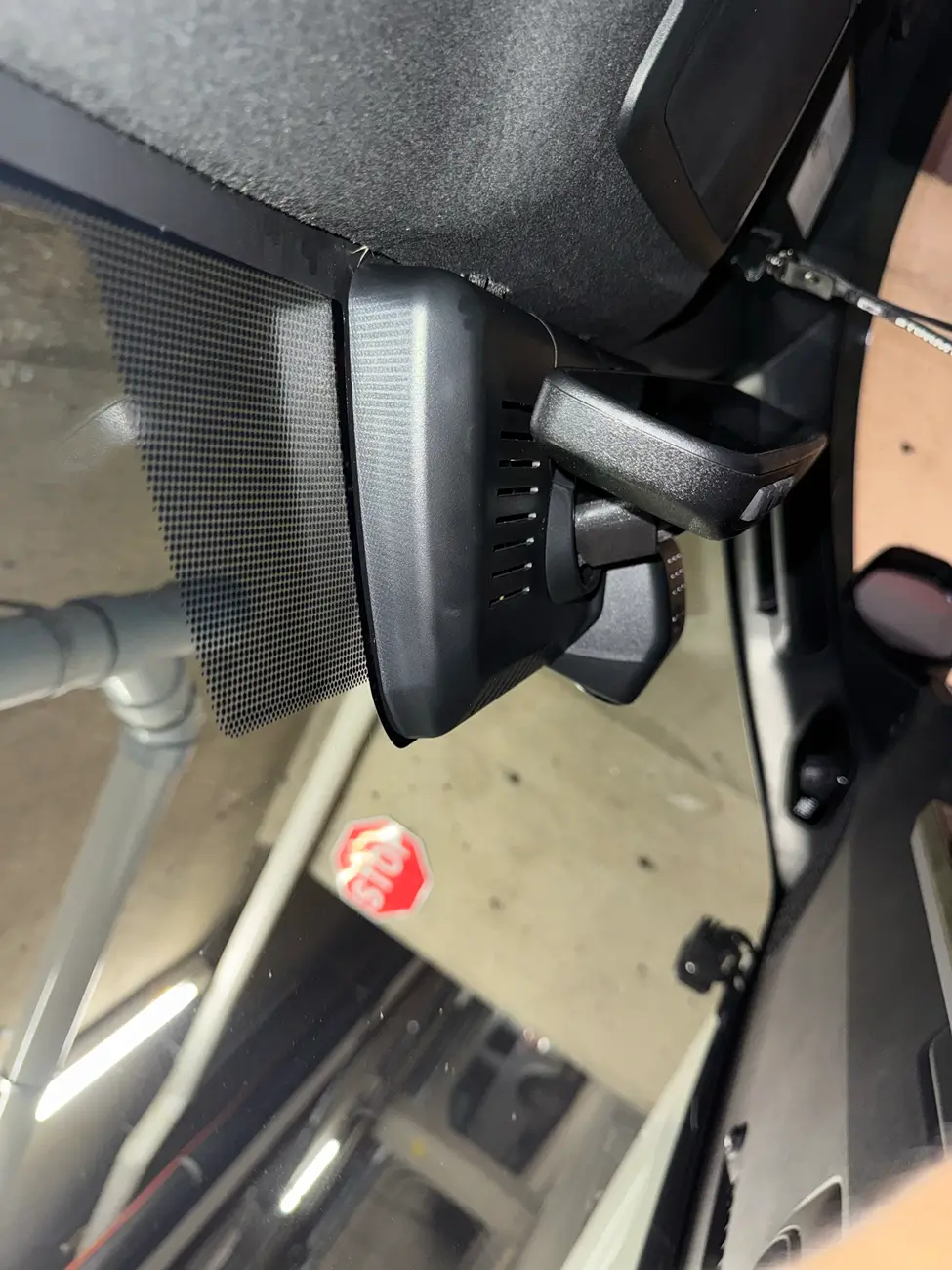
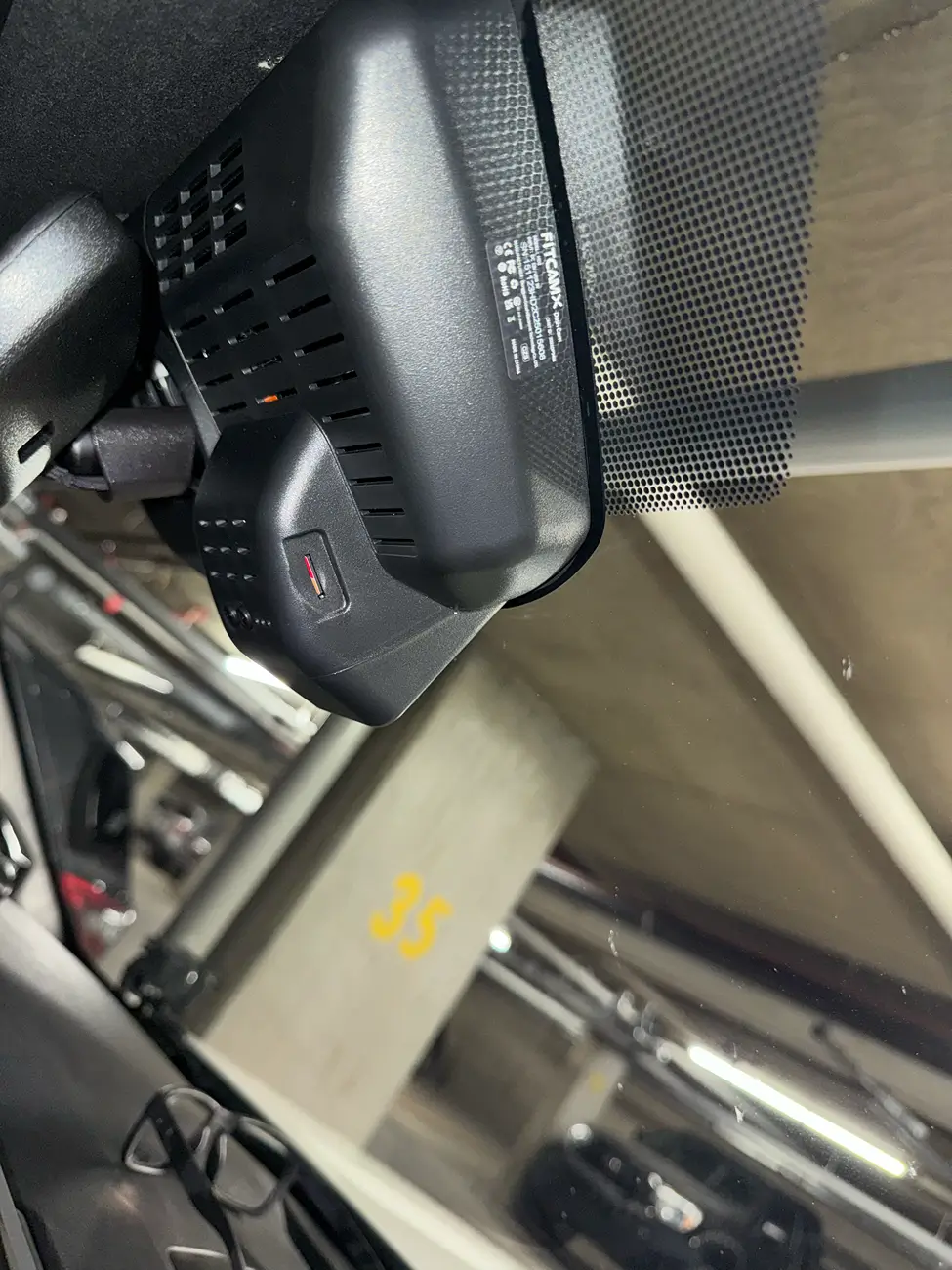
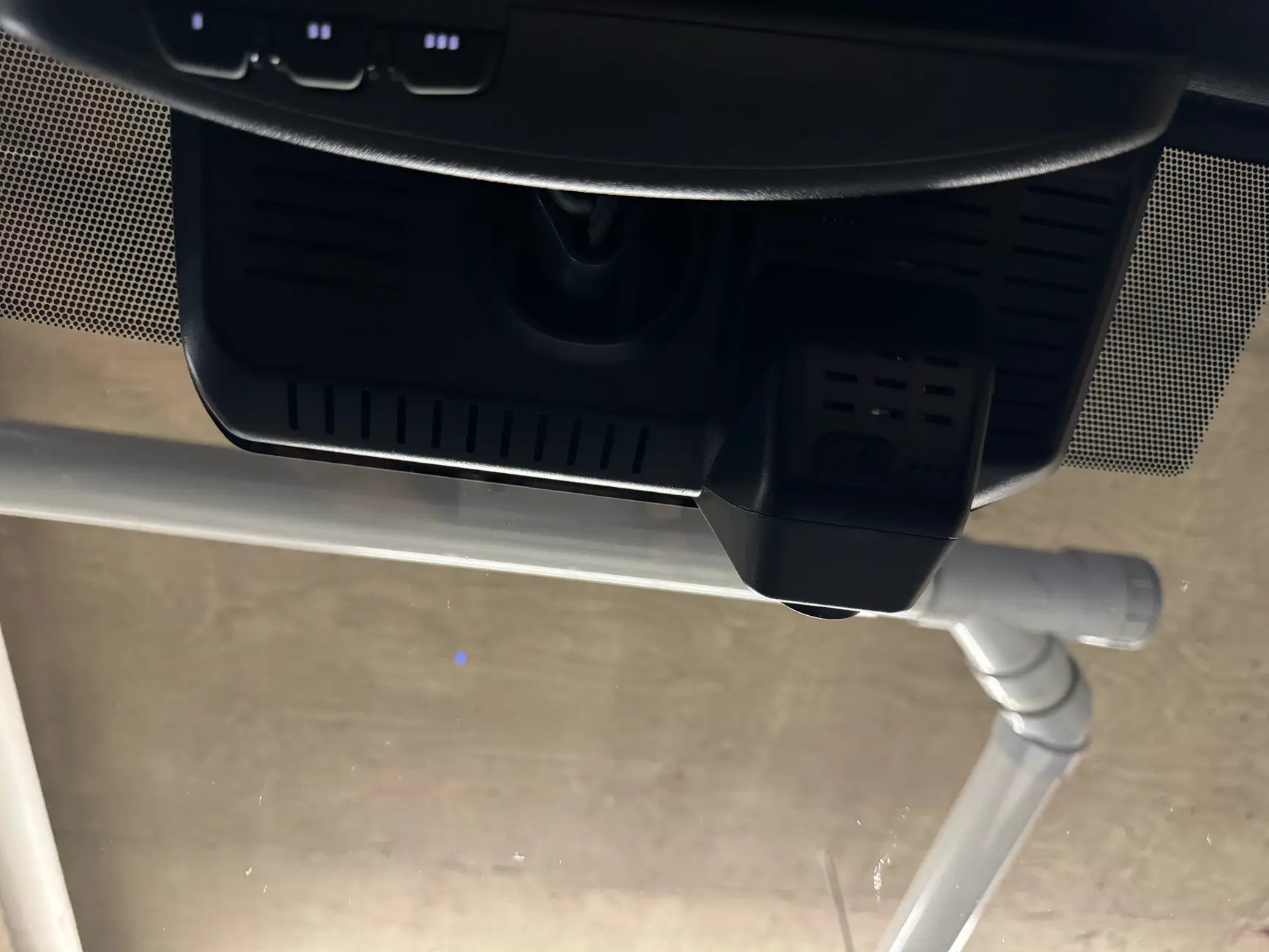
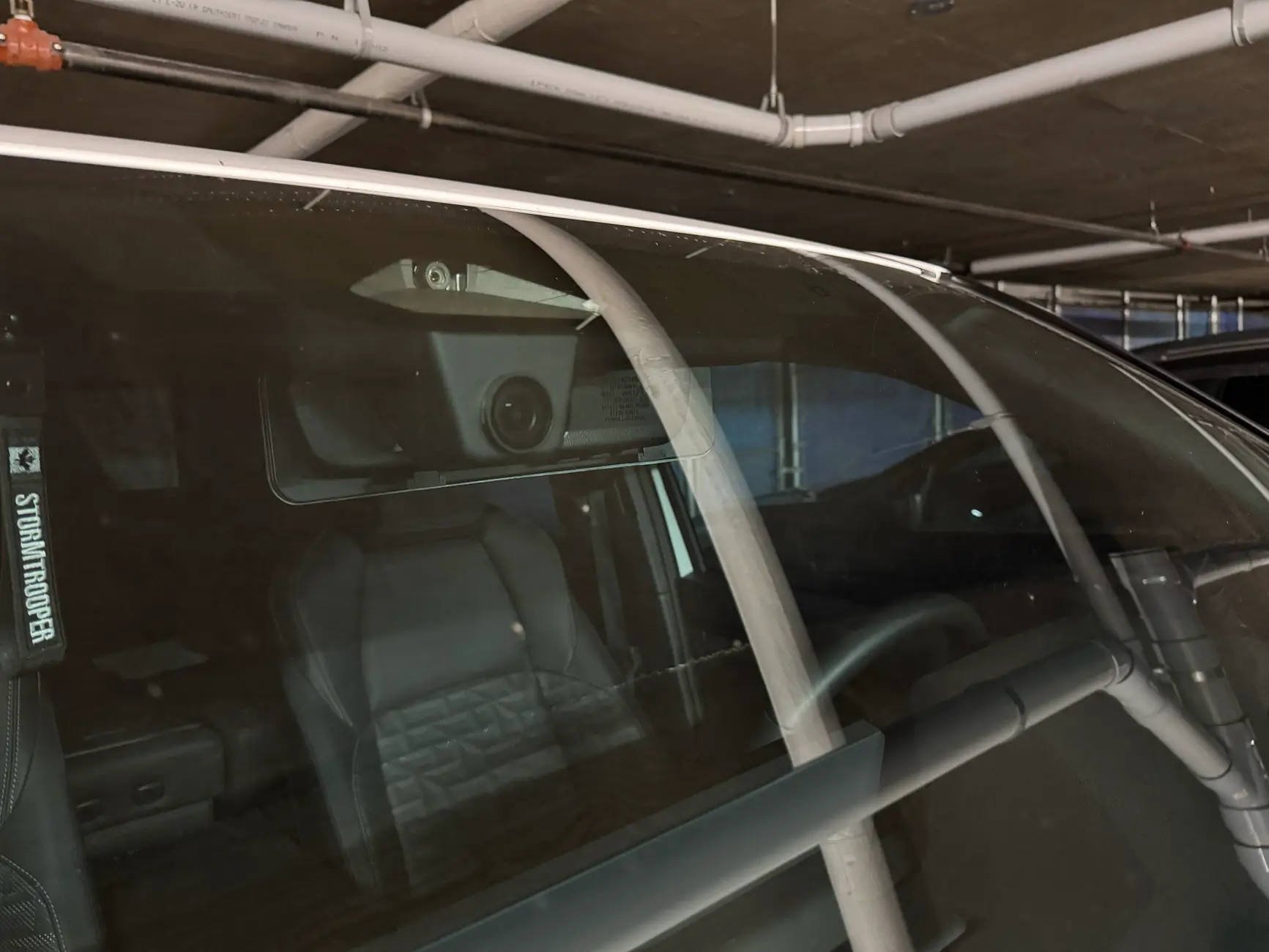
To order yours Today use the link below in my signature and get fast delivery.
Sponsored
Last edited by a moderator: