


- Thread starter
- #1
I installed the CarTrimHome 14.6" headunit upgrade this past weekend and thought I would document this process on my YouTube channel. They also gave me a 10% discount code to share, so feel free to use discount code FRED.
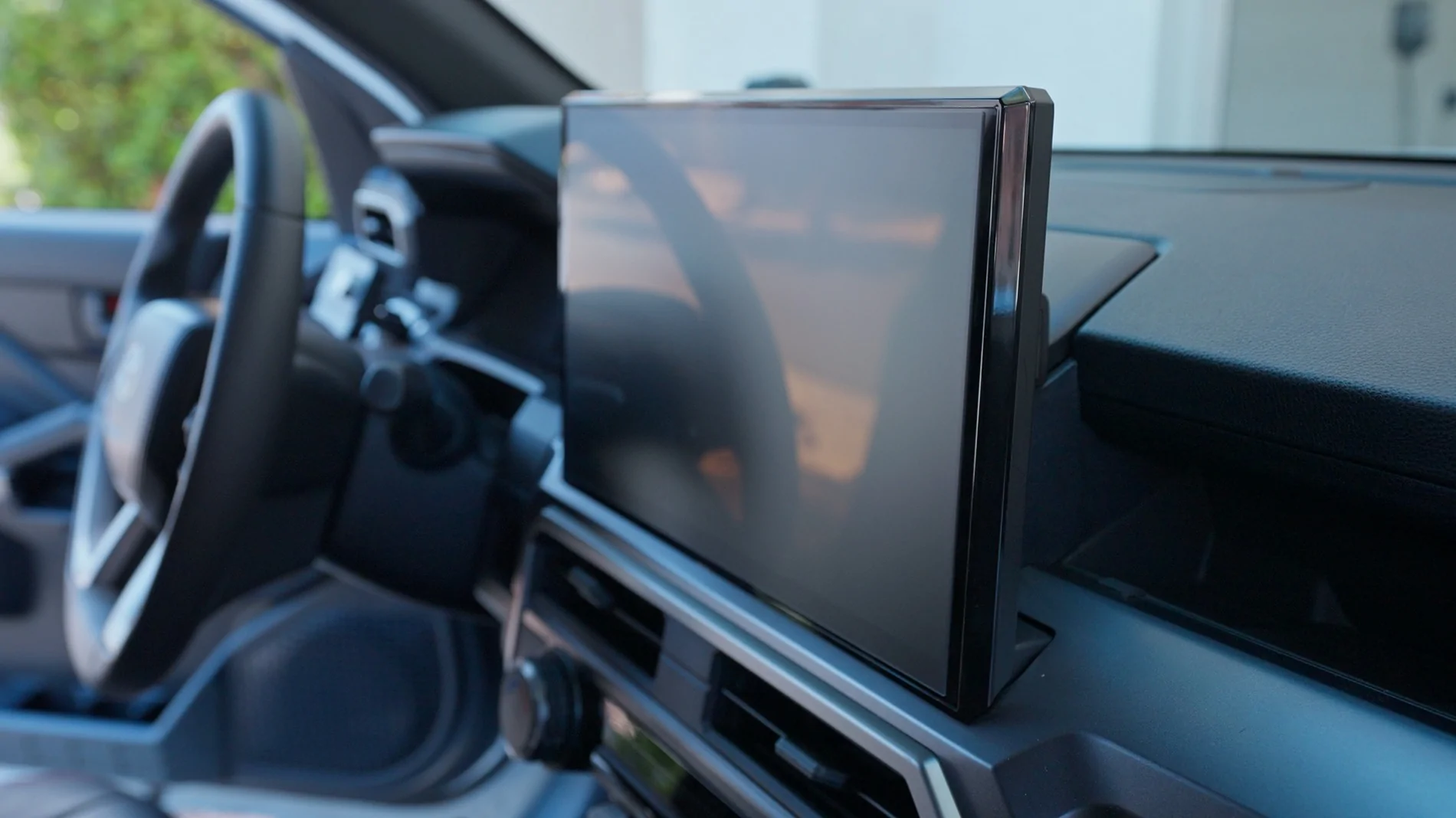
How to Install:
This is pretty much plug-and-play so the install is relatively easy. There are a lot of wires so don't feel intimated. All connectors on the factory unit can only fit into its specific plug so there is very little chance of doing it wrong.
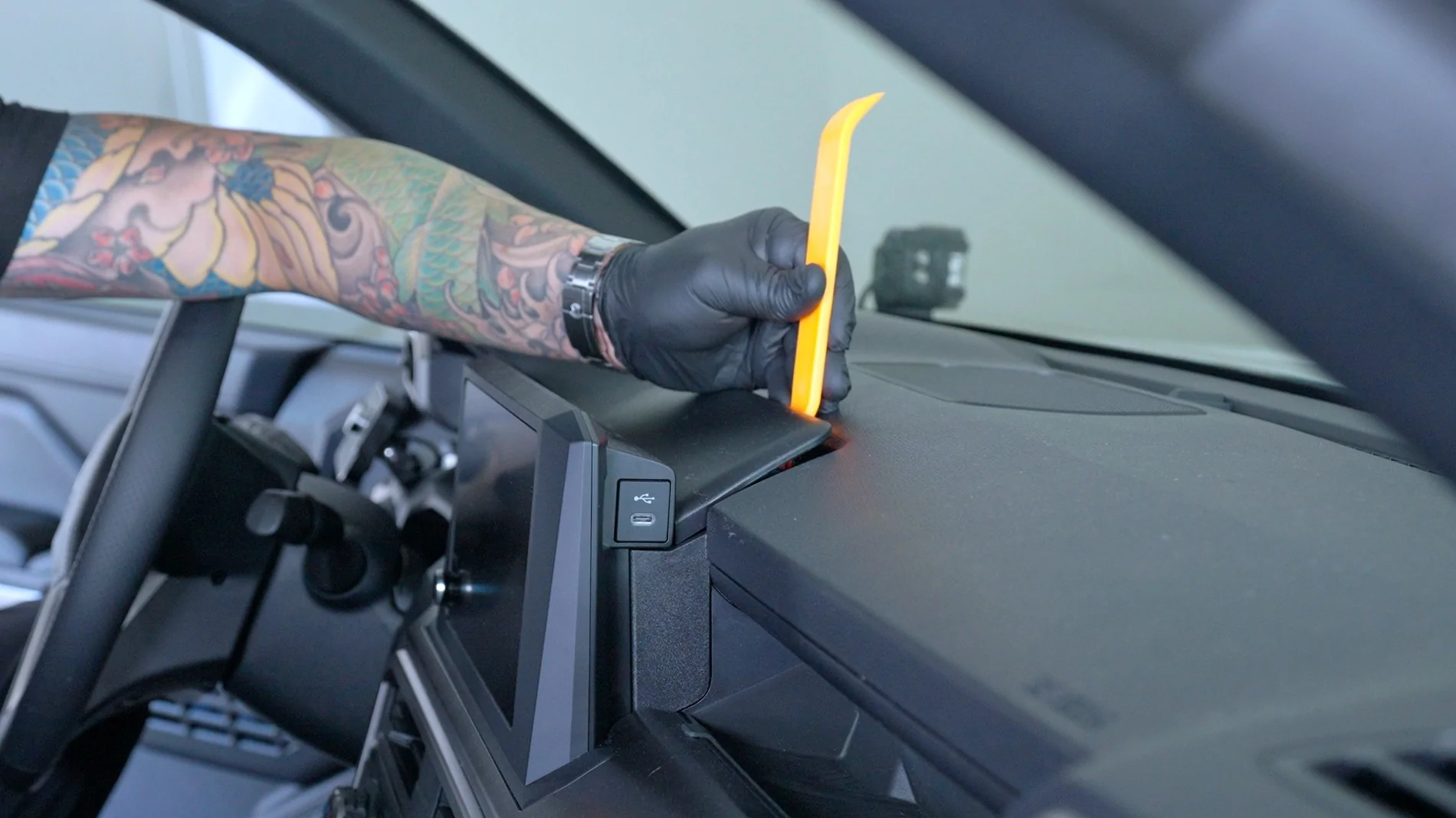
First thing you will want to do is pop off the trim piece right in front of the factory radio. You can use the provided trim tools to wedge and pop off the trim.
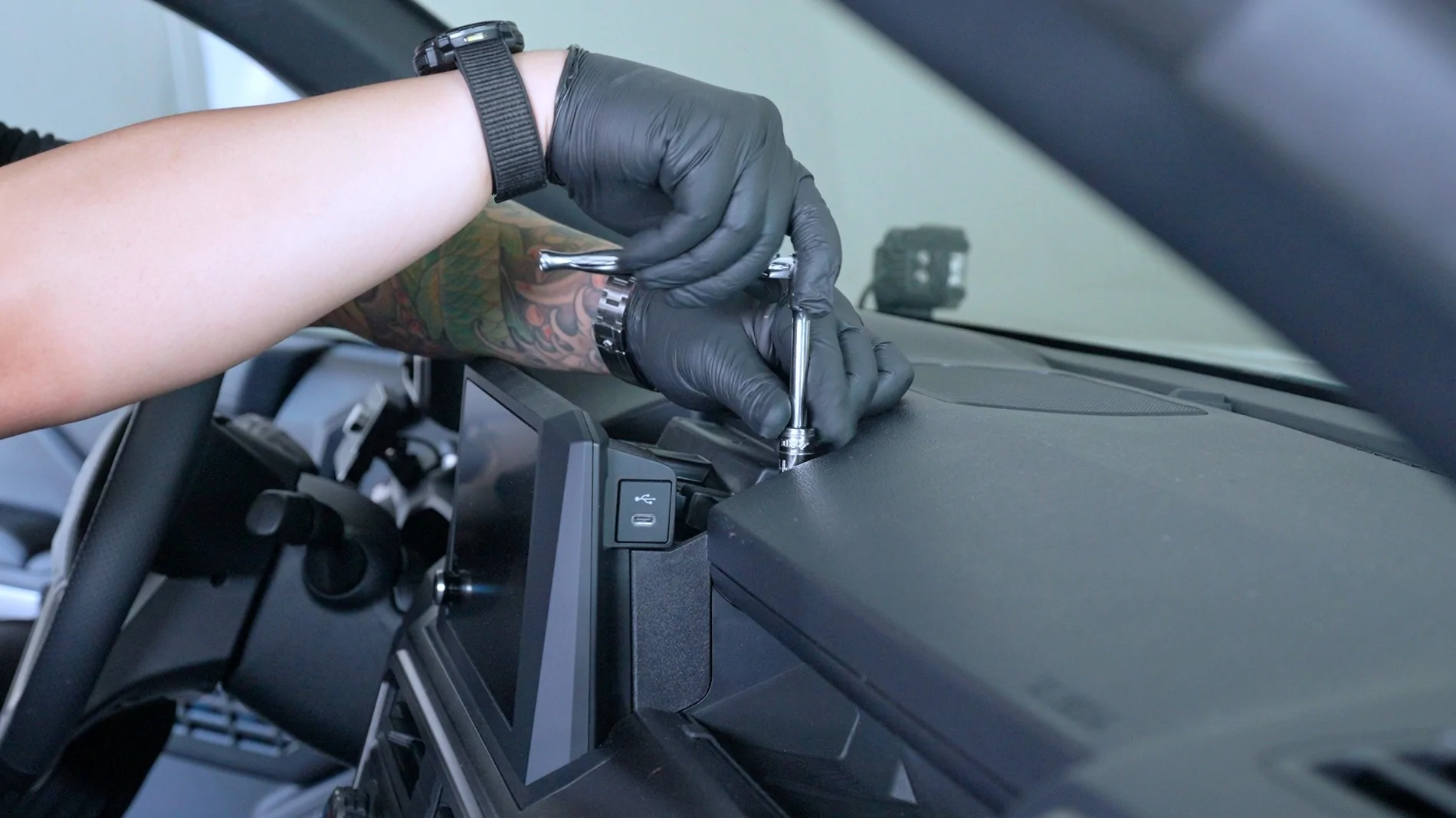
Next, remove the (4) 10mm bolts that attach the factory radio to the dash. This is the only step that requires tools, use a 10mm socket for removal.
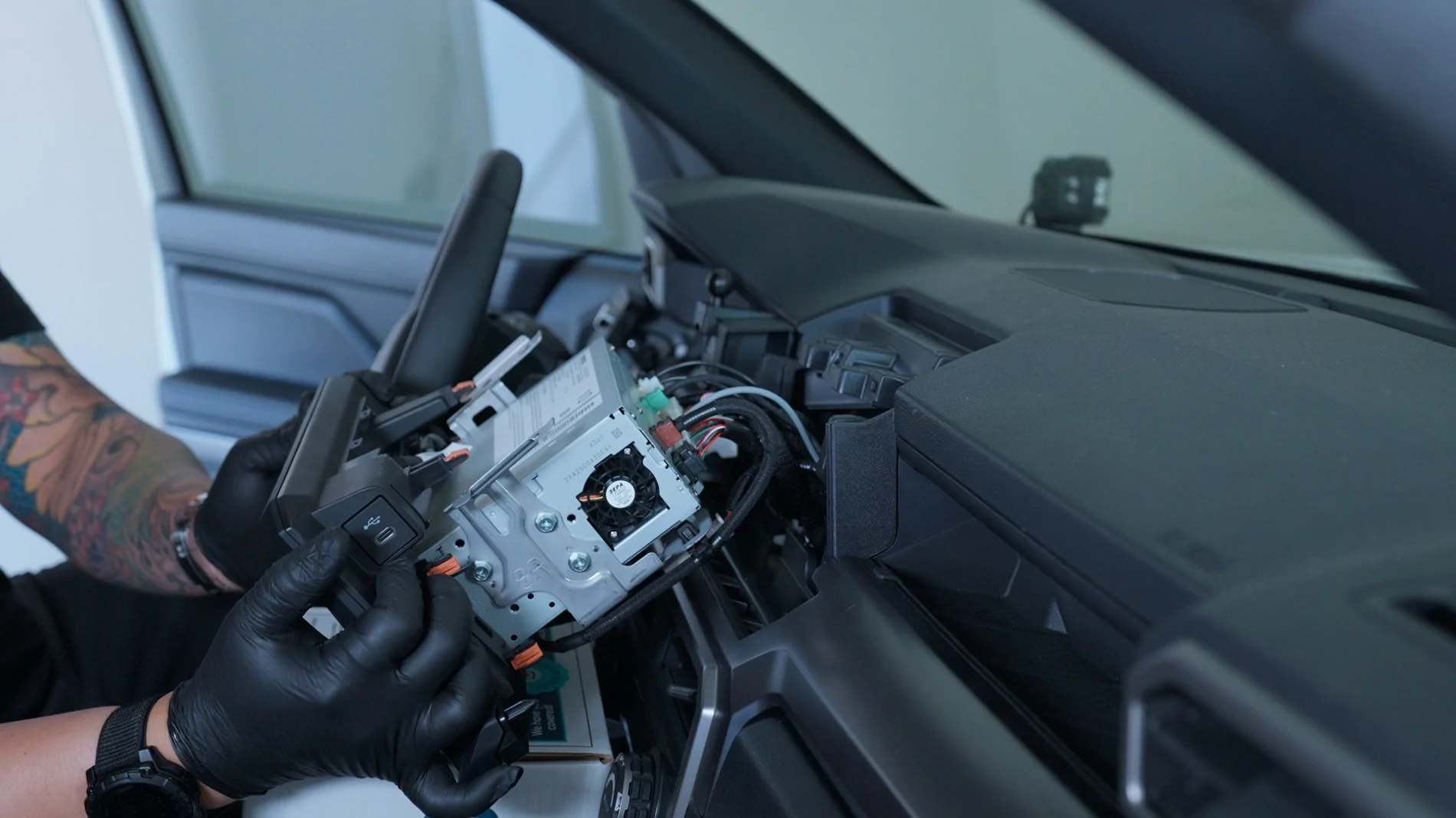
The factory radio will then slide right out. I would suggest placing a small box over the shifter so you have a flat surface to set down the radio without creating an scratches on the radio or your dash.
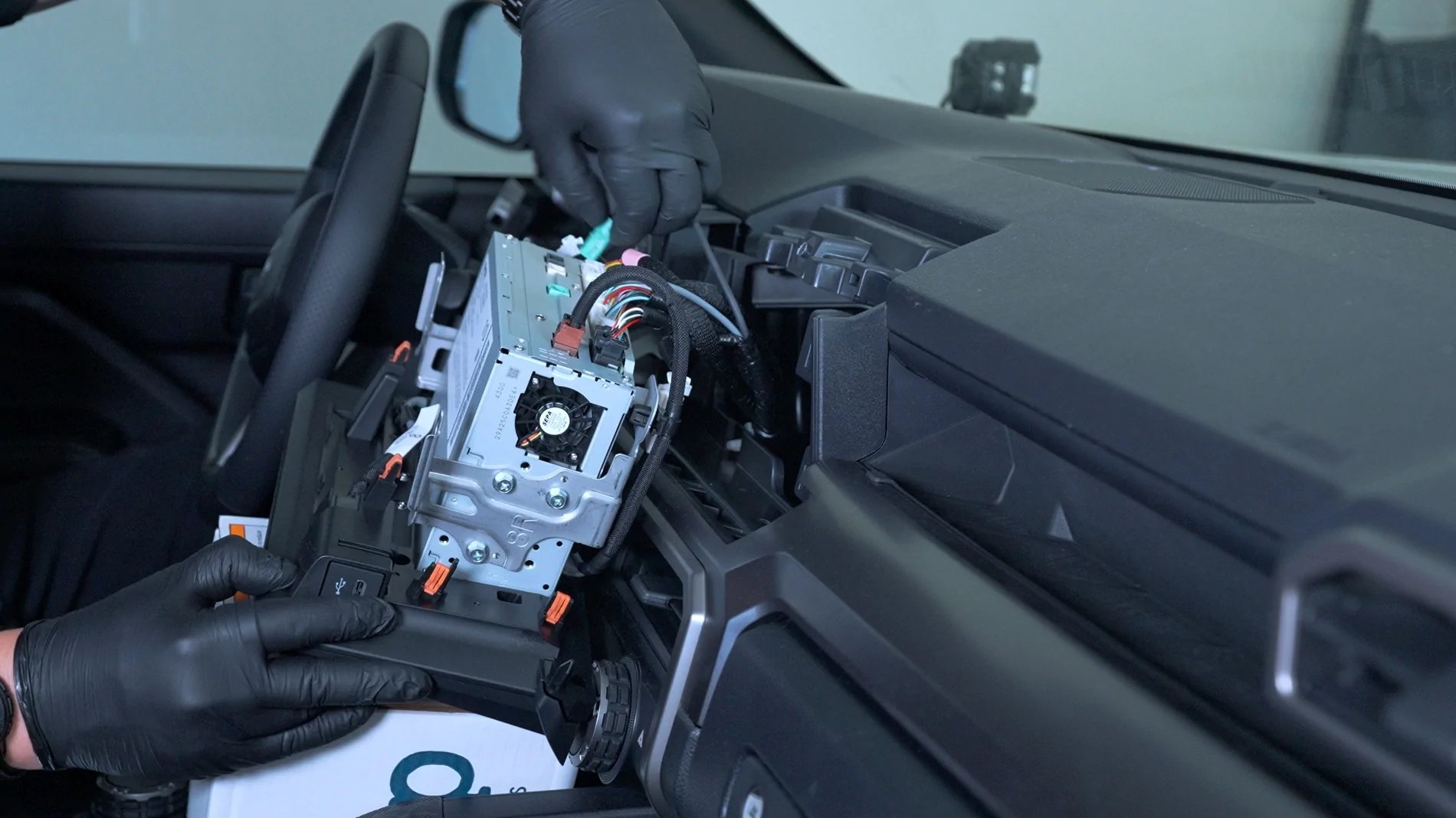
You can now remove all plugs and connectors from the factory unit. Again, these connectors are all different so there is no way to plug incorrectly.
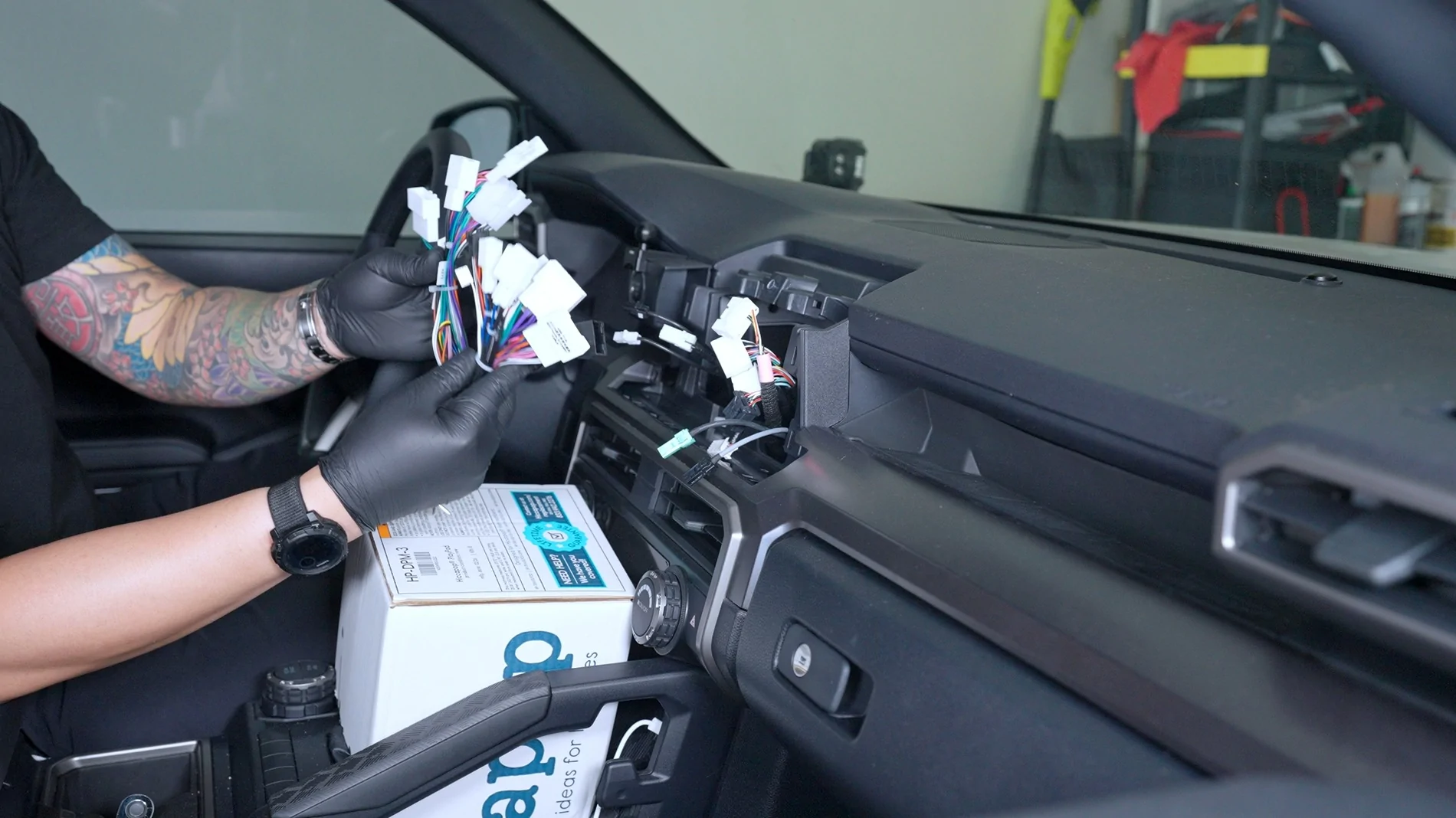
NOTE:
The CarTrimHome 14" screen comes with 2 MAIN Power Harnesses but you only need to use one. I was able to use the harness labled "Toyota Camry". You can then start connecting the aftermarket harness to the factory wire connectors.
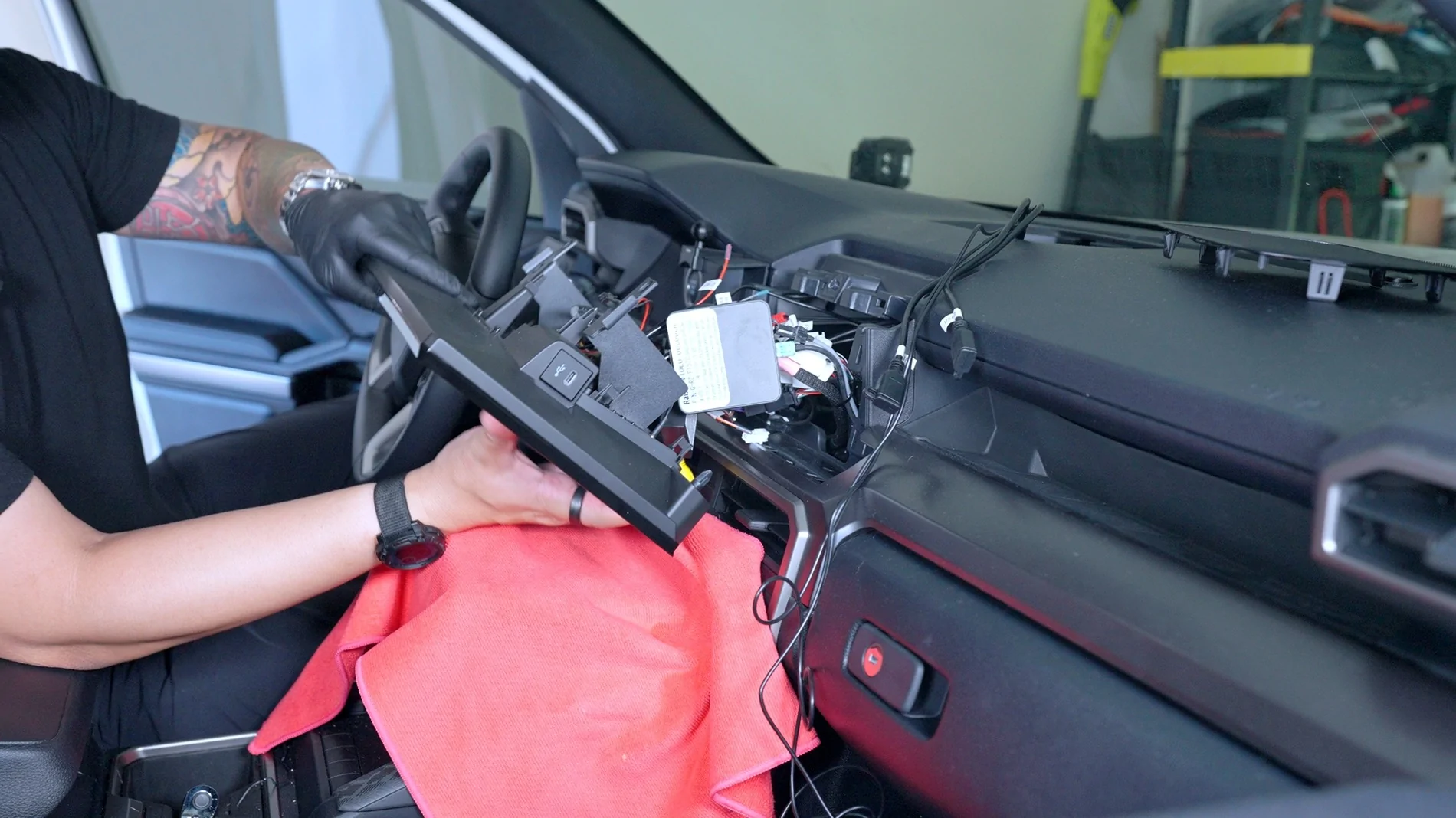
I go over some of the wiring in my YouTube video but the manual that comes with the head unit also shows you where to connect each plug into the aftermarket head unit. Again, this is hard to mess up since each plug is different.
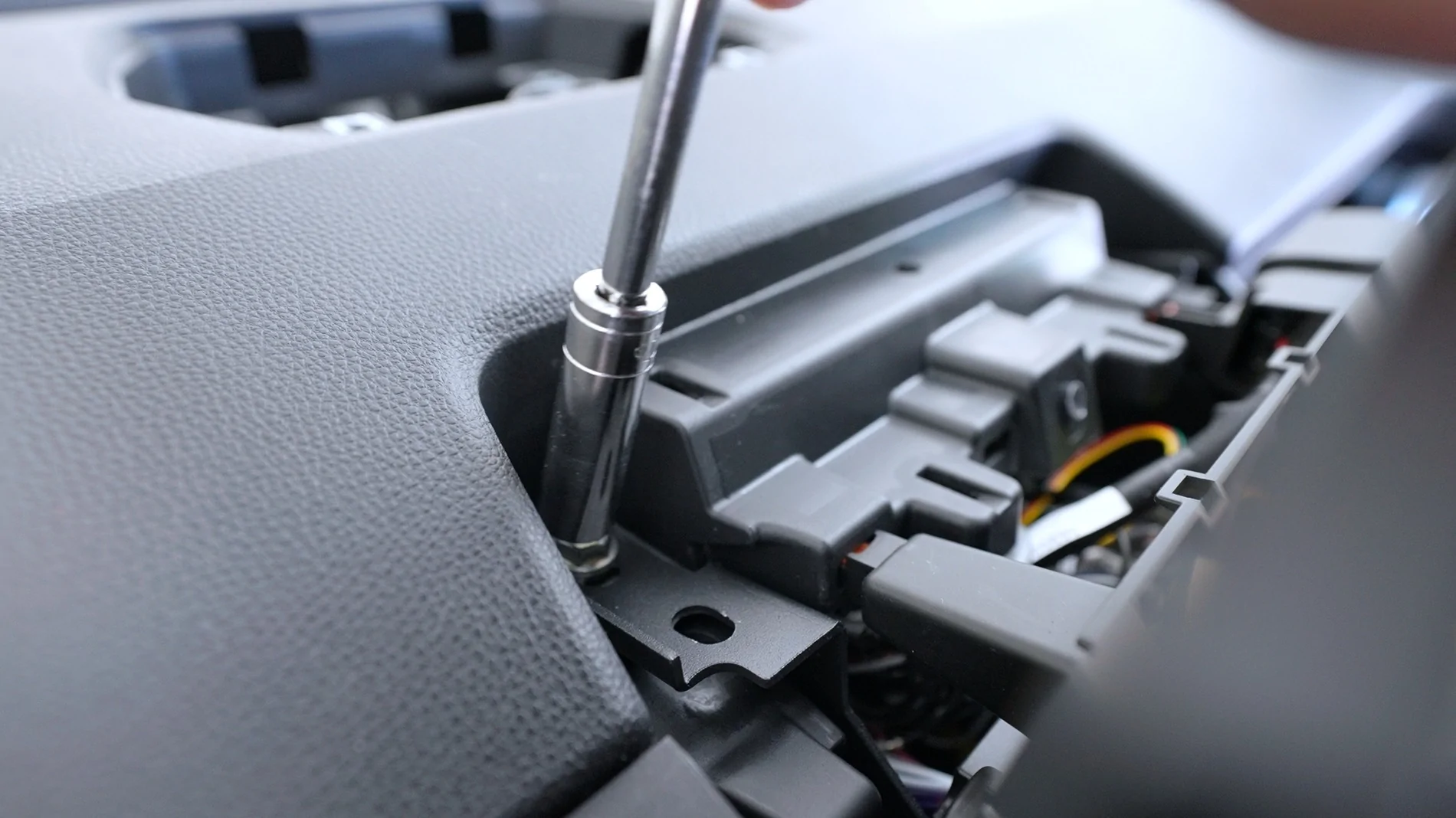
When bolting the aftermarket head unit back to the dash, you only need to use TWO of the factory bolts instead of FOUR.
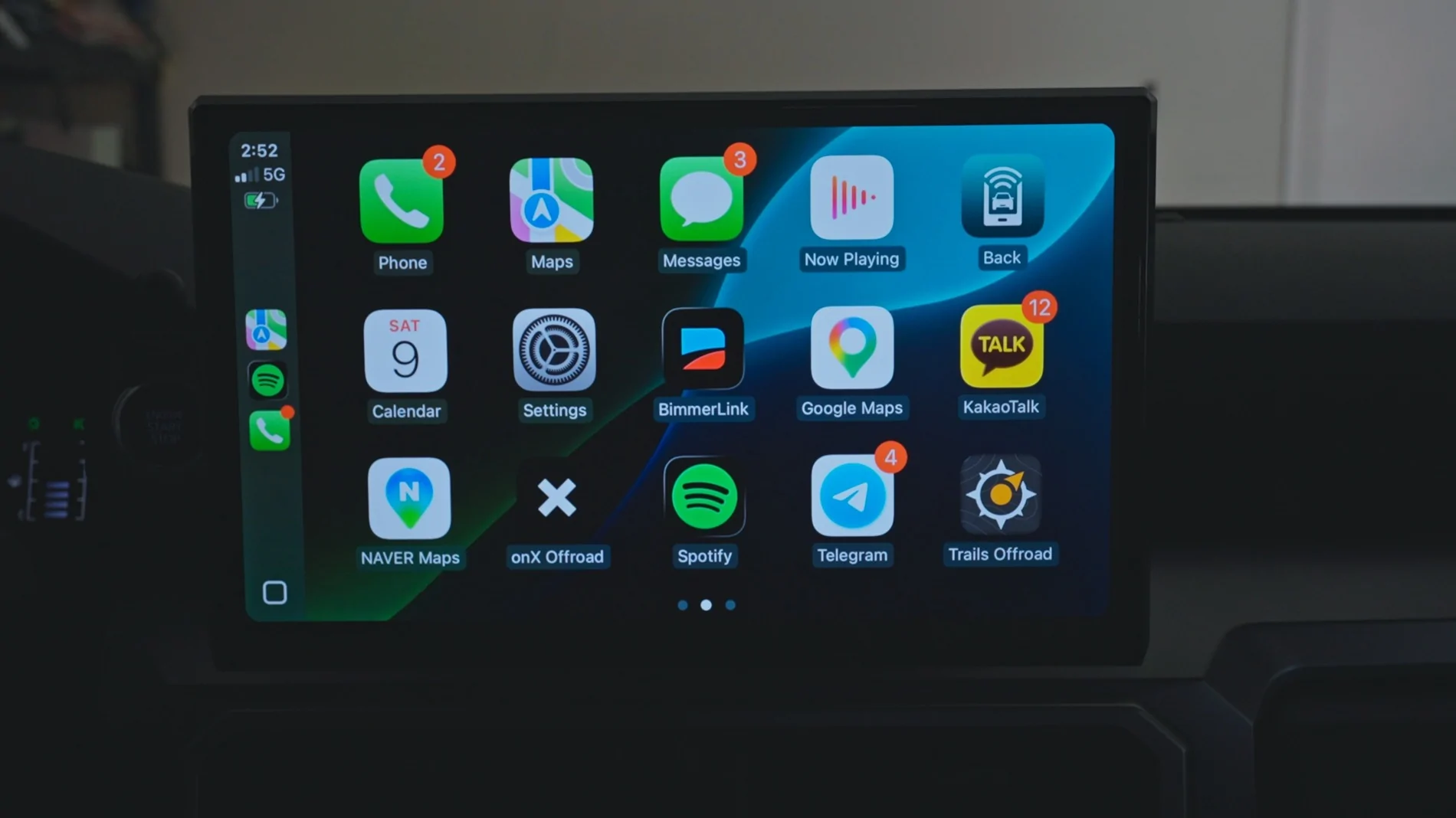
Here are some shots of the UI and Apps:
Everything worked as it should and I haven't had any issues. I did need to make some setting adjustments but I go over that in my video.
- Steering wheel controls -

- Wireless Apple Carplay and Android Auto -
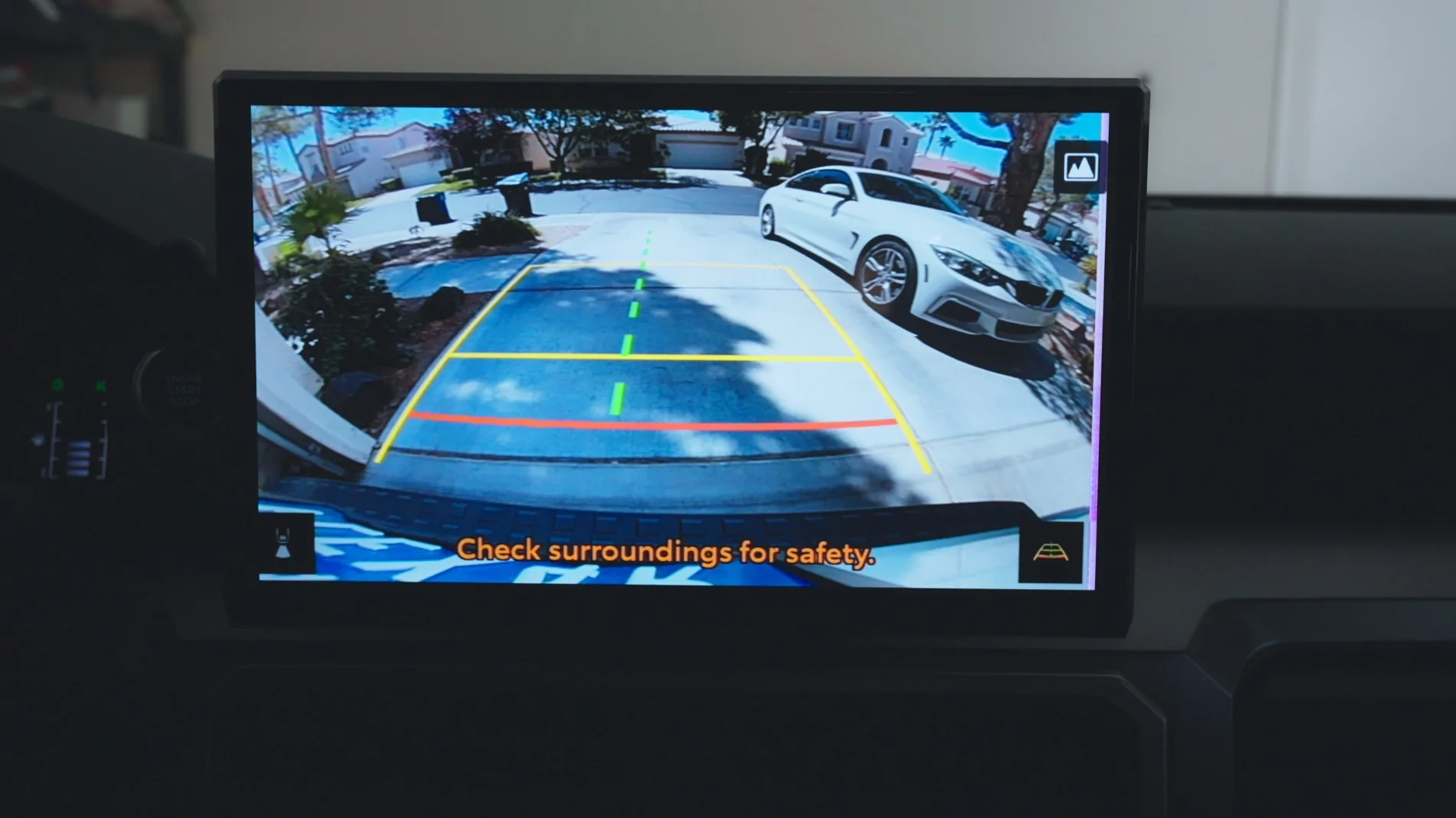
- Reverse camera display -
- Google Playstore (tons of apps) -
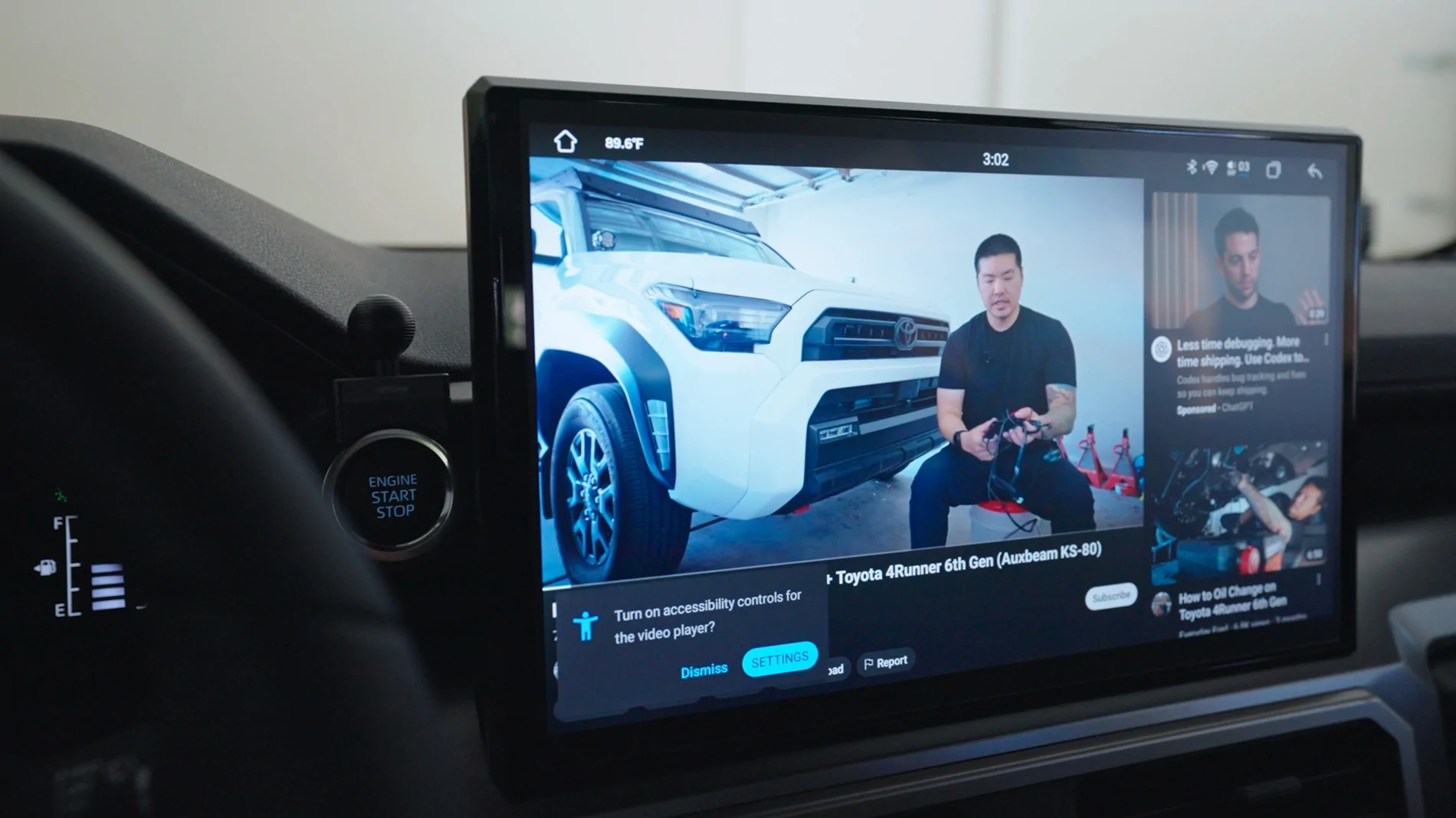
- Watching video (YouTube, Netflix, HBO, ect) -
You may notice there is no volume knob, I did talk to CarTrimHome and they showed me a prototype of the volume module they are working on which would be installed in the same location as the factory 14" screen volume knob. But the knob is not really necessary since the steering wheel controls work and you can also use gestures on the screen. A two-finger swipe up or down will raise/lower the volume
Overall I am very satisfied with this head unit and its a huge improvement over my factory 8" radio.
Don't forget about the 10% discount using code FRED if you decide to upgrade to the CarTrimHome C12 head unit.
Sponsored