
Sponsored

14" Screen Options -- Aftermarket?

ibraheemfauzi

SR5
Member
First Name
Ibby
Joined
Mar 26, 2026
Threads
1
Messages
7
Reaction score
0
Location
Austin, TX
Vehicle(s)
2026 Toyota 4Runner SR5
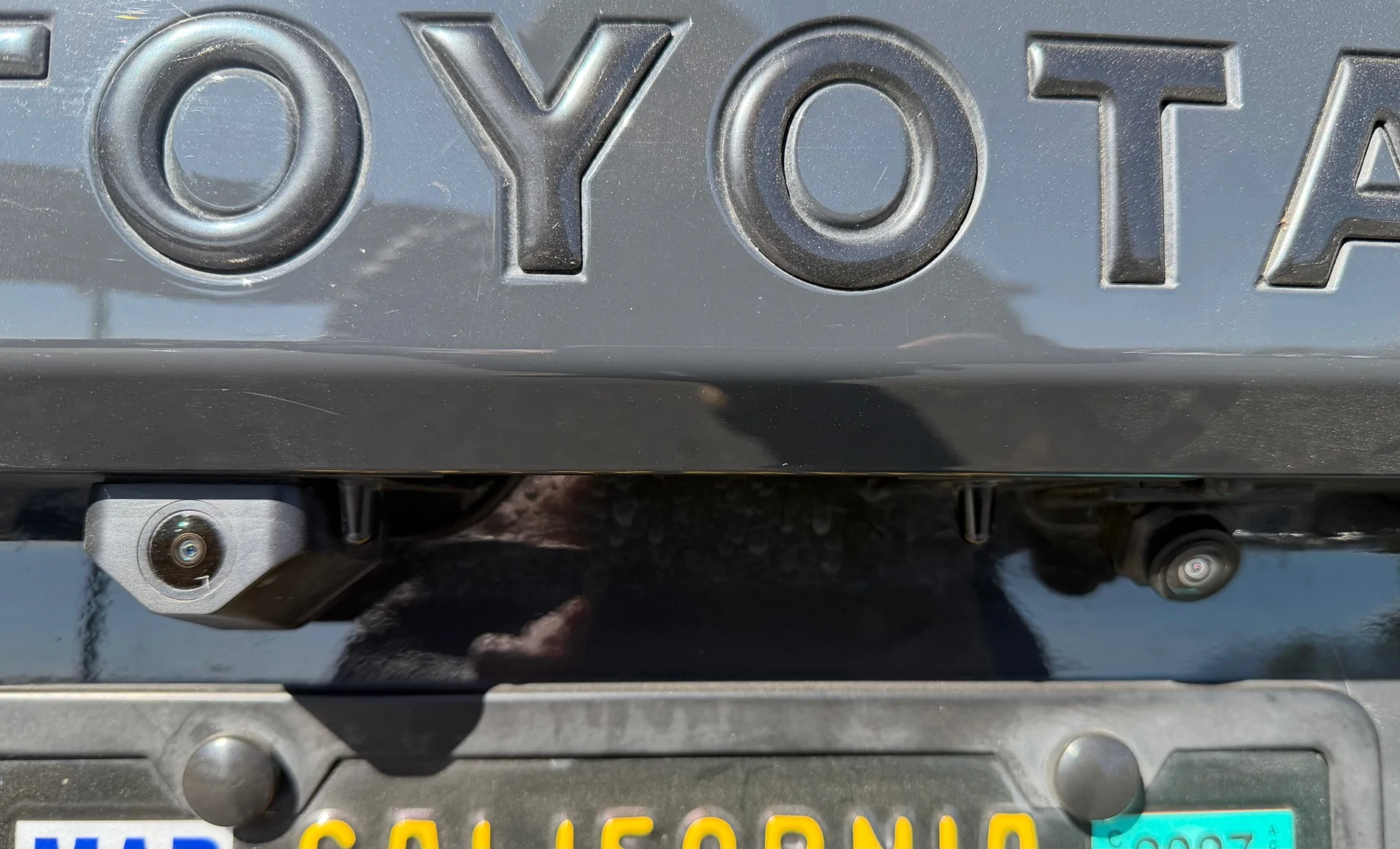
Not sure if they have that option, it came with the 360 camera. I tried using the OEM one but couldn’t figure it out. Believe me i tried…think the voltage was the problem. I eventually gave up and installed the camera for the back. Fishing the wires was the hardest part.

IMG_0934.webp
I'm def wanting to avoid that! How did other folks end up using the OEM cam with that headunit then?
Sponsored


ibraheemfauzi

SR5
Member
First Name
Ibby
Joined
Mar 26, 2026
Threads
1
Messages
7
Reaction score
0
Location
Austin, TX
Vehicle(s)
2026 Toyota 4Runner SR5
Install was ok. Never got a manual but watch a video from a different vendor on YouTube. Worked out…the only problem was the OEM backup camera wasn’t compatible. After going back and forth with the vendor, decided to just install the 360 camera that came with it…work out.
Don’t have the link as it has been months, pretty sure there are better alternatives now. Paid $700 for the unit. I remember the brand was Navihua. My only advice, get the higher memory as it makes the unit faster.
Sound is awesome too, don’t need an amp, just put the settings on Jazz.
DO you know if there is a way to always have volume - / + visible on the screen regardless of what mode is being displayed?
 

Russ

TRD Sport
Member
First Name
Russ
Joined
Apr 15, 2025
Threads
2
Messages
21
Reaction score
14
Location
California
Vehicle(s)
4runner
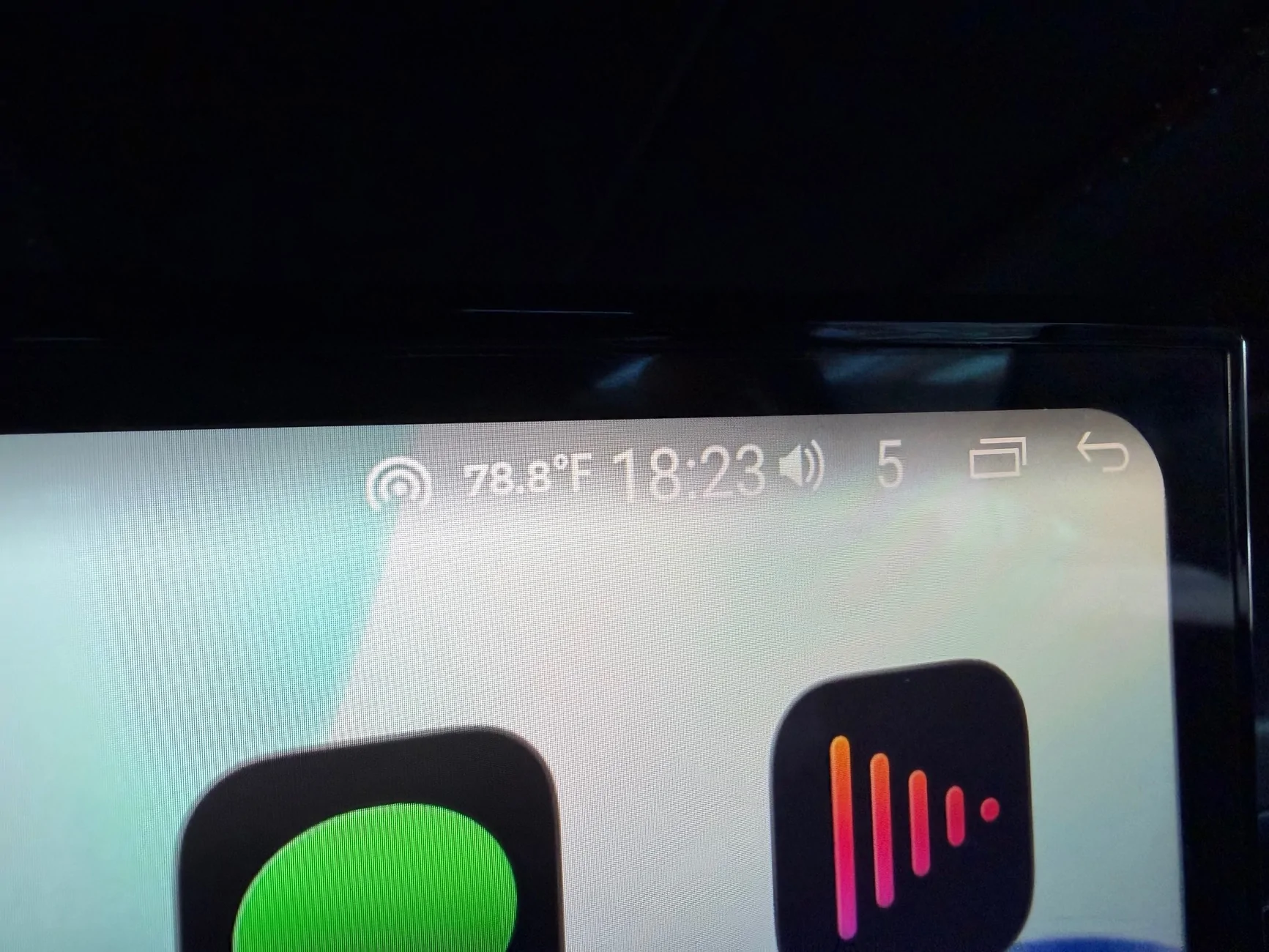
Yes, either by using the steering wheel volume control or by swiping down on the screen to bring down the menu options on top then press the volume icon button to adjust.

2025 2026 4runner 6th gen 14" Screen Options -- Aftermarket? IMG_0935
 

ibraheemfauzi

SR5
Member
First Name
Ibby
Joined
Mar 26, 2026
Threads
1
Messages
7
Reaction score
0
Location
Austin, TX
Vehicle(s)
2026 Toyota 4Runner SR5
Yes, either by using the steering wheel volume control or by swiping down on the screen to bring down the menu options on top then press the volume icon button to adjust.

IMG_0935.webp
Thank you, however, it doesn't look like there is a way to keep it visible when you're in AA or ACP?
 

Russ

TRD Sport
Member
First Name
Russ
Joined
Apr 15, 2025
Threads
2
Messages
21
Reaction score
14
Location
California
Vehicle(s)
4runner
No problem…i took that pic while on APC…but to have a volume adjust on screen all the time, i don’t think so.
Sponsored


Top