
Sponsored

Installing THINKWARE U3000 Dashcam

dclear

SR5
Member
Joined
Mar 30, 2025
Threads
0
Messages
12
Reaction score
9
Location
Colorado
Vehicle(s)
2025 Toyota 4Runner
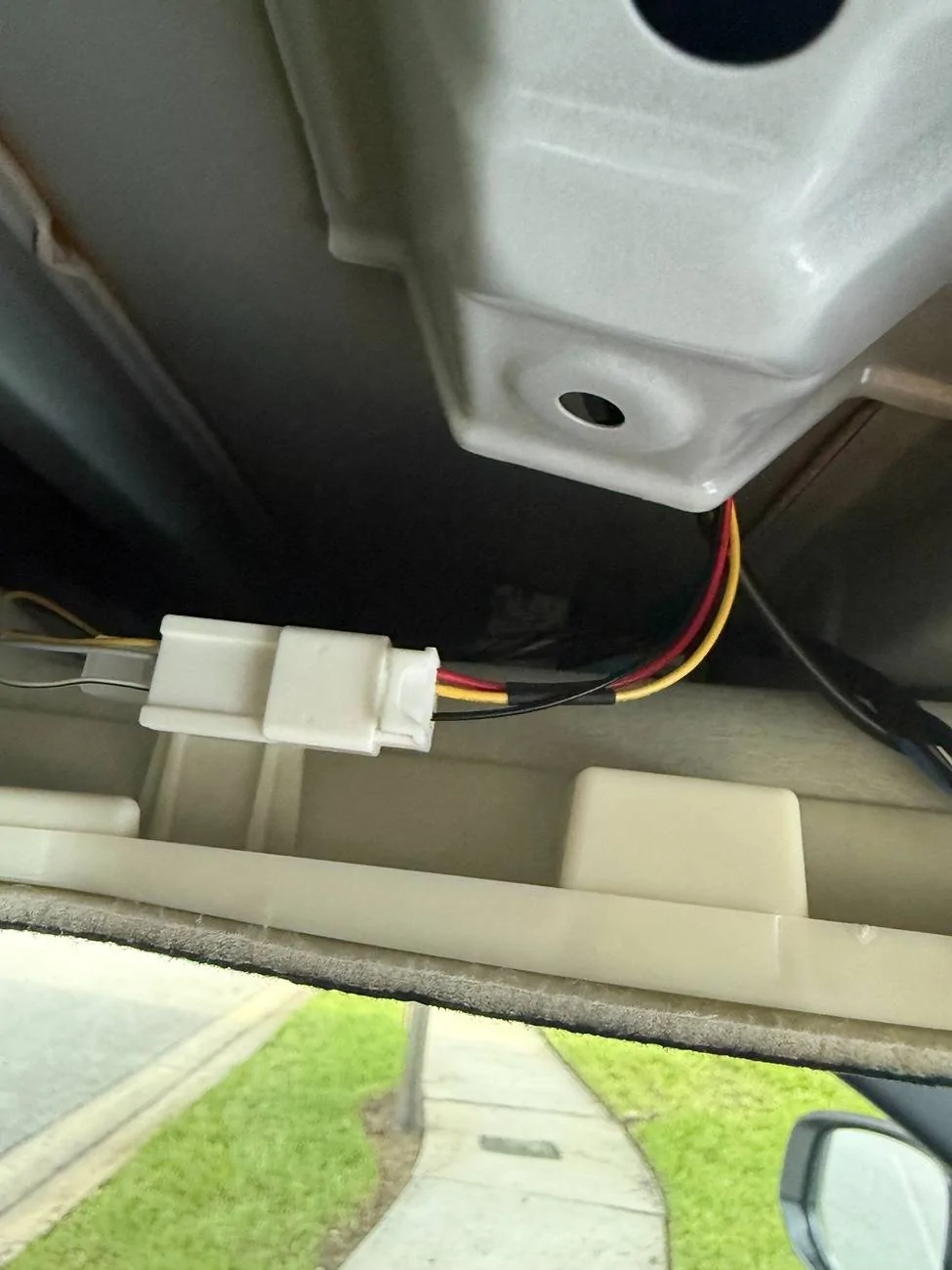
I do not have start and stop feature but that’s a good call. Hard to say. It could also be an issue with the $2 prewired 5pin connector I got shipped from China lol. I don’t want to cut into the wires on the factory installed 5pin, but I might just to test and wrap them back up with electrical tape if the results are the same.
Sponsored
 

dclear

SR5
Member
Joined
Mar 30, 2025
Threads
0
Messages
12
Reaction score
9
Location
Colorado
Vehicle(s)
2025 Toyota 4Runner
Ok I think I got to the bottom of this. That constant white/grey wire is not plugged into anything but gets some passive voltage from leakage, about .3V-.5V. Maybe after a few minutes time that’s enough to turn on the dashcam from the kit?

The hardwire kit I have is meant to be powered from that battery wire, and just use the ACC as a trigger to tell the dashcam it’s on battery. So I have to get constant up there somehow. Annoying, but not the end of the world! ?

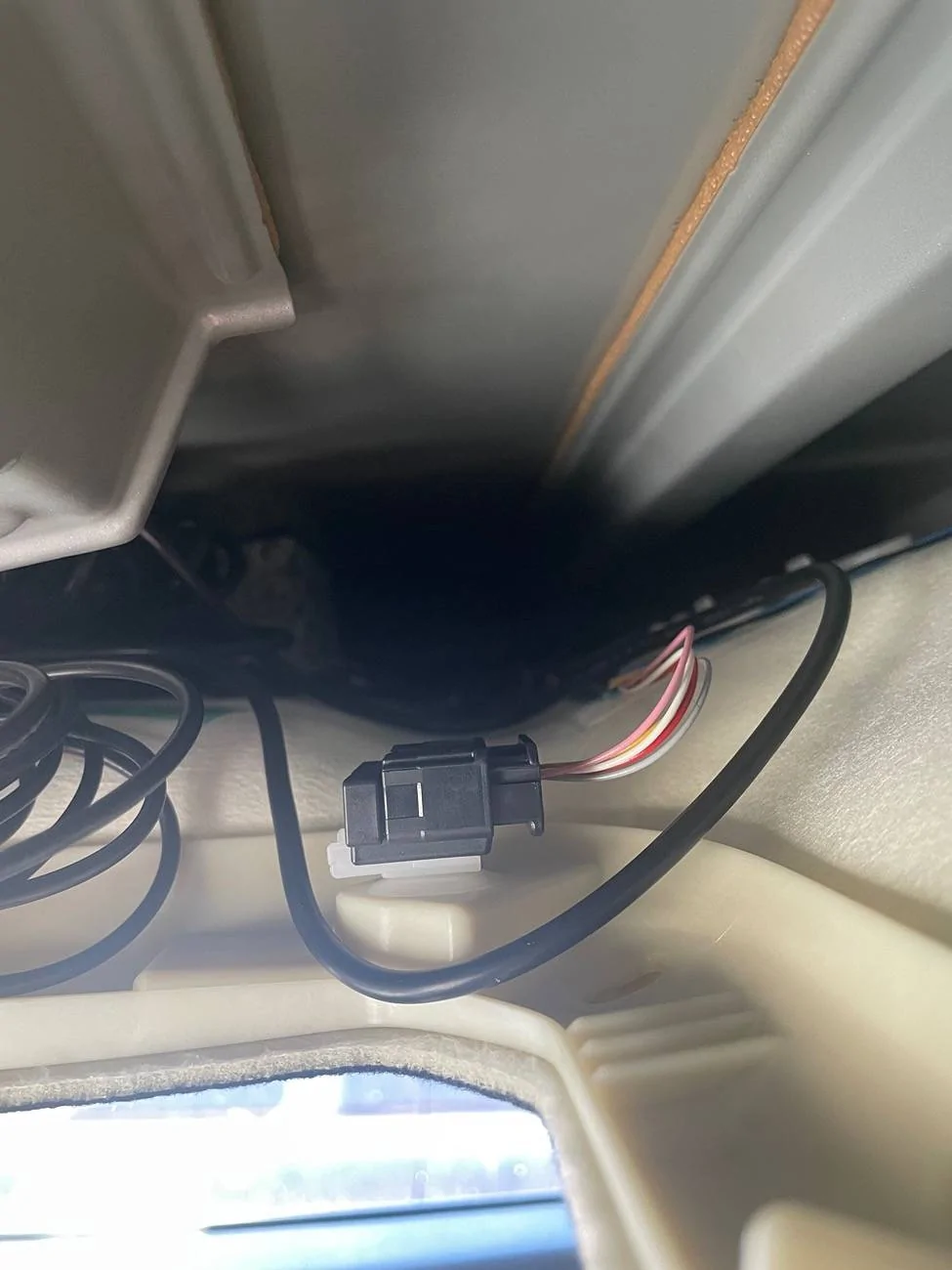
There’s also this plug on the passenger side up there, which I’m curious about.. it looks like 11x2 pins with 5 wires: red, yellow, pink, white, and grey.

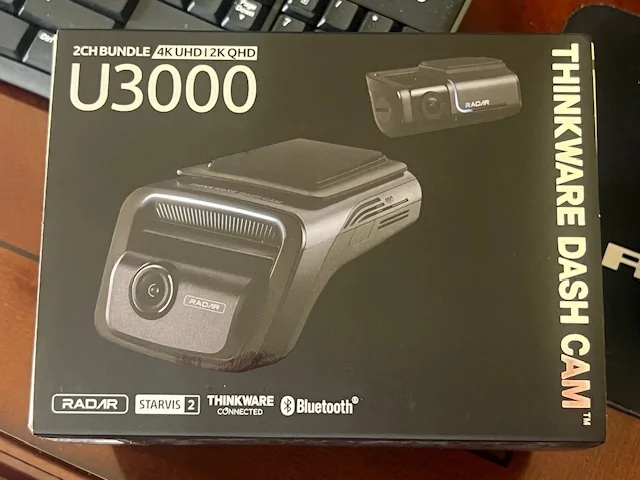
2025 2026 4runner 6th gen Installing THINKWARE U3000 Dashcam IMG_6034
 
Last edited:

BillyG4Runner6G

TRD Pro
Well-known member
First Name
Billy
Joined
Nov 4, 2024
Threads
4
Messages
96
Reaction score
114
Location
Delaware
Vehicle(s)
2023 Ford Bronco Wildtrak & LEXUS RX 350
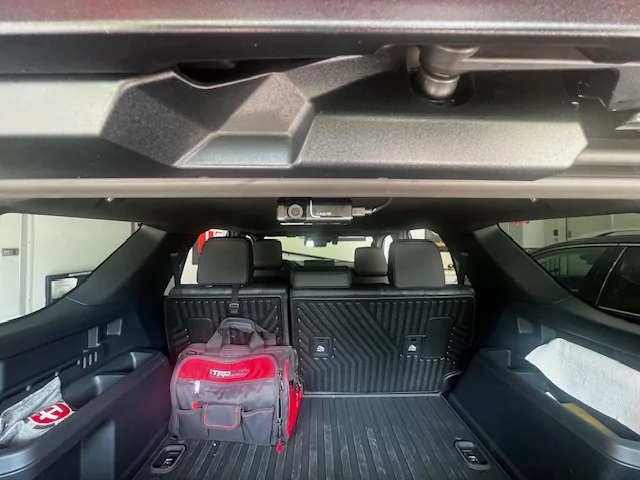
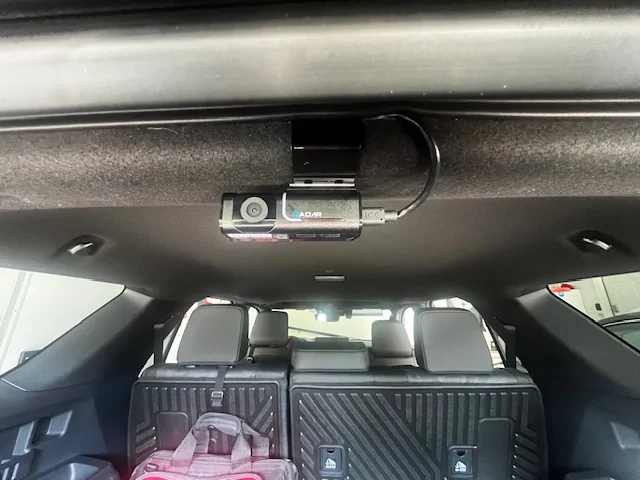
Went with the same one and just had my local stereo shop install it for me to save myself the headache. Took them about 1.5 hours or less. Still learining how to use it. They recommended that I get a 256GB micro SD card for it since the factory one is only 65GB. They are only like $30 I believe.
I heard that you can connect this thing to our on board hot spot and it will allow you to watch live from anywhere if some else is driving the car. The shop made a custom bracket for the rear facing camera so they wouldn't disturn my headliner.

2025 2026 4runner 6th gen Installing THINKWARE U3000 Dashcam IMG_5442 (1)


2025 2026 4runner 6th gen Installing THINKWARE U3000 Dashcam IMG_5436


2025 2026 4runner 6th gen Installing THINKWARE U3000 Dashcam IMG_5437


2025 2026 4runner 6th gen Installing THINKWARE U3000 Dashcam IMG_5438


2025 2026 4runner 6th gen Installing THINKWARE U3000 Dashcam IMG_5440


2025 2026 4runner 6th gen Installing THINKWARE U3000 Dashcam IMG_5441
 
Last edited:

MattyTC

Trailhunter
New member
First Name
Matthew
Joined
Aug 24, 2025
Threads
1
Messages
3
Reaction score
10
Location
Anmore, BC, Canada
Vehicle(s)
2025 4Runner
Thank you for posting this. I installed my Thinkware U1000 today. You are correct, the red and yellow wires are reversed in the OP instructions. I was a little freaked out yanking the console out, but one it was out, the rest was easy.
 

ifunlisted

Platinum
Well-known member
Joined
Nov 6, 2025
Threads
1
Messages
57
Reaction score
8
Location
AZ
Vehicle(s)
4Runner
I did it! Can confirm this works! I got mine from here:

5Pin Connector Unsealed 0.7mm Male Female Connector Automobile Wiring Harness Sensor Cable Socket for Toyota 6098-3802 6098-3810

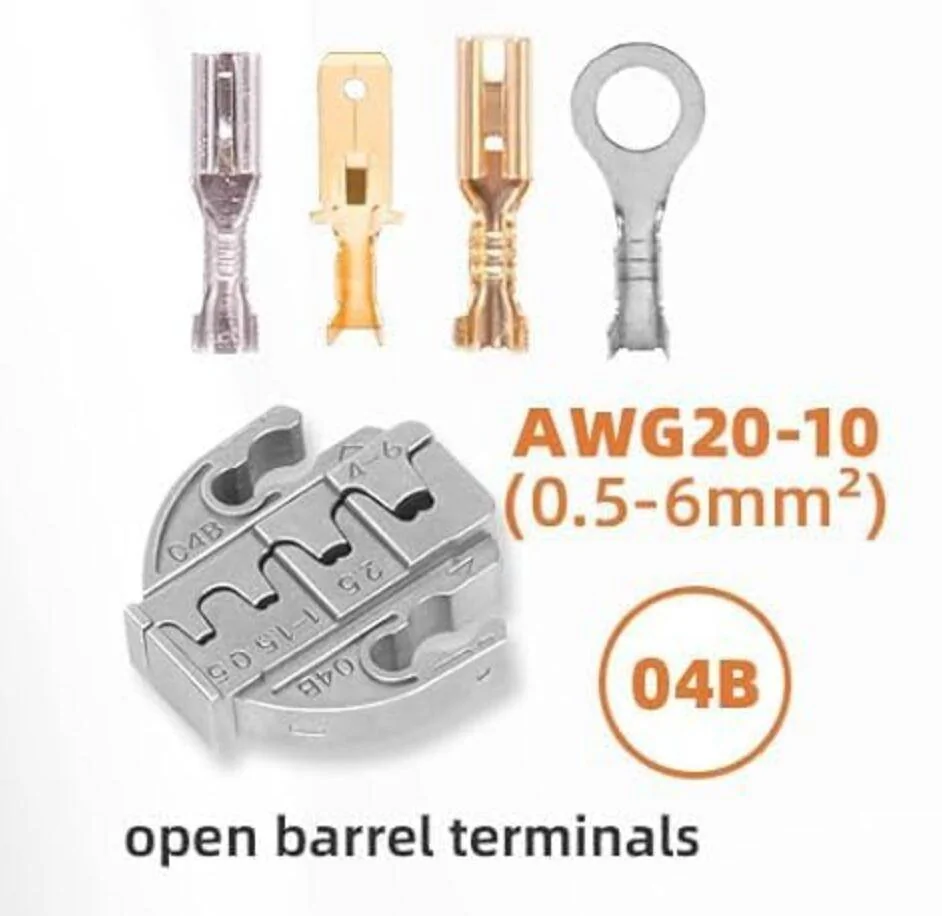
I picked up three pairs of connectors because I wasn’t sure if I wanted to make a piggyback connector or just plug them in directly. My first try didn’t go well, as I attempted to clamp the wire to the pins with pliers, but the wire was too thick. I couldn’t get the pins to go all the way into the 5-pin connector.

After that, I decided to get a crimping tool. I wasn't really sure what to buy, so I went for one with seven different types of dies. That did the trick, but again I had to push the pin further with thin, precise flat screwdriver. Here is the crimping die that worked, smallest 0.5mm (20 AWG)

1751592118334-nu.jpg


And here is what it looks like (EDIT: When you connect it wrong - yelow/red needs to be swapped)

1751592296652-xc.jpg


EDIT: Since Radar Parking didn't work, I figured out it must be wiring, so it is not:

Yellow -> Red = 12VDC constant
White -> Yellow = 12VDC ACC,

Correct wiring is:

Yellow -> Yellow - 12VDC constant
White -> Red - 12VDC ACC

Black/White -> Black = ground

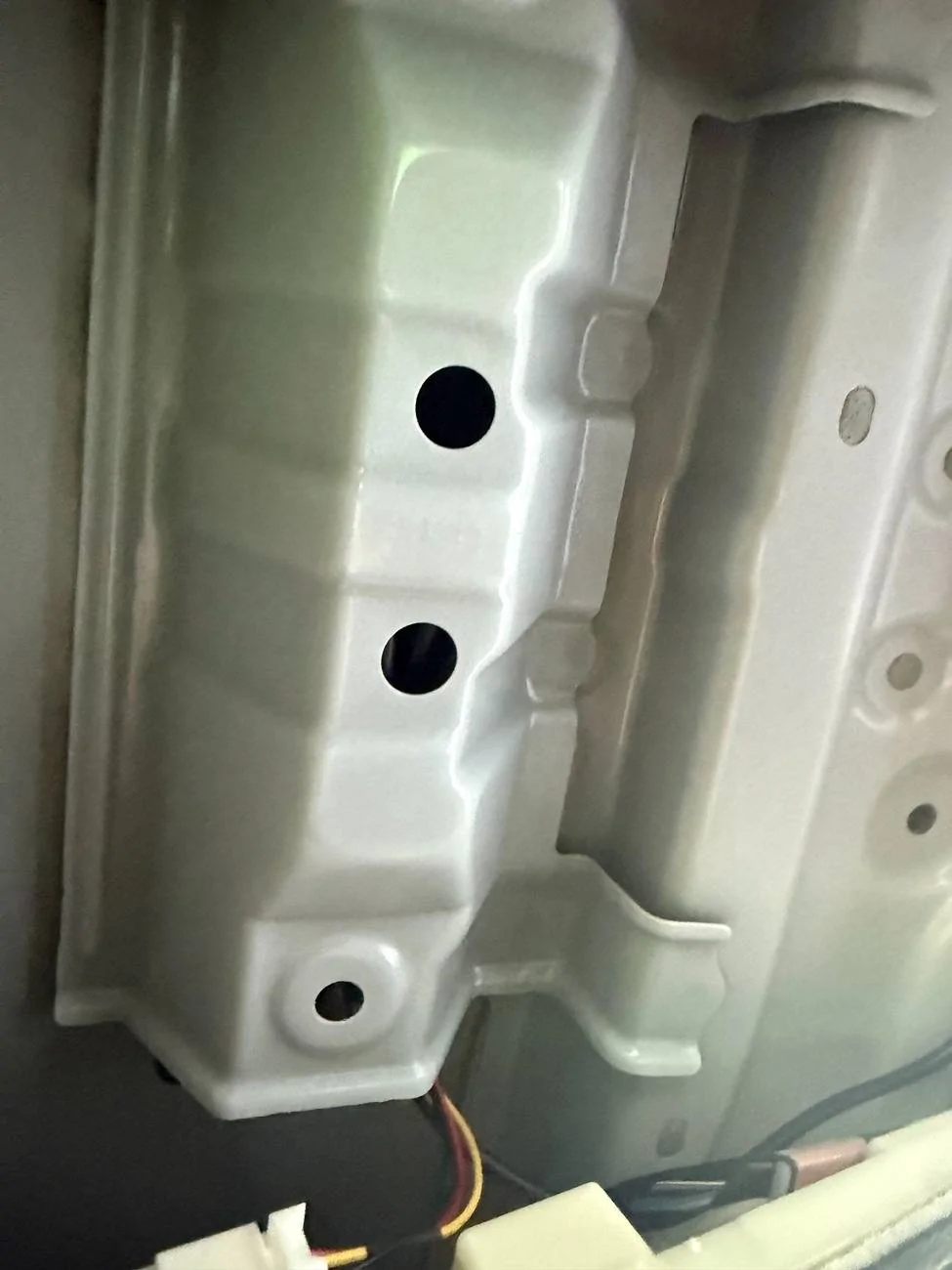
The Thinkware wire is pretty long, so I had to tie it up. It fits really well in that metal compartment above the dome lights. That is the one with four holes (you can see three of them in the next photo).


1751592601328-2x.jpg


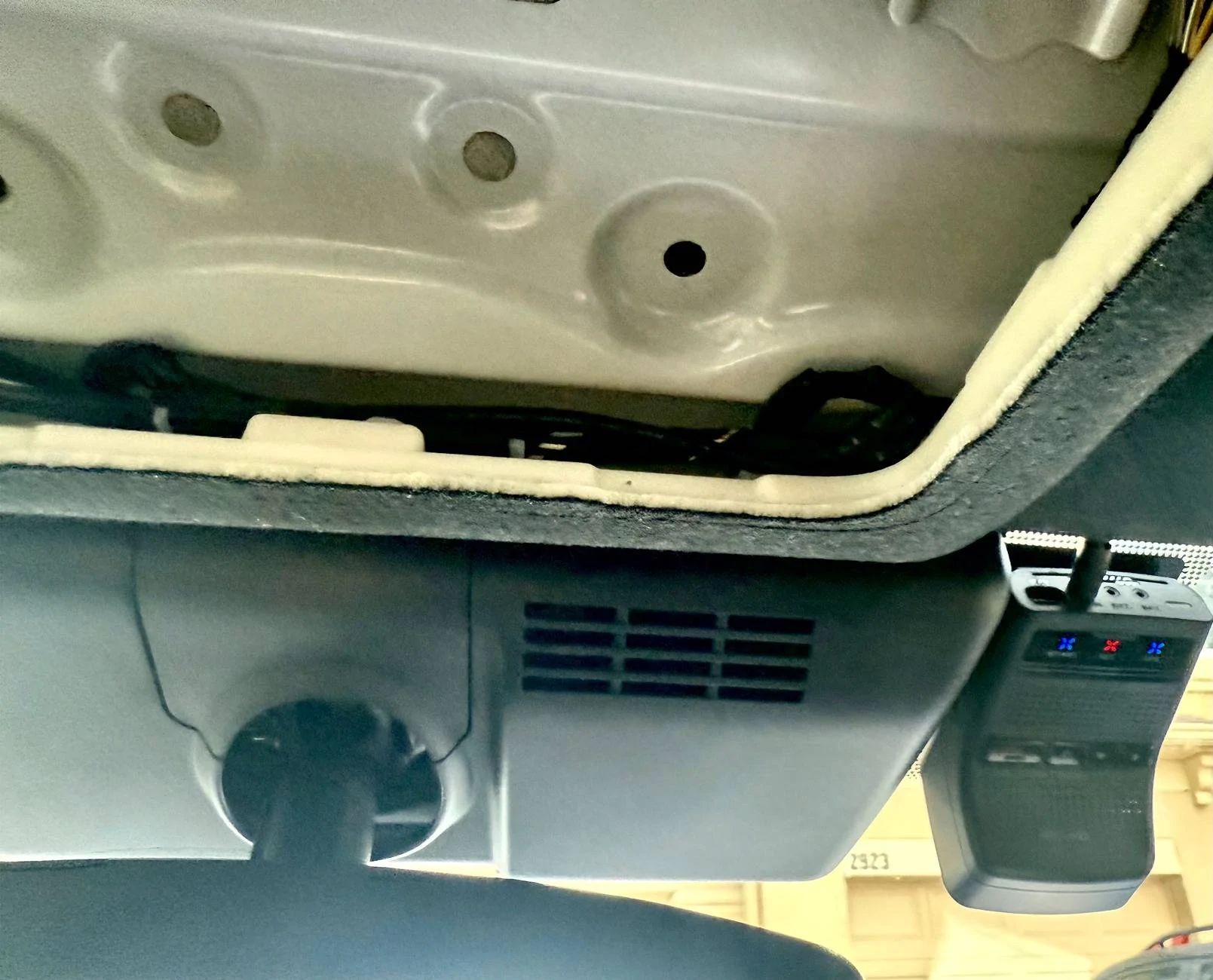
There’s a good amount of space between the headliner and the roof since I don’t have a sunroof. I was a bit worried about how to deal with the extra wire, but I ended up tucking it in there, and it fits pretty snug.

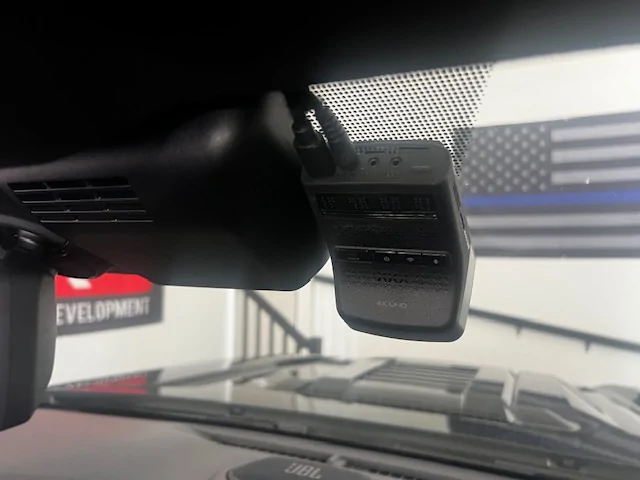
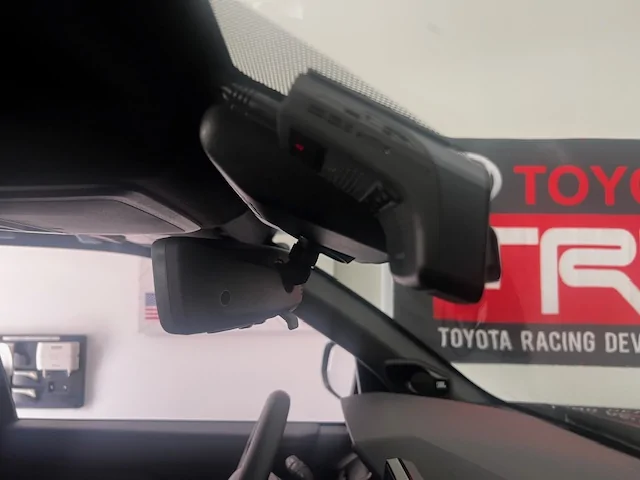
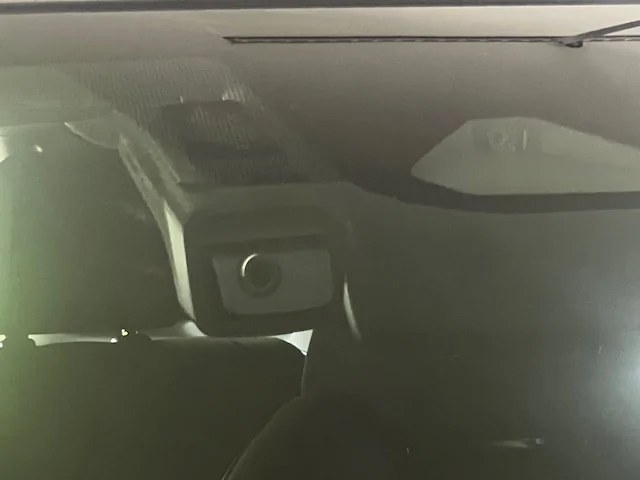
I ran the black dashcam wire along the existing wires over to the passenger side. The fixed wires attached to the headliner aren't really causing any problems, actually, they helped me to anchor my wire. I put the heat protector and base plate over the dotted part of the windshield, so the camera sits right underneath that area.

1751593515523-z0.jpg


I had to put on a polarizing filter because the glare was pretty bad without it. Especially with all the shiny stuff, if you have dashboard storage.

I’m really happy with how everything looks so far. In the next few days, I’ll check out how it records and see if it’s worth keeping. If it is, I’ll tackle the rear camera installation. That’ll be a bit tricky since I’m not a fan of having anything hanging down from the headliner.
Hey did you confirm you have Continuous 12V running to the Toyota factory connector? And can you clarify which color that was. There's some confusion... on yours it looks like the Constant 12V power was the yellow wire, but @dclear thought his was the white/grey one next to it... and then that one didn't end up being connected to anything. Thanks
Sponsored


Top