

Sponsored

How to play / cast / stream video (Netflix, Yahoo, apps) on display screen

DHermit

Platinum
Well-known member
First Name
Matt
Joined
Sep 8, 2025
Threads
7
Messages
89
Reaction score
12
Location
Orlando, FL
Vehicle(s)
2025 4Runner Platinum
I agree, a tablet is a much more versatile solution.

The central screen in a car is truly inconvenient for watching movies, and the limited screen time only makes it more difficult. A tablet, on the other hand, can be used not only for videos but also for email, games, and communication—especially convenient when traveling. This approach is definitely more practical for both the driver and the passenger.
Now we just need a good mount option for a tablet in the 6th gen. I have the phone mount that goes over the start button and love it, but wouldn't want a tablet up there to block my view.
 

4running

Well-known member
Joined
Feb 7, 2024
Threads
35
Messages
232
Reaction score
312
Location
TX
Vehicle(s)
2020 4Runner SR5

Ahmad310

Platinum
Well-known member
First Name
Ahmad
Joined
Jan 22, 2025
Threads
7
Messages
142
Reaction score
119
Location
Cincinnati, OH
Vehicle(s)
2025 4Runner Platinum
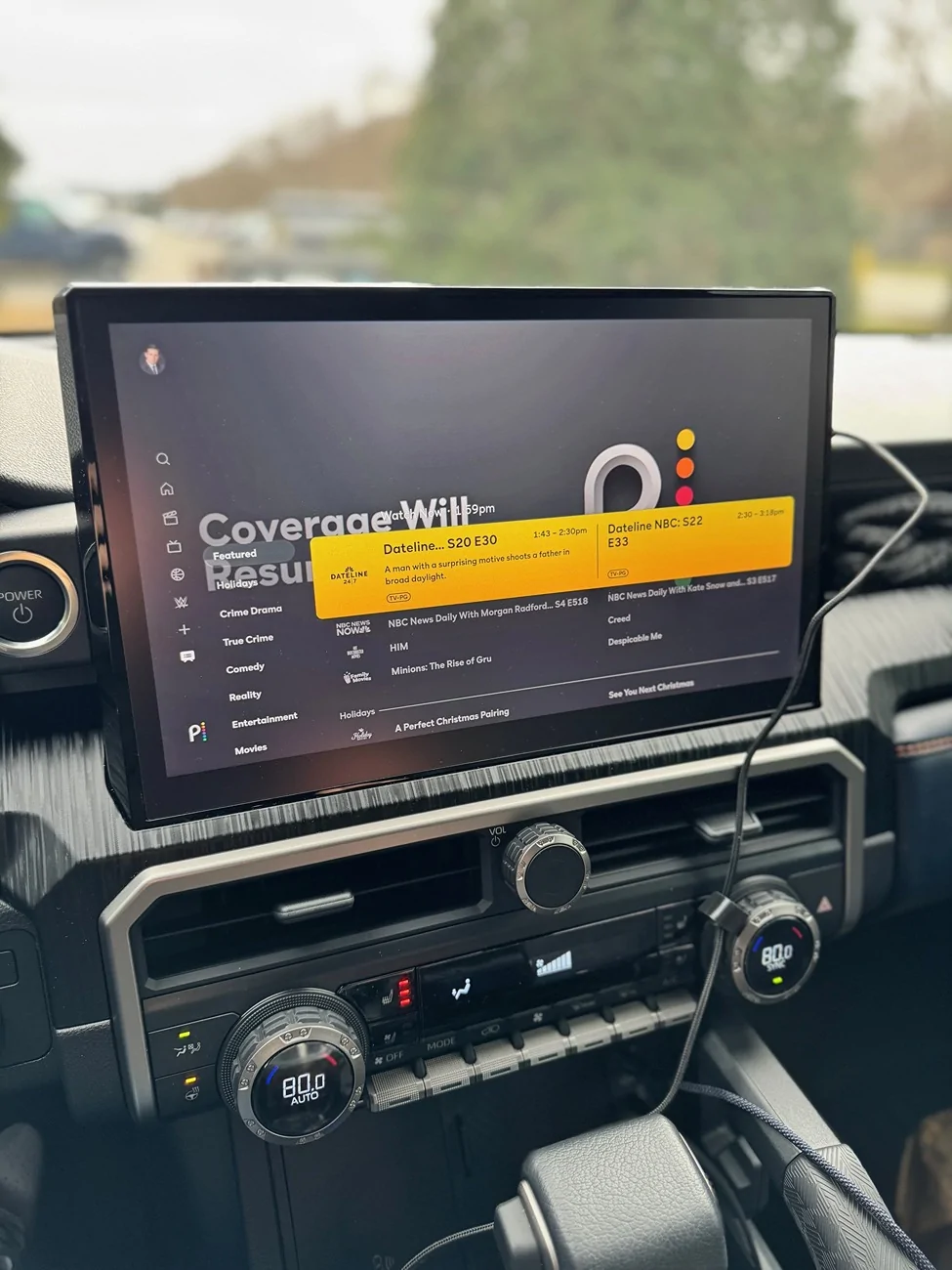
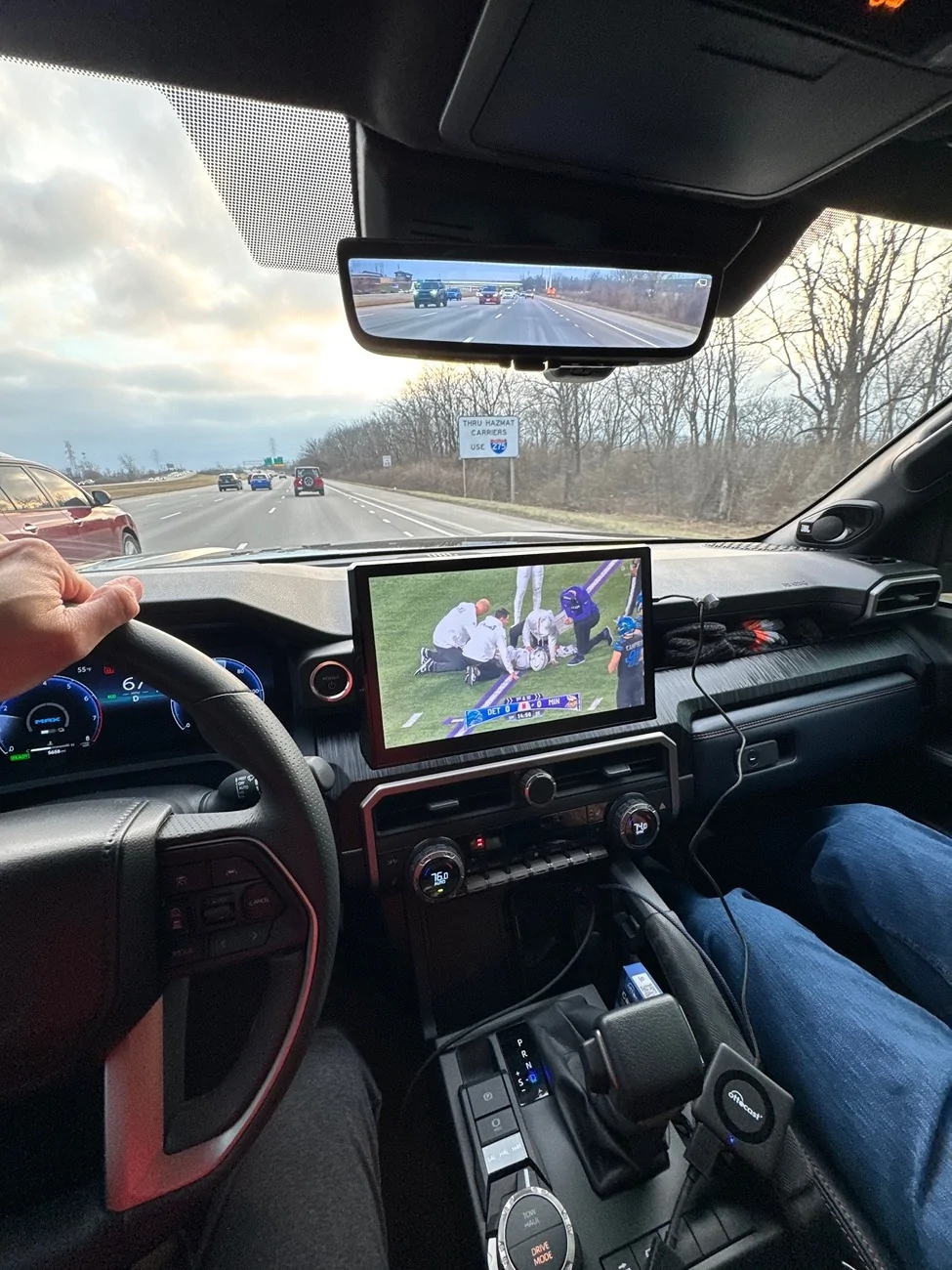
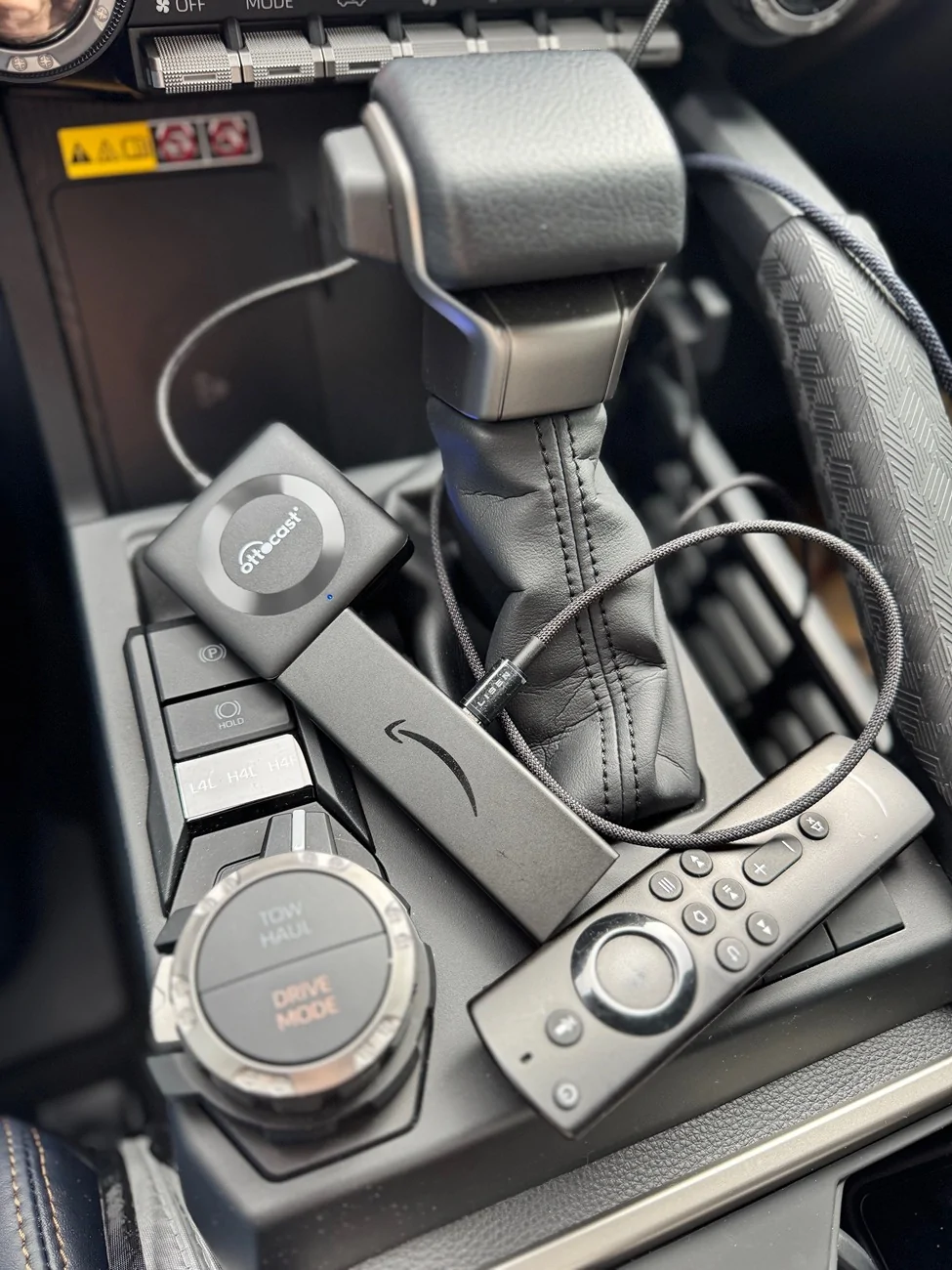
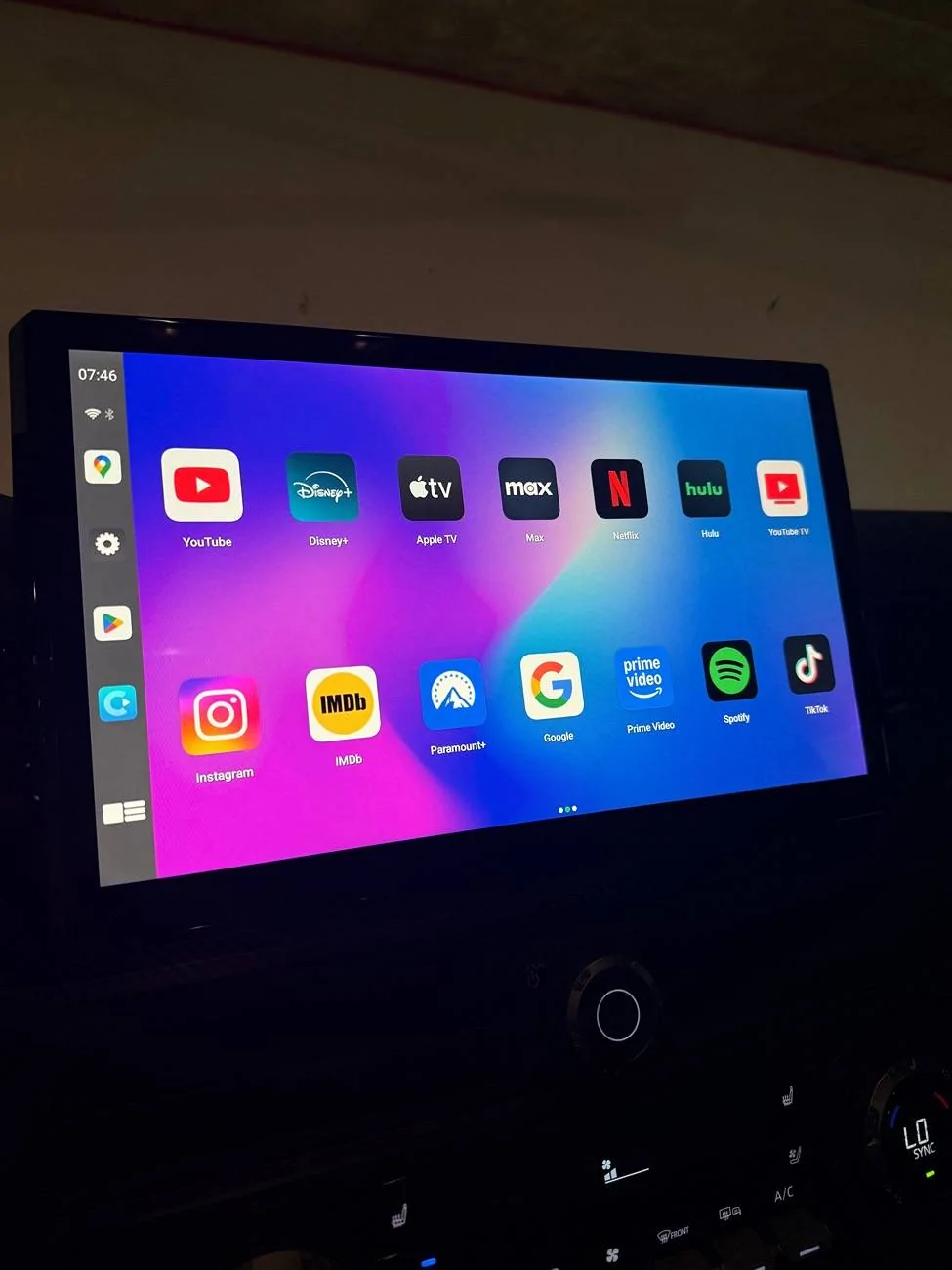
I was gifted the Ottocast Car TV Mate Pro for xmas and its working pretty well paired with a spare firestick i had sitting around using hotspot from my phone. Ordered a Micro-USB to USB-C cord to power the firestick from the USB-C ports up front so I didn't have the run a cord to the back of center console to use the inverter.

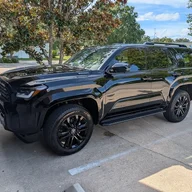
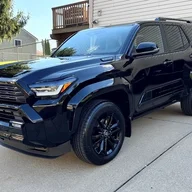
2025 2026 4runner 6th gen How to play / cast / stream video (Netflix, Yahoo, apps) on display screen 3


2025 2026 4runner 6th gen How to play / cast / stream video (Netflix, Yahoo, apps) on display screen 1
2025 2026 4runner 6th gen How to play / cast / stream video (Netflix, Yahoo, apps) on display screen 2
 

Antless77

Member
First Name
Christopher
Joined
Jun 17, 2026
Threads
0
Messages
5
Reaction score
1
Location
United States
Vehicle(s)
macan gts
Working on TRD Pro. Pretty great little setup. Haven’t decided where I want to put it yet but I will only be using this for when I sometimes will have lunch in my car at work, don’t worry I bring a bib and towel (joking but I should) or little car camps. So I will unplug and put away when I’m driving to switch to using internal CarPlay and the Toyota UI. I think the sound output is better when you use internal CarPlay as well, playing through the Bruxe’s spoofed CarPlay is not as smooth and loses sound quality. Overall, I will be loving the ability to watch off-road YouTube videos sometimes at lunch and maybe a full-back seat movie when camping. Next March watching games in the car has me excited, and to the haters, no I won’t watch and drive I’m not stupid I feel like I’ve turned into a 16 year old driving this thing I’m so careful. I mean the thing is a tv screen! I shouldn’t love the big thing as much as I do.

I’ll try and do an update with how consistent quality is after I get to poke around and test some apps but I assume it’s all internet connection. The thing seems to have solid enough graphics power to stream a video well with good connection. I mean the thing is a tv screen! I shouldn’t love the big thing as much as I do—though when parked up during a lunch break or waiting around, if you're looking for quick interactive entertainment right on your screen, checking out fast-paced options like the https://mostbet.net.in/aviator/ can be an easy way to pass a few minutes.

https://www.bruxecarplay.com/produc...ess-ai-box-apple-carplay-android-auto-adapter

IMG_2502.webp
A big screen in the car is one of those things that sounds completely unnecessary until you actually have a legitimate use for it.

For lunch breaks and car camping, it makes a lot more sense than trying to use it while driving. Being able to sit in the back and throw on a movie or watch some off-road content would be pretty nice, especially when you're stuck somewhere waiting out weather or just killing time.

The CarPlay sound-quality difference is interesting, though. If the Toyota's native system sounds noticeably better, I'd probably do exactly what you're doing and treat the extra screen as a temporary entertainment setup rather than trying to make it replace the factory interface.

I'd be curious how it handles longer sessions too. Streaming video is one thing when you've got a strong connection, but inconsistent Wi-Fi/cellular service can make the experience pretty frustrating. Battery/heat management might also be worth watching if you're running it for a couple hours while camping.
Sponsored

 
Last edited:


Top