
Sponsored
Loading

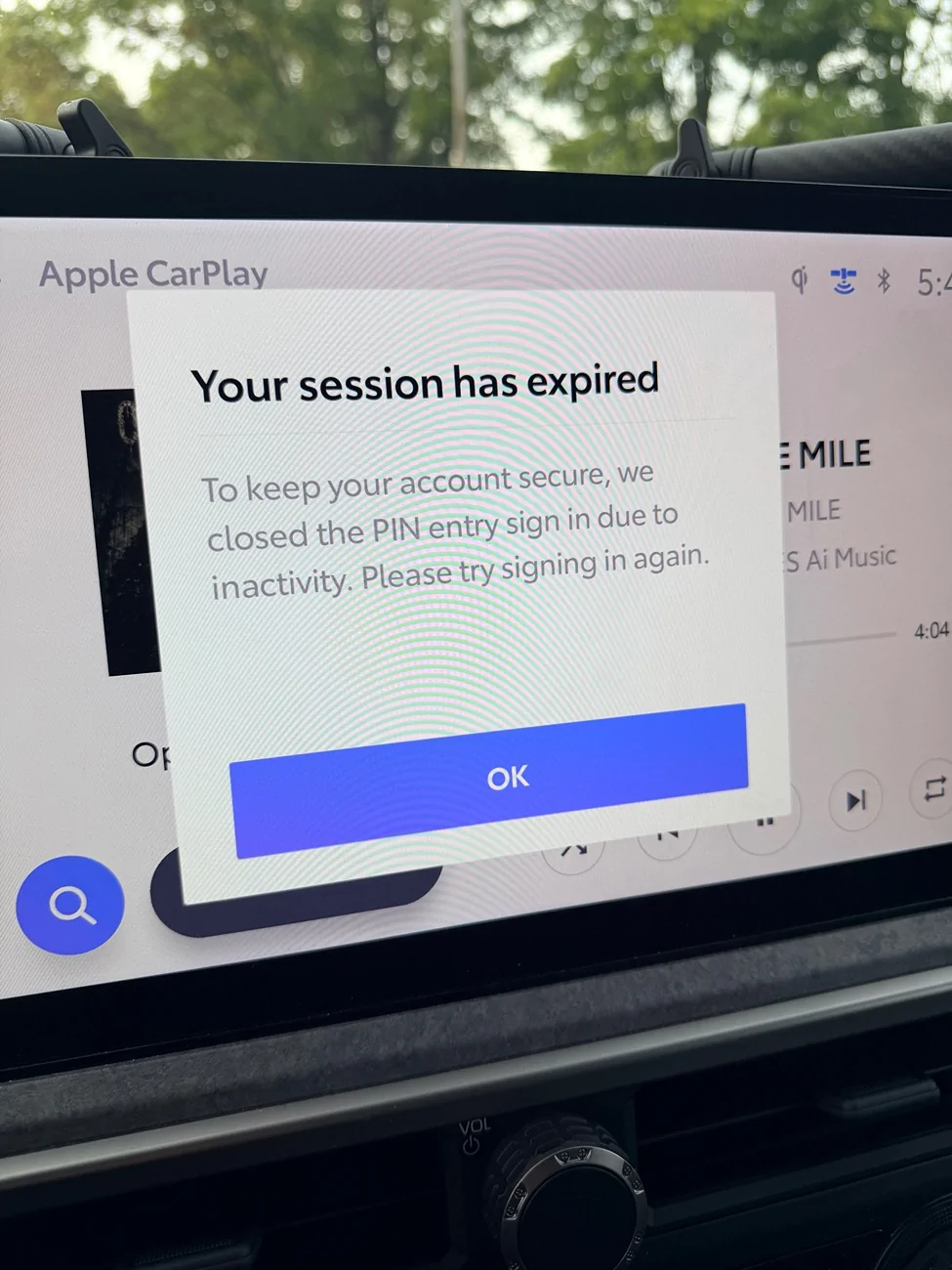

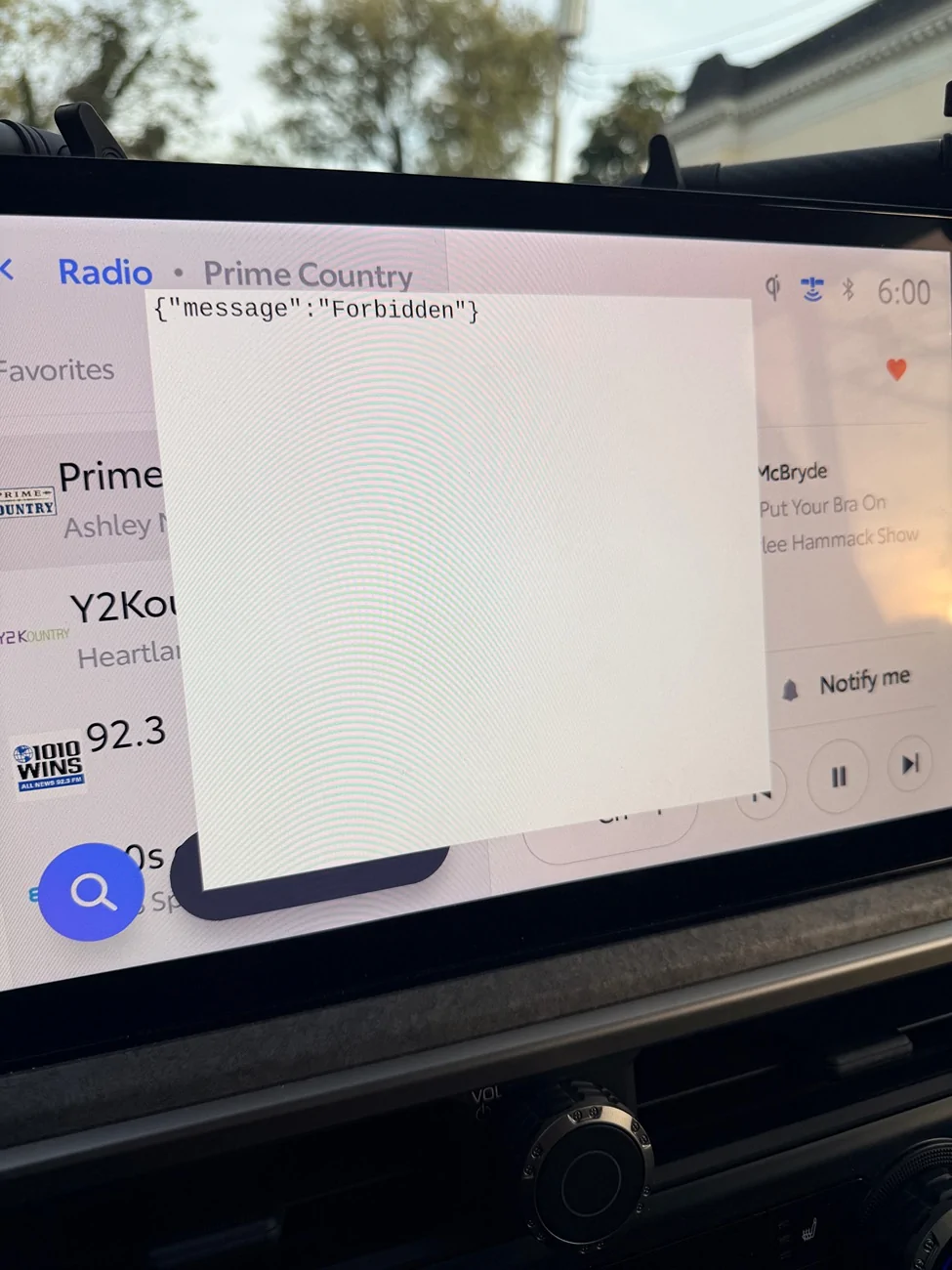
Yup same experience as me.And this.


- First Name
- Steve
- Joined
- Mar 24, 2026
- Threads
- 4
- Messages
- 114
- Reaction score
- 82
- Location
- Puyallup, WA
- Vehicle(s)
- 2026 SR5, 2023 Range Rover Sport
You would think Toyota would communicate an issue!!!! Not. They suck.
- First Name
- Ed.
- Joined
- Apr 30, 2025
- Threads
- 0
- Messages
- 16
- Reaction score
- 5
- Location
- Santa Cruz, Ca
- Vehicle(s)
- 2025 4 Runner TRD OffRoad Premium
It happened to me a while back and it is a real notification that keeps coming back unless it is addressed. Somewhere along the line you did, or now need to, create a pin (6 digits I think it is) that lets you back into the Infotainment system. It communicates with you through your the screen & your phone and the whole episode takes a while. I forget the details but I do remember being on a trip about a year ago and getting locked out of much of the navigation (maps ect.) and entertainment and other stuff Toyota sends you through that screen. While I do not remember the specifics of it I do remember sitting in a parking lot for about 45 minutes, a long way away from home, trying to deal with it as prompts came through the phone & screen. It was painful and totally a drag. But I got through it and the only real advice I can give you is don't forget the pin that you create --- it will ask you again some time in the future & when you least expect it. Good Luck!
- First Name
- Brad
- Joined
- Jul 15, 2026
- Threads
- 2
- Messages
- 11
- Reaction score
- 3
- Location
- Edwardsville, IL.
- Vehicle(s)
- 2026 SR5
I’m receiving the same.
- Thread starter
- #12
Tha night this first happened I went into the app and added a new pin. Yesterday I only drive for about 15 min and it seemed OK. I did get 1 quick message to say "updating settings' I have to drive it for about 4 hrs tomorrow so that will be a test to see if the issue is gone.
From Google:
To fix the PIN prompt on your 2025 Toyota 4Runner infotainment system, you need to enter your 6-digit User Profile PIN or reset it through the Toyota App. [1, 2]
How to Fix the PIN Prompt
To fix the PIN prompt on your 2025 Toyota 4Runner infotainment system, you need to enter your 6-digit User Profile PIN or reset it through the Toyota App. [1, 2]
How to Fix the PIN Prompt
- Enter your existing PIN: Type in the 6-digit User Profile PIN that you or your dealership set up when you first configured the vehicle's multimedia profile. [1, 2]
- Reset your PIN via the Toyota App: If you forgot or never set up the PIN, open the Toyota App on your smartphone:
- Sync to your vehicle: Wait a few moments for the update to register, then enter your newly created 6-digit PIN into the 4Runner's infotainment screen. [1, 2]
- Switch to Guest Mode (Temporary Bypass): If you are driving and cannot reset it immediately, go to the Profile section in your car's settings and select Sign out to guest mode to stop the popup. [1]
Similar threads


- Replies
- 8
- Views
- 10,091

