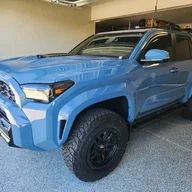
- Thread starter
- #1
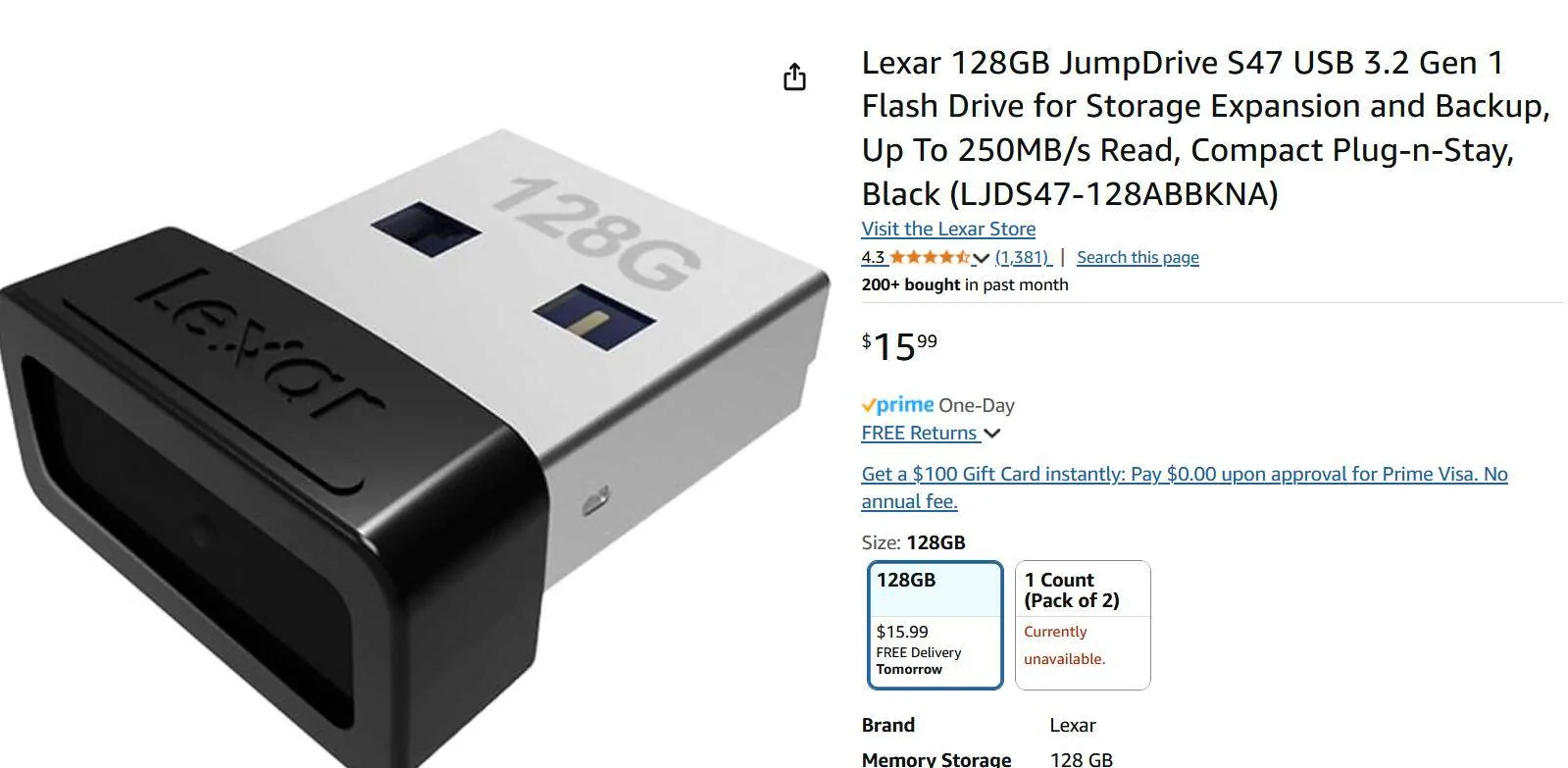
Any recommendations for a USB-c flash drive to play music from, to plug into the right edge of the 14" screen, that doesn't stick out like a giant wart?
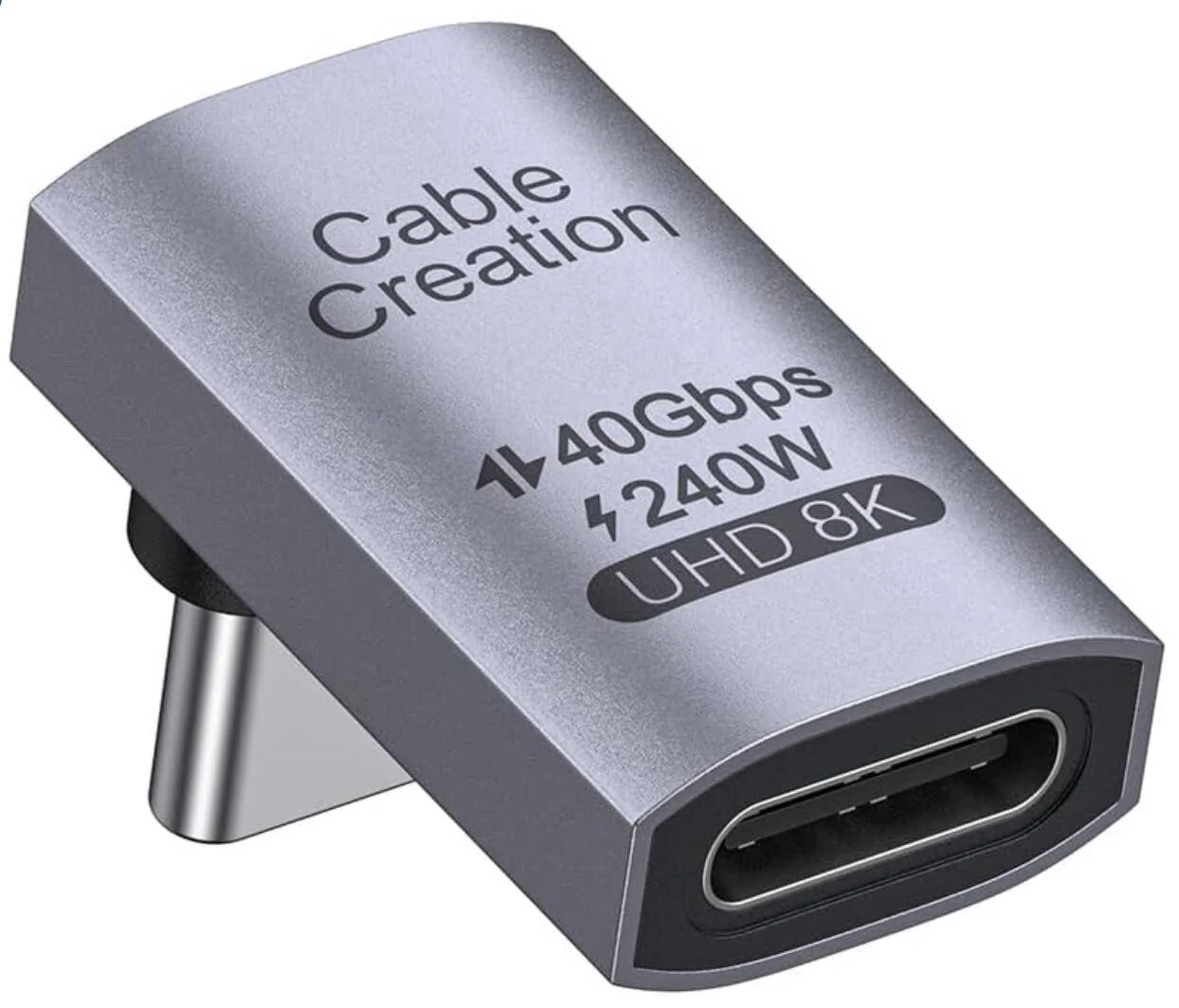
Or maybe a low-profile right angle USC-C-to-A adaptor, to plug a vertical USB-A flash into?
It's probably in one of the manuals but if anyone knows top of the head, the answers to any of these:
Or maybe a low-profile right angle USC-C-to-A adaptor, to plug a vertical USB-A flash into?
It's probably in one of the manuals but if anyone knows top of the head, the answers to any of these:
- How does the music flash drive have to be formatted (NTFS OK?); ANS: it must be formatted FAT32. For USB sizes >32GB on windows, find a utility called "Rufus" to format FAT32 for larger USB sticks. I have used both a 256GB PNY and a 128GB samsung USB stick in the 4runner with no issues.
- What's the max size of the drive(hopefully at least 64GB)?; ANS: the max is at least 256GB, possibly larger.
- What music file types are supported? ANS: FLAC is supported, along with a long list of other types like mp3, wma.
- Any limits on jpeg album-art file size? ANS: not stated anywhere, but keep the album art jpeg files under 300kB or 1000x1000 is probably reasonable given the screen size.
- Are playlists (e.g. M3U files) supported (i.e. the system sees them and displays them on screen, to be selected)? ANS: NO, m3u playlists are not supported. See later post about creating faux playlists by adding a folder to your USB stick named something like Playlist01 and copying the desired mp3 files into this, then adding a number prefix to the mp3 files to control the play and display order. Best to have mp3's with embedded album art since the playlist folder contains various artists and albums. Tools like dBPoweramp can embed album art into mp3 files.
Sponsored
Last edited:





 )
)